SupportUkraine
If you experience any problems with the forum (it is not visible, there is no way to post messages, or some functionality does not work), please let us know. If you have problems with registration or you did not receive confirmation letter, let us know and we will activate your account manually.
If you get an "The submitted form was invalid. Try submitting again" error, delete cookies, then try again.
Ad blocker detected: Our website is made possible by displaying online advertisements to our visitors. Please consider supporting us by disabling your ad blocker on our website.
App version: 2.0.111 Stable
Watch model: GTR
Phone model: Samsung S10
OS version: Android 10

Not able to sync watch faces to zepp
Messages that does not meet these requirements will not be considered.
All information is transmitted to the developer, even if you do not receive a response in this thread.
"sometimes it's scary but it's still just you and me” — Leaving Laurel
We’ve made the necessary changes to ensure the app becomes compatible with your device. The update will be available soon, and you’ll also be able to download the APK directly from our website.
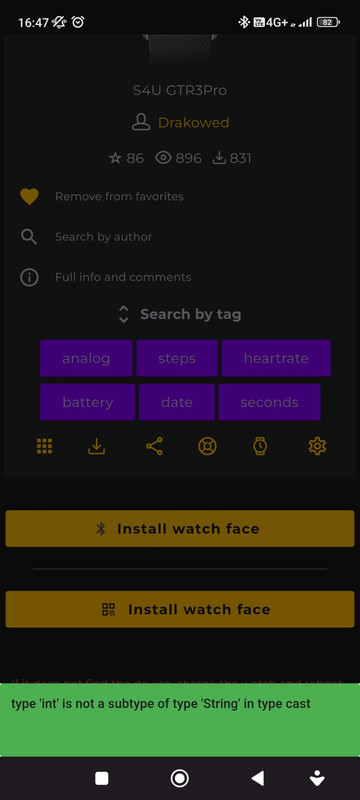
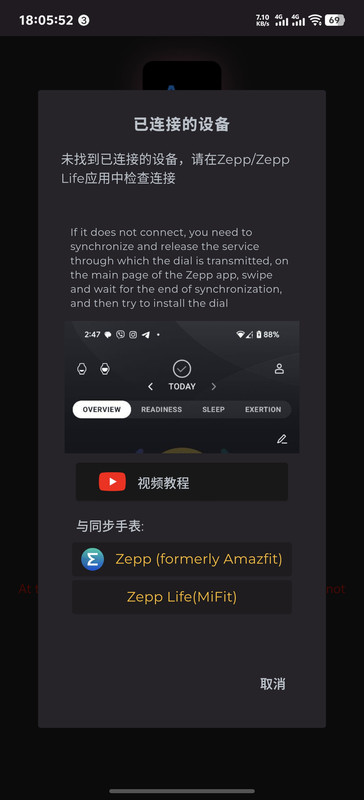
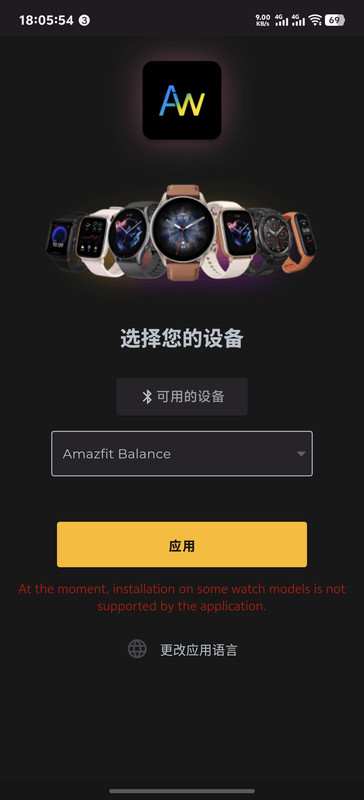
Unable to sync watchfaces. Getting an unusual error (see green area at the bottom of the attached image). In addition, the app keeps logging me out.
Spoiler
The beta version is downloaded automatically after joining the beta test community. To do this, download the stable app from Play store. After installing, go back to play store and view the app, scroll down and you will see App Support. Click it, you will get an option of joining the beta. Join it. It will take a few minutes. And that's it.
Are you unable to download the AmazFaces app itself, or is the issue that you can't download watch faces within the app?
Downloading dials on the T-REX 3 is only possible via QR code.
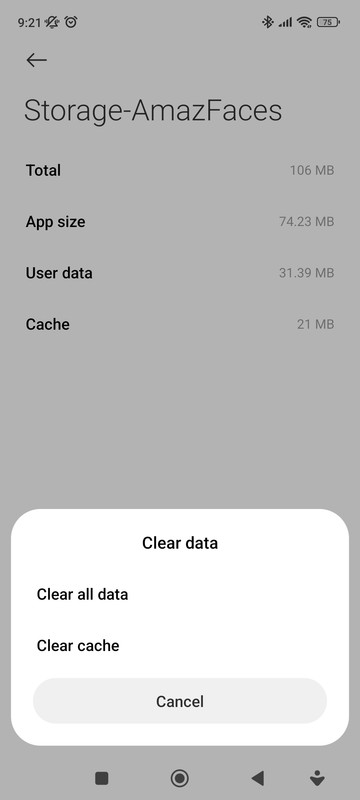
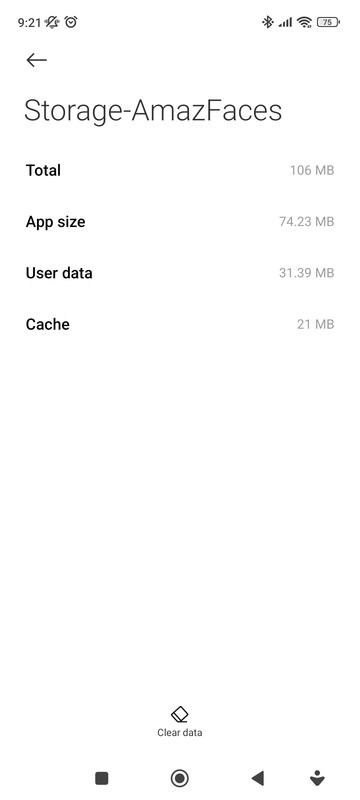
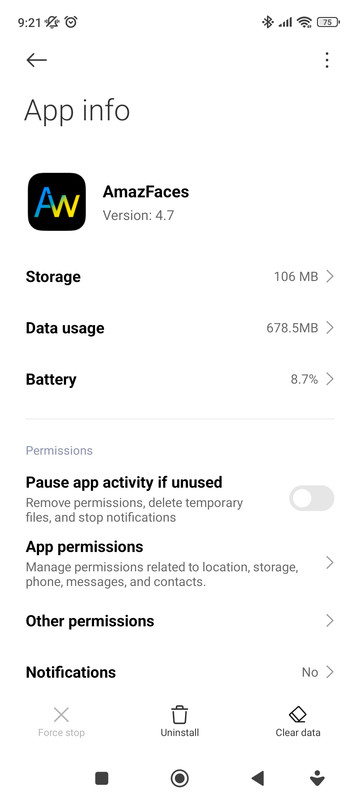
I was having a problem where the watchfaces couldn't install or the wrong watchface was being installed. I fixed it by clearing the cache of the amazfitwatchface app. This might help someone.
Spoiler
App version: 4.7.391 Stable
Watch model: Amazfit Active 2
Phone model: Samsung A52s
OS version: Android 14
Not able to sync watch faces from app to watch. Can not connect to watch. Is Amazfit Active 2 not supported yet?
Try to log out and sync. I encountered a similar bug. I logged out and was able to sync watchface. In addition, if this fails, try the beta version of the app.
Users browsing this forum: No registered users and 1 guest
Cookie Consent
This website uses cookie or similar technologies, to enhance your browsing experience and provide personalised recommendations. By continuing to use our website, you agree to our Privacy Policy