Hi to all. Recenly I did some research in gtr2 watchface structure and made this tool.
Its a well known py amazfit tool but with adaptation for GTR2.
It is also has included tool which allows to compress and decompress GTR2 bin files. Before uploading bin file to your watch, you should compress it with help of this tool.
The JSON structure for GTR2 is completely different. To get the basic knowledge about the structure you can unpack any existing GTR2 dial.
How to use it.
1. Unpack existing dial with help of the GTR2_Packer.exe tool by executing
Code: Select all
GTR2_Packer.exe -unc2 WATCH_FACE_FILE.bin3. Now you can parse uncompressed dial with a command
Code: Select all
python main._py --gtr2 47 --file WATCH_FACE_FILE.binAs a result, if everything was ok, you should receive json file.
4 Now you can modificate json file or watchface images.
5. After all the modifications are completed, you can build watchface with help of the command
Code: Select all
python main._py --gtr2 47 --file WATCH_FACE_FILE.json6 . Pack a new bin file with help of GTR2_Packer.exe
Code: Select all
GTR2_Packer.exe -cmp2 WATCH_FACE_FILE_packed.binNotes .
1. The previews generation does not work for GTR2 mode.
2 .Available Commands for GTR2_Packer.exe :
Code: Select all
-cmp Compress bin (for gtr(gts) first gen)
-cmp2 Compress gtr2(gts2) bin
-unc Decompress
-unc2 Decompress gtr2(gts2) binCurrent version 0.2
Chagelog
v0.2
Added widgets.
Fixed Images loss when packing bin file


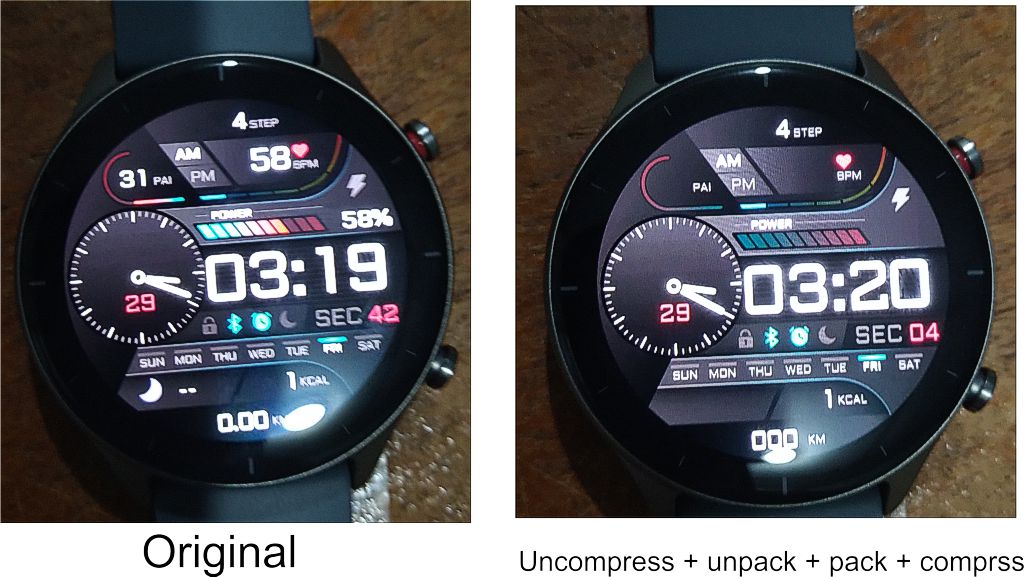


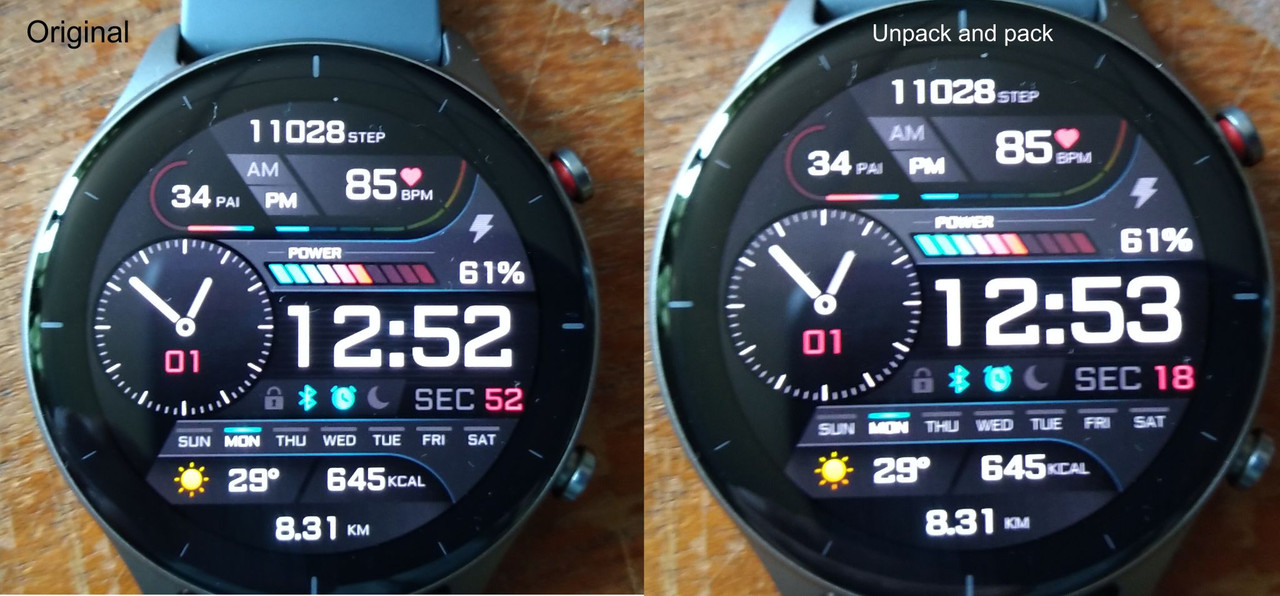


 , using the official tool from Huami (it's online, i talked about it on Reddit).