-
- Administrator
-
-
Support Ukraine
If you experience any problems with the forum (it is not visible, there is no way to post messages, or some functionality does not work), please let us know. If you have problems with registration or you did not receive confirmation letter, let us know and we will activate your account manually.
If you get an "The submitted form was invalid. Try submitting again" error, delete cookies, then try again.
Seonds progress (linear mode) and also step
Moderators: asoo, lvpokka, Internal error, Watchmens
Forum rules
All communication in this branch should only be in English.
-
piotarock
- WF maker
- Posts: 40
- Joined: 22 Aug 2024, 07:53
- Location: Kenya
- Has thanked: 15 times
- Been thanked: 1 time
- Contact:
Seonds progress (linear mode) and also step
Hello devs,
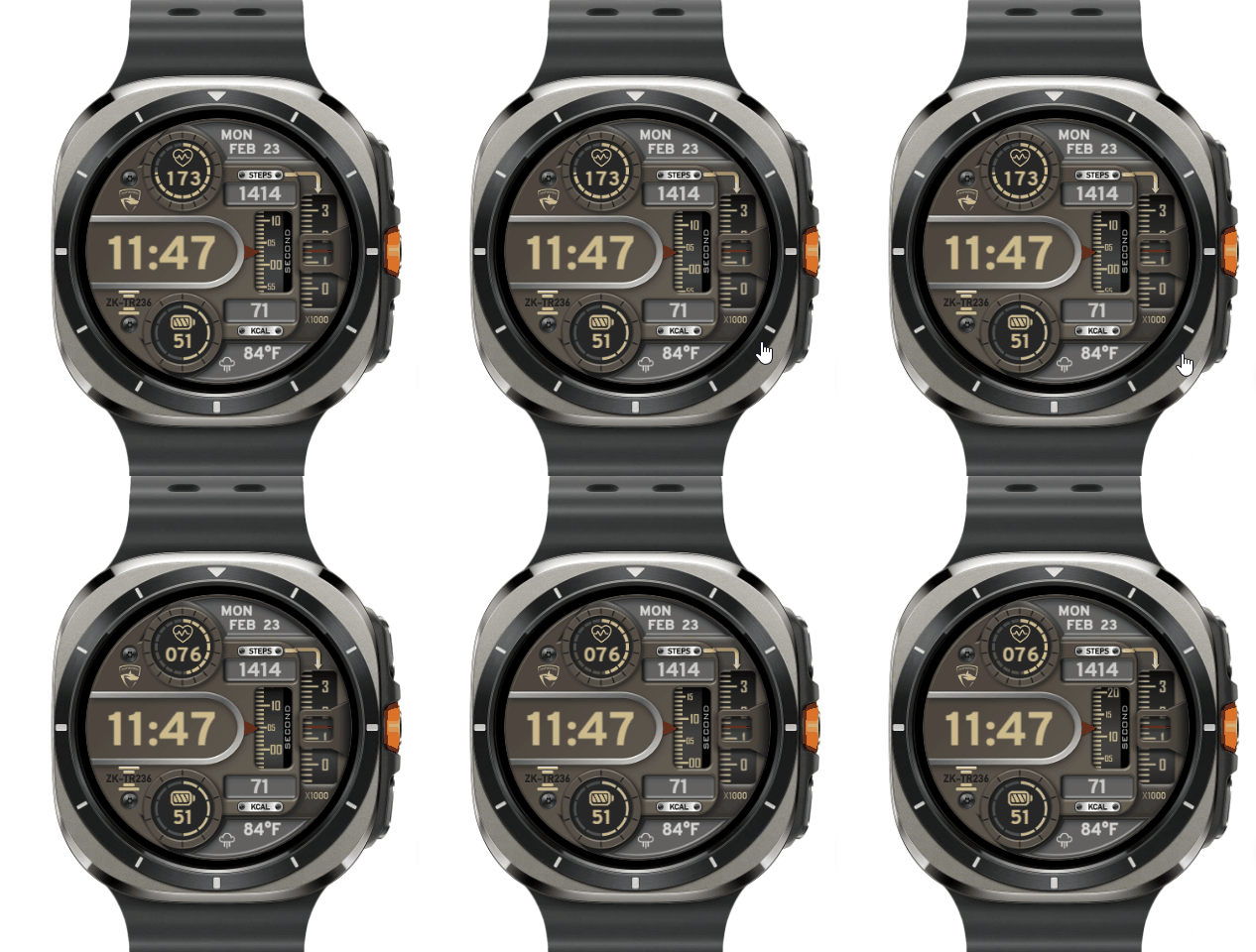
Is it possible to use the editor to make second and step progress as shown in the image? Seondly, how can I add the week number using the editor by sasha? For example, week 10, day 100, etc.
- asoo
- Posts: 2106
- Joined: 03 Jan 2019, 01:48
- Location: ͼͽ Thailand ͼͽ
- Has thanked: 404 times
- Been thanked: 2022 times
Regarding the week section, I'm not sure.
But the "show seconds by using step progress" section in the editor doesn't have this widget.
However, if you want it, you'll have to write a script to add it yourself.
This script can be written in many different ways, depending on each person's idea.
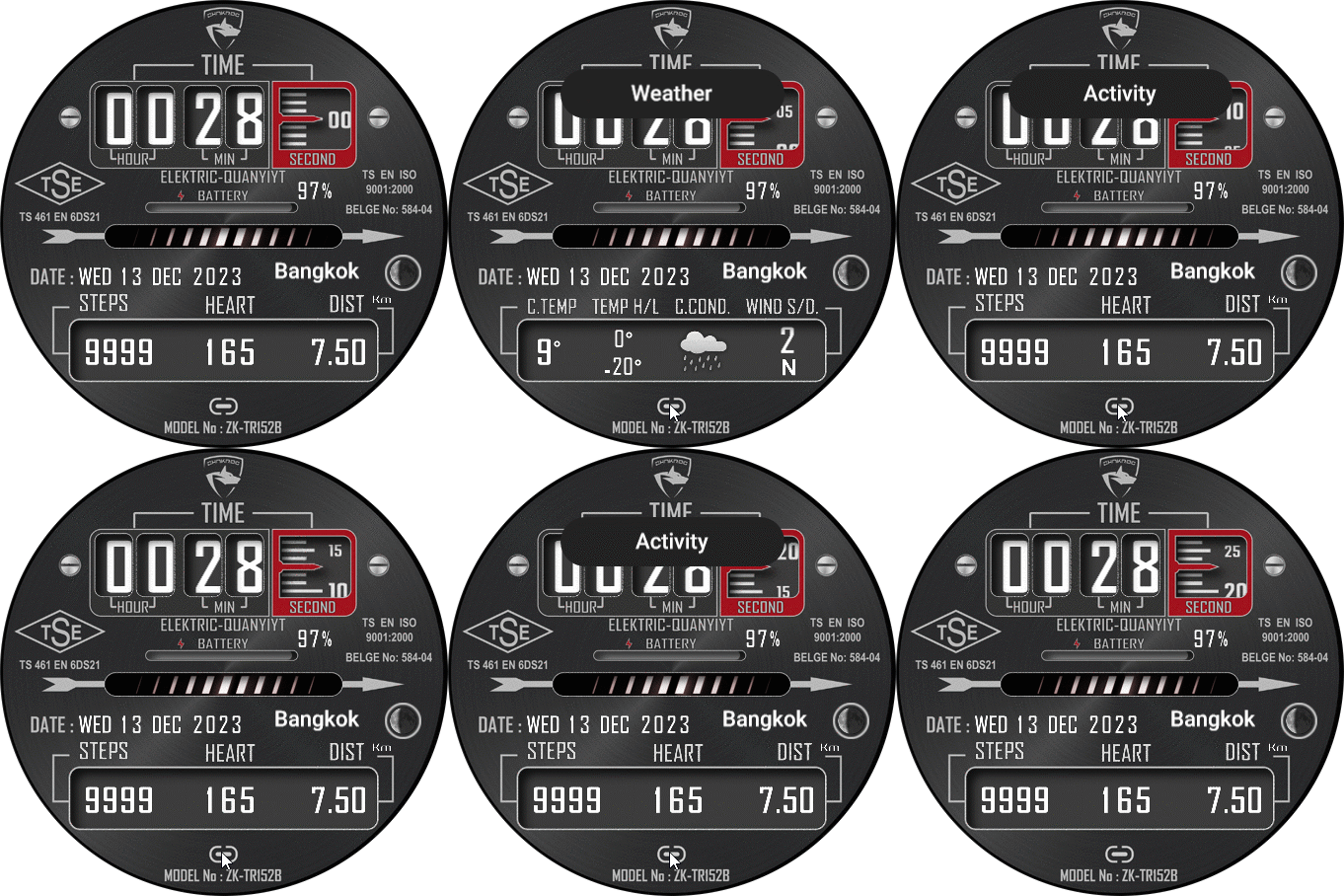
This is an example I've created; it's the simplest method I can think of.
But you need to create a 60-frame image to show this progress.
Preview

ͼͽ To request please use the interrelated forum in action ͼͽ
Please do not PM to me for requests ported watchface.
- SashaCX75
- Posts: 812
- Joined: 26 Oct 2019, 15:18
- Location: Ukraine
- Has thanked: 13 times
- Been thanked: 1007 times
- Contact:
This is the simplest option and the easiest to adapt to different models.asoo wrote: 23 Feb 2026, 14:31This is an example I've created; it's the simplest method I can think of.
But you need to create a 60-frame image to show this progress.
But you can also make one image with the background as a mask. And under it, place one image with a seconds scale and move it vertically.
- asoo
- Posts: 2106
- Joined: 03 Jan 2019, 01:48
- Location: ͼͽ Thailand ͼͽ
- Has thanked: 404 times
- Been thanked: 2022 times
This is another example of using a single image, scrolling up and down by changing the x,y values (in this case, the Y value) to show seconds and steps. Hope this is useful to you.
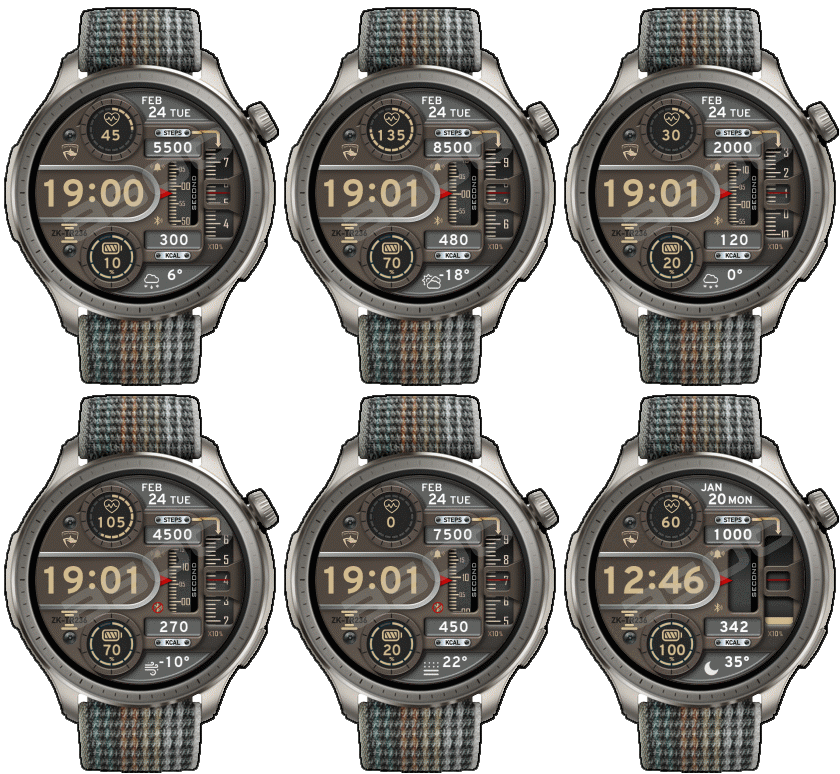
Preview

ͼͽ To request please use the interrelated forum in action ͼͽ
Please do not PM to me for requests ported watchface.
Who is online
Users browsing this forum: No registered users and 0 guests