Was wondering if anyone could make this watchface. It's the multicolour watchface, but I would just like the rings, the nike logo and the DAY all to be red.
https://amazfitwatchfaces.com/gts/view/6857
If not possible, no problem!
-
- Administrator
-
-
Support Ukraine
If you experience any problems with the forum (it is not visible, there is no way to post messages, or some functionality does not work), please let us know. If you have problems with registration or you did not receive confirmation letter, let us know and we will activate your account manually.
If you get an "The submitted form was invalid. Try submitting again" error, delete cookies, then try again.
Request for GTS2 mini
Forum rules
When adding a new topic, use the template: Topic title [device name]
For example: Requesting creation of watch face [GTR 3 Pro]
All communication in this branch should only be in English.
When adding a new topic, use the template: Topic title [device name]
For example: Requesting creation of watch face [GTR 3 Pro]
All communication in this branch should only be in English.
-
Kurtyyyyyy

- Posts: 14
- Joined: 17 Mar 2022, 18:23
- Location: Newcastle
- Has thanked: 6 times
- Been thanked: 2 times
- Contact:
-
asoo
- Posts: 2208
- Joined: 03 Jan 2019, 01:48
- Location: ͼͽ Thailand ͼͽ
- Has thanked: 425 times
- Been thanked: 2131 times
- Contact:

Bip 3 , gts2 mini , Bip U
You can try to do by yourself by use Editor on web.
https://tnxec2.github.io/amazfit-gts2mi ... ace-react/
source for editor ( can use offline )
https://github.com/Tnxec2/amazfit-gts2m ... s2mini.zip
if you want to see new version please use this link to check
https://github.com/Tnxec2/amazfit-gts2m ... face-react
Huaim official online editor
https://watchface.zepp.com/create
source for main.exe
https://github.com/Tnxec2/py_amazfit_to ... e/GTS2mini
main.exe for pack , unpack ".json" to ".Bin" or unpack ".Bin" to ".json + image" ( GTS2mini , Bip U , Bip 3 )
Version 04-07-2023 :
This main.exe compile by Tnxec2
https://raw.githubusercontent.com/Tnxec ... i/main.exe
How to use main.exe for pack watchface
viewtopic.php?p=15985#p15985
I don't have GTS2mini
That I fulfilled this request. In order to find tools for those who are interested in making their own Gts2mini watch faces. From testing all the tools that have been posted, one can definitely create a watch face. So I probably won't be accepting requests for this GTS2mini again.
therefore learned to know
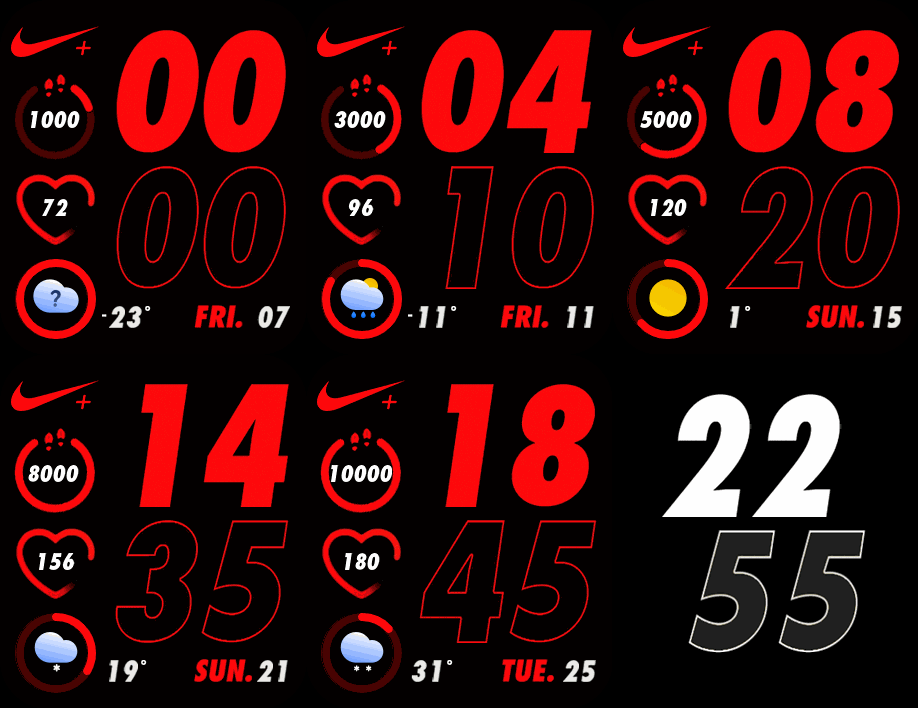
-------------------------------------------------------------------------------------------------------------------------------
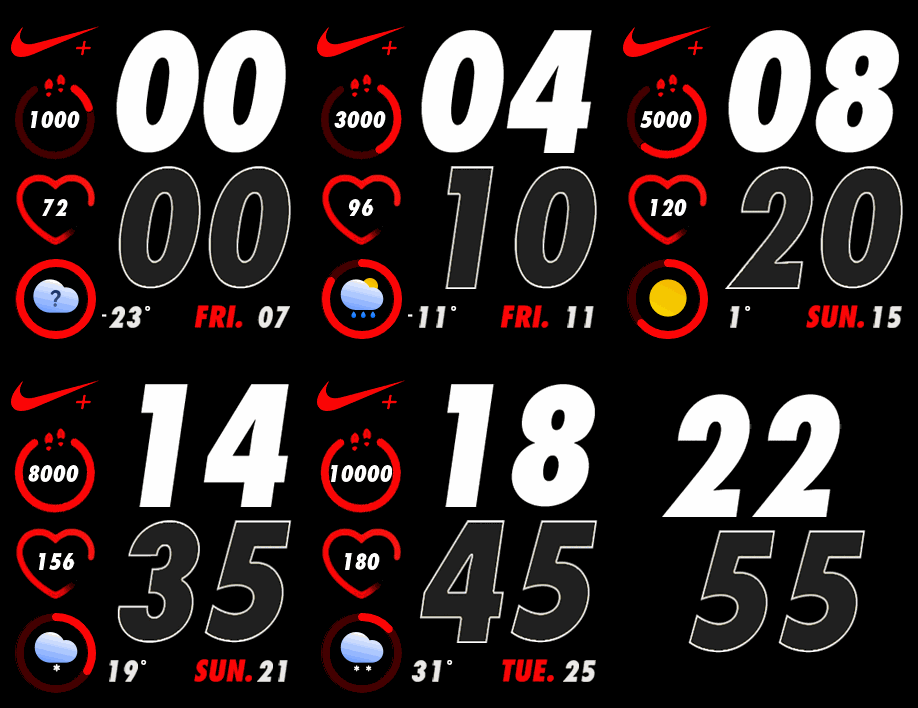
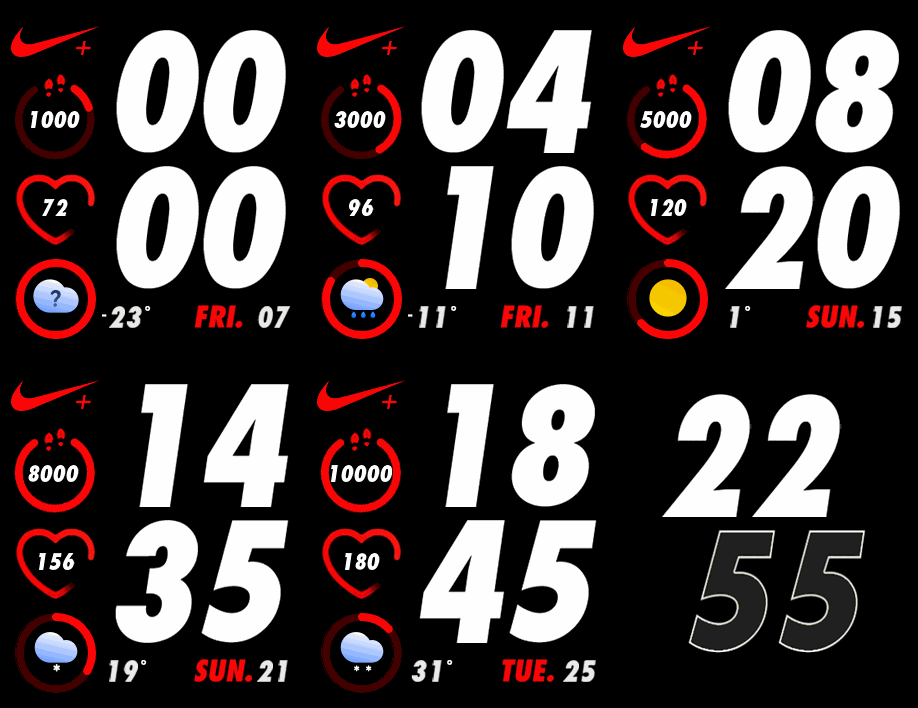
Please read carefully before download.
- I will only convert or ported from original , I will not accept any request to edit or modify or change something from this converted.
- Not test on real device only test by Editor on web
- Who download and it's not work please tell me I will delete it.
.
Watchface :
You can try to do by yourself by use Editor on web.
https://tnxec2.github.io/amazfit-gts2mi ... ace-react/
source for editor ( can use offline )
https://github.com/Tnxec2/amazfit-gts2m ... s2mini.zip
if you want to see new version please use this link to check
https://github.com/Tnxec2/amazfit-gts2m ... face-react
Huaim official online editor
https://watchface.zepp.com/create
source for main.exe
https://github.com/Tnxec2/py_amazfit_to ... e/GTS2mini
main.exe for pack , unpack ".json" to ".Bin" or unpack ".Bin" to ".json + image" ( GTS2mini , Bip U , Bip 3 )
Version 04-07-2023 :
 main04-07-23.rar
- (8.52 MiB) Downloaded 346 times
https://raw.githubusercontent.com/Tnxec ... i/main.exe
How to use main.exe for pack watchface
viewtopic.php?p=15985#p15985
I don't have GTS2mini
That I fulfilled this request. In order to find tools for those who are interested in making their own Gts2mini watch faces. From testing all the tools that have been posted, one can definitely create a watch face. So I probably won't be accepting requests for this GTS2mini again.
therefore learned to know
-------------------------------------------------------------------------------------------------------------------------------
Spoiler
Please read carefully before download.
- I will only convert or ported from original , I will not accept any request to edit or modify or change something from this converted.
- Not test on real device only test by Editor on web
- Who download and it's not work please tell me I will delete it.
.
Watchface :
ͼͽ To request please use the interrelated forum in action ͼͽ
Please do not PM to me for requests ported watchface.
Please do not PM to me for requests ported watchface.
-
Kurtyyyyyy
- Posts: 14
- Joined: 17 Mar 2022, 18:23
- Location: Newcastle
- Has thanked: 6 times
- Been thanked: 2 times
- Contact:
-
Kurtyyyyyy
- Posts: 14
- Joined: 17 Mar 2022, 18:23
- Location: Newcastle
- Has thanked: 6 times
- Been thanked: 2 times
- Contact:
Well I tried. It's too complicated without knowing anything 
I wish there was guide to follow
I wish there was guide to follow
-
asoo
- Posts: 2208
- Joined: 03 Jan 2019, 01:48
- Location: ͼͽ Thailand ͼͽ
- Has thanked: 425 times
- Been thanked: 2131 times
- Contact:
ͼͽ To request please use the interrelated forum in action ͼͽ
Please do not PM to me for requests ported watchface.
Please do not PM to me for requests ported watchface.
-
Kurtyyyyyy
- Posts: 14
- Joined: 17 Mar 2022, 18:23
- Location: Newcastle
- Has thanked: 6 times
- Been thanked: 2 times
- Contact:
This almost perfect but I would like the time to be white!
How in the hell do you do these request so fast??

How in the hell do you do these request so fast??


-
asoo
- Posts: 2208
- Joined: 03 Jan 2019, 01:48
- Location: ͼͽ Thailand ͼͽ
- Has thanked: 425 times
- Been thanked: 2131 times
- Contact:
Kurtyyyyyy
Download link :
viewtopic.php?p=12537#p12537
And please read carefully before download
If you want to edit on modify this ported watchface , please try it yourself. from the tools previously posted.
_________________________________________________________________________________________________________
I don't have GTS2mini
That I fulfilled this request. In order to find tools for those who are interested in making their own Gts2mini watch faces. From testing all the tools that have been posted, one can definitely create a watch face. So I probably won't be accepting requests for this GTS2mini again.
therefore learned to know
Download link :
viewtopic.php?p=12537#p12537
And please read carefully before download
If you want to edit on modify this ported watchface , please try it yourself. from the tools previously posted.
_________________________________________________________________________________________________________
I don't have GTS2mini
That I fulfilled this request. In order to find tools for those who are interested in making their own Gts2mini watch faces. From testing all the tools that have been posted, one can definitely create a watch face. So I probably won't be accepting requests for this GTS2mini again.
therefore learned to know
ͼͽ To request please use the interrelated forum in action ͼͽ
Please do not PM to me for requests ported watchface.
Please do not PM to me for requests ported watchface.
-
Kurtyyyyyy
- Posts: 14
- Joined: 17 Mar 2022, 18:23
- Location: Newcastle
- Has thanked: 6 times
- Been thanked: 2 times
- Contact:
asoo
My friend I can't thank you enough. Thank you for using your own time to do this. I will no longer bother you
My friend I can't thank you enough. Thank you for using your own time to do this. I will no longer bother you

Hi, I'm having difficult times creating my watchface with those tools shown above.
so exhausted...
I would be happy if anyone could look over my bin file and create a proper watchface bin.
What I've done is
1. Unpack downloaded bin from catalog using main_mini.exe.
2. Modify and also create some new images using Photopea.
3. Reduced the size of png using "https://compresspng.com/".
4. Using offline editor(not Huaim) to edit jason.
5. Pack with main_mini.exe and finally get my watchface.bin and other animated gif and else.
6. Install bin via amaztool.app (iOS).
Install successed but the images didn't show on the watchface and crushes...
to PackUnpack bin, I've also tried to use this tool (viewtopic.php?p=10807#p10807) instead but the result was the same.
so exhausted...
I would be happy if anyone could look over my bin file and create a proper watchface bin.
What I've done is
1. Unpack downloaded bin from catalog using main_mini.exe.
2. Modify and also create some new images using Photopea.
3. Reduced the size of png using "https://compresspng.com/".
4. Using offline editor(not Huaim) to edit jason.
5. Pack with main_mini.exe and finally get my watchface.bin and other animated gif and else.
6. Install bin via amaztool.app (iOS).
Install successed but the images didn't show on the watchface and crushes...
to PackUnpack bin, I've also tried to use this tool (viewtopic.php?p=10807#p10807) instead but the result was the same.
-
asoo
- Posts: 2208
- Joined: 03 Jan 2019, 01:48
- Location: ͼͽ Thailand ͼͽ
- Has thanked: 425 times
- Been thanked: 2131 times
- Contact:
First of all let me tell you that I don't have gts2min so I can only check the scritp and resource section.juno-san wrote: 15 Jun 2022, 02:08Spoiler
Hi, I'm having difficult times creating my watchface with those tools shown above.
so exhausted...
I would be happy if anyone could look over my bin file and create a proper watchface bin.
What I've done is
1. Unpack downloaded bin from catalog using main_mini.exe.
2. Modify and also create some new images using Photopea.
3. Reduced the size of png using "https://compresspng.com/".
4. Using offline editor(not Huaim) to edit jason.
5. Pack with main_mini.exe and finally get my watchface.bin and other animated gif and else.
6. Install bin via amaztool.app (iOS).
Install successed but the images didn't show on the watchface and crushes...
rol_rainbow_packed.bin
to PackUnpack bin, I've also tried to use this tool (viewtopic.php?p=10807#p10807) instead but the result was the same.
from the inspection I can't find any abnormality in script "json".
but in resource images section based on the information you provided you get compress png
So I think the problem might be from this part.
Since the device has a specific png format, it may result in the image that you compress the device to be unreadable.
I recommend using a normal PNG image that doesn't have compress.
The PNG I am using has the following format:

Examples that have been uncompress png
I'm not sure if I can work because I don't have GTS2MINI.
But in the "pack process" it's without any error
Spoiler
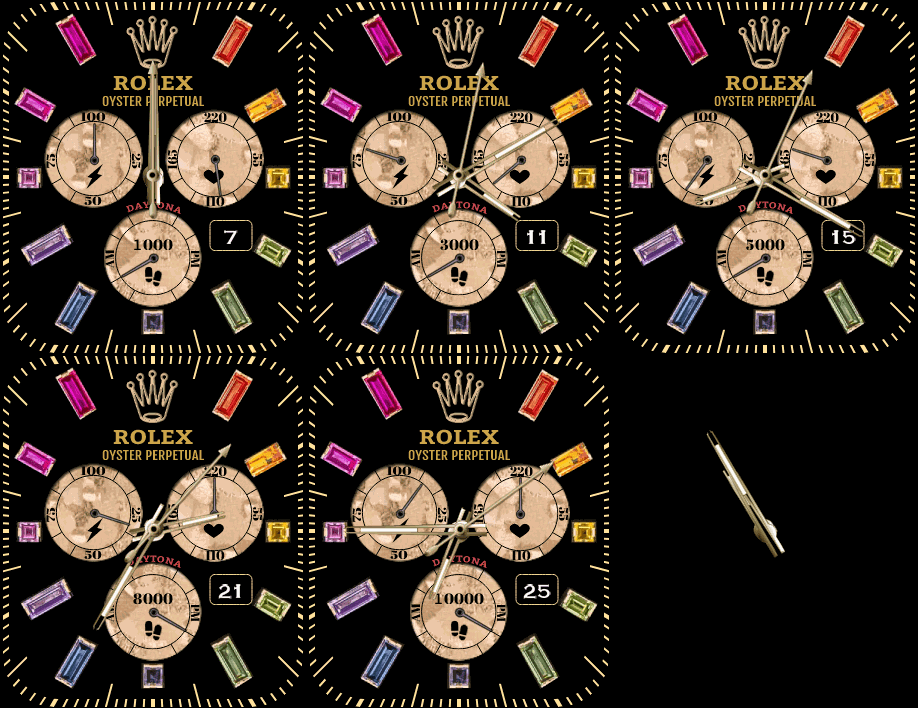
ͼͽ To request please use the interrelated forum in action ͼͽ
Please do not PM to me for requests ported watchface.
Please do not PM to me for requests ported watchface.
asoo
Thank you so much and I finally made it!
I changed my png format from using palette to truecolor.
also about my jason file, I found that I didin't add preview block. what a laugh...
Thank you so much and I finally made it!
I changed my png format from using palette to truecolor.
also about my jason file, I found that I didin't add preview block. what a laugh...
- ok_rol_rainbow_packed_animated.gif (592.81 KiB) Viewed 8034 times
-
minhtri0795
- Posts: 2
- Joined: 19 Jul 2022, 13:49
- Location: Vietnam
- Has thanked: 2 times
- Contact:
Hi @ juno can you tell me how to pack folder back to bin file, hope you reply soonjuno-san wrote: 15 Jun 2022, 02:08Hi, I'm having difficult times creating my watchface with those tools shown above.
so exhausted...
I would be happy if anyone could look over my bin file and create a proper watchface bin.
What I've done is
1. Unpack downloaded bin from catalog using main_mini.exe.
2. Modify and also create some new images using Photopea.
3. Reduced the size of png using "https://compresspng.com/".
4. Using offline editor(not Huaim) to edit jason.
5. Pack with main_mini.exe and finally get my watchface.bin and other animated gif and else.
6. Install bin via amaztool.app (iOS).

-
asoo
- Posts: 2208
- Joined: 03 Jan 2019, 01:48
- Location: ͼͽ Thailand ͼͽ
- Has thanked: 425 times
- Been thanked: 2131 times
- Contact:
Pack all resource in the folder to make BIN
- copy main_mini.exe to the folder where the .json that you want to pack.
command line for pack to BIN
- copy main_mini.exe to the folder where the .json that you want to pack.
command line for pack to BIN
Code: Select all
main_mini.exe --gts2mini --file filename.jsonͼͽ To request please use the interrelated forum in action ͼͽ
Please do not PM to me for requests ported watchface.
Please do not PM to me for requests ported watchface.
-
minhtri0795
- Posts: 2
- Joined: 19 Jul 2022, 13:49
- Location: Vietnam
- Has thanked: 2 times
- Contact:
-
SilexMilex
- Posts: 4
- Joined: 26 Oct 2022, 22:55
- Location: Leipzig
- Contact:
asoo hey, sorry to bother you, but i cant figure out how to use the editor u send. I wont lent me upload images. also i dont understand how to convert .bin files into .json files.
Could you explain that to me?
Could you explain that to me?
-
asoo
- Posts: 2208
- Joined: 03 Jan 2019, 01:48
- Location: ͼͽ Thailand ͼͽ
- Has thanked: 425 times
- Been thanked: 2131 times
- Contact:
command line unpack .binSilexMilex wrote: 04 Nov 2022, 15:43@asoo hey, sorry to bother you, but i cant figure out how to use the editor u send. I wont lent me upload images. also i dont understand how to convert .bin files into .json files.
Could you explain that to me?
Code: Select all
main_mini.exe --gts2mini --file filename.binEditor that i post you can open it by use any browser ( Firefox , Chrome .... )
https://github.com/Tnxec2/amazfit-gts2m ... s2mini.zip
Unzip editor to Folder you want .
Open editor by click index.html
About how to use please try by yourself because I do not how to tell you and I think it not hard to understand
ͼͽ To request please use the interrelated forum in action ͼͽ
Please do not PM to me for requests ported watchface.
Please do not PM to me for requests ported watchface.
Thanks in advance.asoo wrote: 14 Apr 2022, 13:29Spoiler
You can try to do by yourself by use Editor on web.
https://tnxec2.github.io/amazfit-gts2mi ... ce-static/
source for editor ( can use offline )
https://github.com/Tnxec2/amazfit-gts2m ... ace-static
Huaim official online editor
https://watchface.huami.com/create
source for main.exe
https://github.com/Tnxec2/py_amazfit_to ... e/GTS2mini
main_mini.exe for pack ".json" to ".Bin" or unpack ".Bin" to ".json + image" ( GTS2mini , Bip U )
GTS2mini.zip
I don't have GTS2mini
That I fulfilled this request. In order to find tools for those who are interested in making their own Gts2mini watch faces. From testing all the tools that have been posted, one can definitely create a watch face. So I probably won't be accepting requests for this GTS2mini again.
therefore learned to know
-------------------------------------------------------------------------------------------------------------------------------Spoiler
Please read carefully before download.
- I will only convert or ported from original , I will not accept any request to edit or modify or change something from this converted.
- Not test on real device only test by Editor on web
- Who download and it's not work please tell me I will delete it.
.
Watchface :
RED_GTS2mini.bin
gray_white_Gts2mini.bin
white_Gts2mini_packed.bin
I create my own watchface whit huami editor but alwaysondisplay not exported...
So I unpack bin file and modify with Tnxec2 editor. In the preview I see it ok.
packing with mini_main I get an error so I pack it with python main.py --gts2mini --file WATCH_FACE_FILE.json command.
But a black screen appears when follow screen AOD.
Wath is the correct JSON syntax for AOD? y would like it whit digital time.
-
asoo
- Posts: 2208
- Joined: 03 Jan 2019, 01:48
- Location: ͼͽ Thailand ͼͽ
- Has thanked: 425 times
- Been thanked: 2131 times
- Contact:
Sorry, I can't verify this issue becausehihaizhi wrote: 26 Jan 2023, 07:53Thanks in advance.
I create my own watchface whit huami editor but alwaysondisplay not exported...
So I unpack bin file and modify with Tnxec2 editor. In the preview I see it ok.
packing with mini_main I get an error so I pack it with python main.py --gts2mini --file WATCH_FACE_FILE.json command.
But a black screen appears when follow screen AOD.
Wath is the correct JSON syntax for AOD? y would like it whit digital time.
I don't have this device, so I'm not sure what is the issue, because usually if you use the official editor ( huami editor ) to create a watch face, The result should be the same as the preview shown in the editor.
ͼͽ To request please use the interrelated forum in action ͼͽ
Please do not PM to me for requests ported watchface.
Please do not PM to me for requests ported watchface.
-
liuzhiaudio
- WF maker
- Posts: 14
- Joined: 18 Aug 2023, 02:15
- Location: 中国湖南
- Contact:
source for main.exe
https://github.com/Tnxec2/py_amazfit_to ... e/GTS2mini
main.exe for pack , unpack ".json" to ".Bin" or unpack ".Bin" to ".json + image" ( GTS2mini , Bip U , Bip 3 )
main.zip
你好,请问main.exe具体怎么使用呢?
https://github.com/Tnxec2/py_amazfit_to ... e/GTS2mini
main.exe for pack , unpack ".json" to ".Bin" or unpack ".Bin" to ".json + image" ( GTS2mini , Bip U , Bip 3 )
main.zip
你好,请问main.exe具体怎么使用呢?
-
asoo
- Posts: 2208
- Joined: 03 Jan 2019, 01:48
- Location: ͼͽ Thailand ͼͽ
- Has thanked: 425 times
- Been thanked: 2131 times
- Contact:
goto CMD ( DOS )
type main -h and Enter you will see command line to use it .
Examples of using programs on the command line
viewtopic.php?p=14178#p14178
viewtopic.php?p=13255#p13255
type main -h and Enter you will see command line to use it .
Code: Select all
usage: main [-h] [--vergelite] [--gtr {42,47}] [--gtr2 {42,47}] [--gts] [--gts2] [--trexpro] [--oldformat]
            [--gts2mini] [--bipu] [--bip3] [--trex] [--x] [--file FILE [FILE ...]] [--to_raw] [--from_raw]
            [--border_alignment]

optional arguments:
  -h, --help            show this help message and exit
  --vergelite           force VergeLite watchface
  --gtr {42,47}         force GTR watchface
  --gtr2 {42,47}        force GTR2 watchface
  --gts                 force GTS watchface
  --gts2                force GTS2 watchface
  --trexpro             force TRexPro watchface
  --oldformat           force old json format for GTS2 or GTR2
  --gts2mini            force GTS2 Mini watchface
  --bipu                force Bip U watchface
  --bip3                force Bip 3 watchface
  --trex                force T-REX watchface
  --x                   force AmazfitX watchface
  --file FILE [FILE ...]
                        watchface.bin - unpacks watchface images and config watchface.json - packs config and
                        referenced images to bin file
  --to_raw              save raw header and resources
  --from_raw            generate bin from raw folder
  --border_alignment    draw border around aligned objects in preview
Examples of using programs on the command line
viewtopic.php?p=14178#p14178
viewtopic.php?p=13255#p13255
ͼͽ To request please use the interrelated forum in action ͼͽ
Please do not PM to me for requests ported watchface.
Please do not PM to me for requests ported watchface.
-
liuzhiaudio
- WF maker
- Posts: 14
- Joined: 18 Aug 2023, 02:15
- Location: 中国湖南
- Contact:
You can try to do by yourself by use Editor on web.
https://tnxec2.github.io/amazfit-gts2mi ... ace-react/
请问我用这个在线编辑器做的指针表盘有卡顿、流畅性不好的现象,这是什么原因呢?
https://tnxec2.github.io/amazfit-gts2mi ... ace-react/
请问我用这个在线编辑器做的指针表盘有卡顿、流畅性不好的现象,这是什么原因呢?
-
asoo
- Posts: 2208
- Joined: 03 Jan 2019, 01:48
- Location: ͼͽ Thailand ͼͽ
- Has thanked: 425 times
- Been thanked: 2131 times
- Contact:
I can't check anything because I don't have this device.
I suggest you open a new topic about the watchface you are having trouble with.
and upload the watchface with that problem to the topic in case someone with the device can test and fix the problem for you.
-----------------------------------------------------
viewtopic.php?p=12537#p12537
New main.exe released (04-07-2023)
main.exe
I suggest you open a new topic about the watchface you are having trouble with.
and upload the watchface with that problem to the topic in case someone with the device can test and fix the problem for you.
-----------------------------------------------------
viewtopic.php?p=12537#p12537
New main.exe released (04-07-2023)
main.exe
ͼͽ To request please use the interrelated forum in action ͼͽ
Please do not PM to me for requests ported watchface.
Please do not PM to me for requests ported watchface.
-
liuzhiaudio
- WF maker
- Posts: 14
- Joined: 18 Aug 2023, 02:15
- Location: 中国湖南
- Contact:
请问我用这网上编辑器做表盘快捷方式不成功,是哪里没有设定好吗?Kurtyyyyyy wrote: 14 Apr 2022, 11:06Was wondering if anyone could make this watchface. It's the multicolour watchface, but I would just like the rings, the nike logo and the DAY all to be red.
https://amazfitwatchfaces.com/gts/view/6857
If not possible, no problem!
Who is online
Users browsing this forum: No registered users and 2 guests