• Administrator
  •  
    Support Ukraine
    If you experience any problems with the forum (it is not visible, there is no way to post messages, or some functionality does not work), please let us know. If you have problems with registration or you did not receive confirmation letter, let us know and we will activate your account manually.
    If you get an "The submitted form was invalid. Try submitting again" error, delete cookies, then try again.
     

Elegant for Amazfit Active 2 mod for Active 2

Topics for the request of watch faces development.

Moderators: asoo, Watchmens

Forum rules
When adding a new topic, use the template: Topic title [device name]
For example: How to create watch face [Falcon]
All communication in this branch should only be in English.
Post Reply
gabbre
Posts: 2
Joined: 25 Aug 2019, 21:13
Contact:

Elegant for Amazfit Active 2 mod for Active 2

Post by gabbre »

Could someone please modify the Elegant watchface for the Amazfit Active 2 to display steps at the bottom? In the stock version, it's only possible to show sleep hours and PAI
Spoiler
Image

Thanks
User avatar
asoo
Posts: 2110
Joined: 03 Jan 2019, 01:48
Location: ͼͽ Thailand ͼͽ
Has thanked: 405 times
Been thanked: 2026 times

Post by asoo »

gabbre wrote: 01 May 2025, 06:54
Could someone please modify the Elegant watchface for the Amazfit Active 2 to display steps at the bottom? In the stock version, it's only possible to show sleep hours and PAI
Spoiler
Image
Thanks

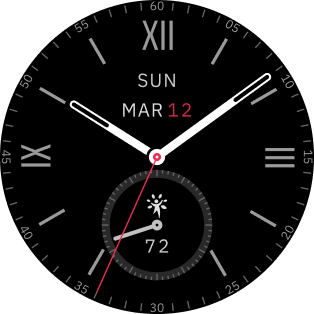
The dial as you mentioned in the script section is encrypted, so it cannot be edited. However, I have recreated new by use origial image, but the editor I use does not have the "sleep" and "Readiness" display management.
So I created it using user_function and user_script that the editor supports in this section.
Watch face editor for Amazfit watch on ZeppOS
viewtopic.php?p=11643#p11643
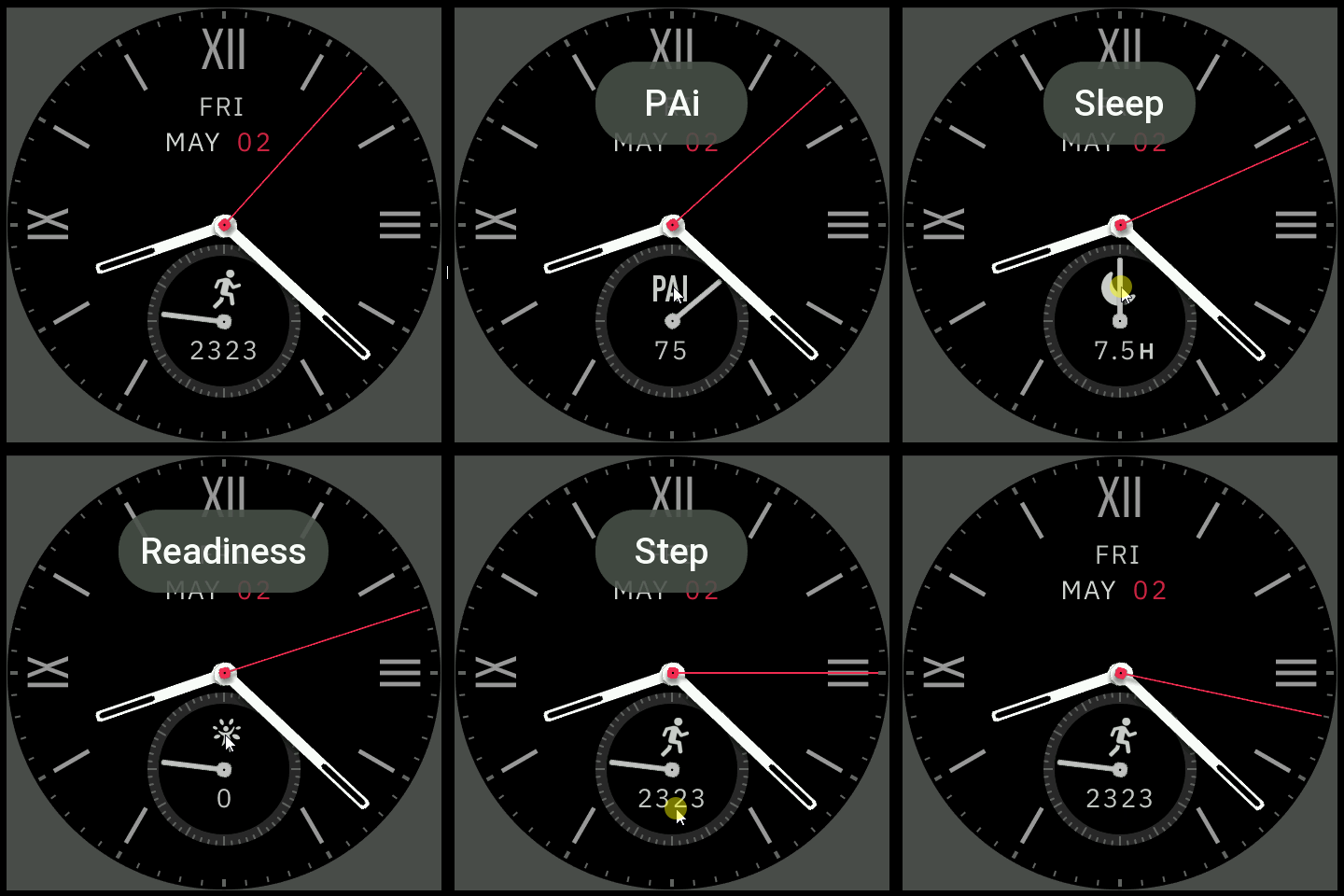
And I change switch the data in the circle, I have changed it to use click on the icon to switch the data, and the shortcut can be opened by clicking on the "Number" of those data.

In AOD mode info in the Circle will show only "Steps"
In readiness part, tested on simulator can show pointer progress, but tested on "Bip6" and "Balance" it can't show.
I'm not sure what effect it will have on Active 2, because I don't have Activer2 to test with.

Understand before downloading
This watch face I made will not accept any further edit requests.
This dial has some elements that are different from the original.
This watch face was not test on real device .
Therefore, users please manage the risk yourself.

If anyone wants to make additional changes to be compatible with your existing device, please do so yourself.


If you post it in the upload section, you don't have to give me credit, but please take responsibility for the files you upload to the web yourself.

PS.
If the requester has not yet asked for permission from the owner of the work to adapt it. If the owner requests deletion, I will delete it immediately.
QR or Download
Image
Eact2.PNG
Eact2.PNG (4.56 KiB) Viewed 1444 times
Elegeant_Act2.zip
(79.88 KiB) Downloaded 84 times
ͼͽ To request please use the interrelated forum in action ͼͽ
Please do not PM to me for requests ported watchface.
gabbre
Posts: 2
Joined: 25 Aug 2019, 21:13
Contact:

Post by gabbre »

Thank you very much both for the watchface and for the detailed explanation. I would have been satisfied even with just the steps section, without the others.
I can confirm that the readiness screen also works on the Active 2
I had tried to recreate the watchface using the assets with Watch_Face_Editor, but I couldn't manage to align the hands properly. It's all quite new to me; I'm trying to learn through trial and error without asking too much from others, but sometimes I just can't find the solution
Post Reply

Return to “Watchfaces creation (order table)”

Who is online

Users browsing this forum: No registered users and 0 guests