AmazfitX Watchface Editor based on SashaCX75 "Amazfit Watchface Editor" (initial post HERE)
Based on his shared sources for v9 beta including the AmazfitX, I propose this new dedicated version on Windows for this watch only.
Scope:
- AmazfitX only
- limited support - I'll mainly concentrate on new JSON capabilities if alternate extract/unpack tools permits it
Out of scope:
- other watches - as I only have an AmazfitX, and there are good alternate apps for them
- translation will mainly focus on english
- regular updates, based on SashaCX75's app (except if drastic incredible needed important changes !)
Screenshots:
Spoiler
Spoiler
[version 9.3.3.0]
- Added the "UV Index" feature under the Weather tab for Amazfit X
[version 9.3.2.1]
- corrected Calories segments not displaying on watch (thanks @SandraMichael for reporting the bug)
- added some missing english translations (other languages have not been updated)
- based on @SandraMichael feedback: removed warnings for different images used in hour and minutes tens and ones
[version 9.3.1.3]
- removed Calories ProgressBar (non circular) : simply does not work on watch
- little bug fix with PAI Circle option activated
- removed conversion tab, as the tool is used only for AmazfitX (pls use SashaCX75 official tool for this)
[version 9.3.1.2]
- changed preview order to have seconds on top, then hours and minutes
- correction of preview for Calories Progress Bar
[version v9.3.1.1]
- correction of PAI preview circle
- correction of Steps Circle Progress coordinates calculation
- correction of preview generator (linked to activity mainly)
- program can now check for new versions at startup (can be disabled in options)
- some little cosmetic changes
v9.3
- JSON handles new parameters:
* Calories: ProgressBar (non circular), Segments
* Stand: ProgressBar (non circular), Segments
* PAI: ProgressBar (non circular), Segments
- integrated "py amazfit tools" (main.exe) has been heavily modified to support most changes and more (source here: https://github.com/Inquisitom/py_amazfit_tools/)
- StepsProgress section has been transferred in Activity/Steps for better usage
v9.2
- JSON handles new parameters:
* PAI Progress (circle)
* Sunset Time
* Sunrise Time
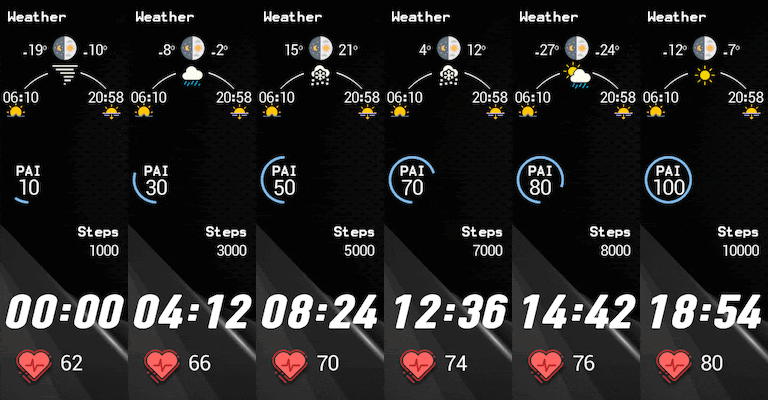
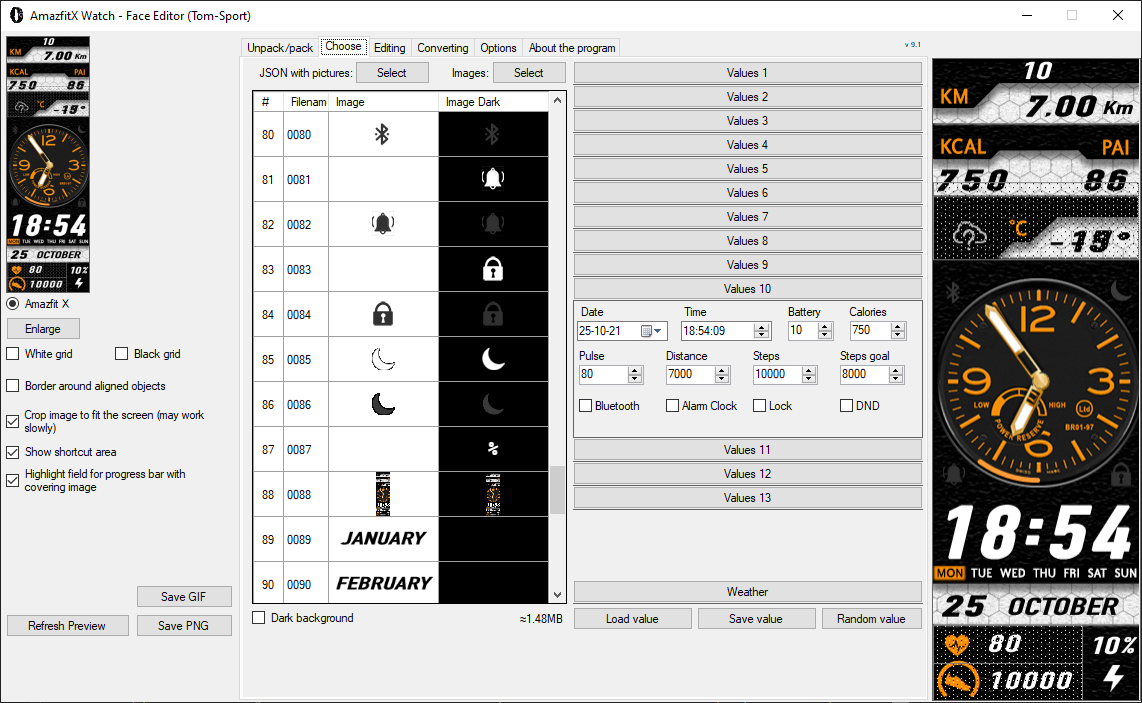
- Preview values now integrates PAI, Stand & Sunset, Sunrise
- Generated GIF supports those new additions
- integrated "py amazfit tools" (main.exe) has been heavily modified to support most changes and more
- improved all text alignment coordinates
v9.1
- can automatically insert preview image in BIN (you need to have it configured in the dial)
- can automatically generate animated gif at each BIN generation
- automatically open and displays the LOG file after BIN generation
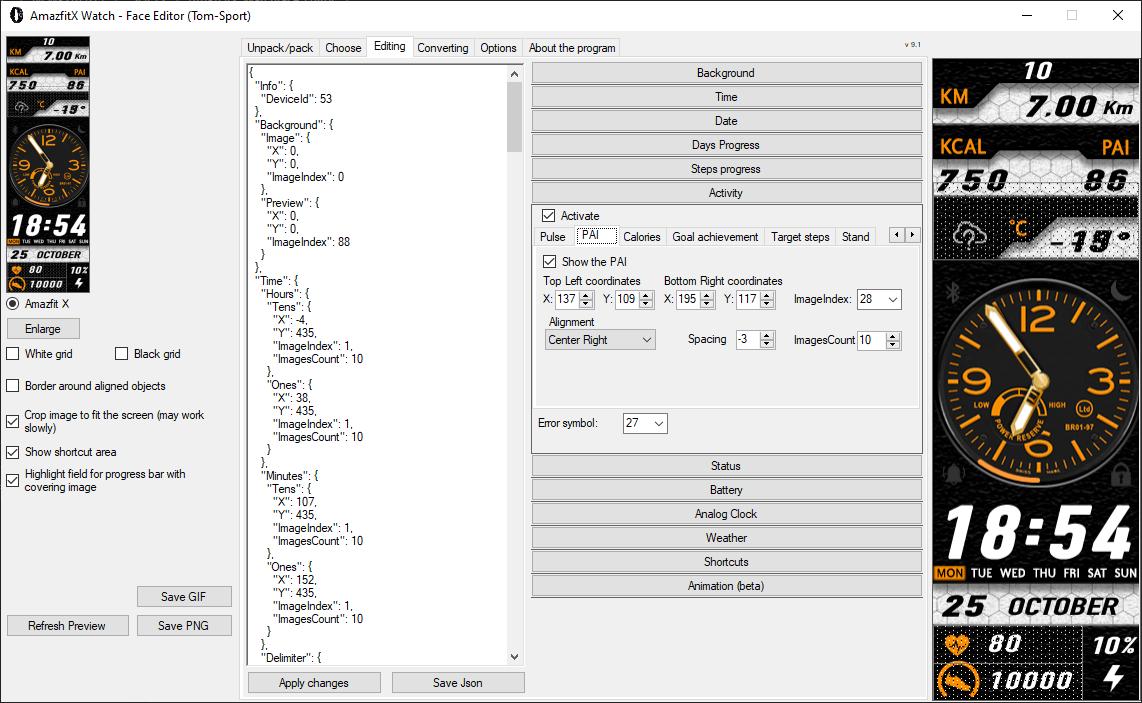
- new fixed preview picture at the right of the window
- list of assets (images) are now shown simultaneously with white and black background
- JSON handles new parameters: PAI and Stand activity
- added some various explanations (day & night temperature versus current, goal achievement)
- changed pictures to reflect AmazfitX
- changed icons to reflect AmazfitX
- changed the Window and Executable name to avoid confusion
- removed all other Amazfit watches (there is the original tool for that!)
- written new options by default in english - multilanguage is not yet supported
- other "little" stuff
- Added the "UV Index" feature under the Weather tab for Amazfit X
[version 9.3.2.1]
- corrected Calories segments not displaying on watch (thanks @SandraMichael for reporting the bug)
- added some missing english translations (other languages have not been updated)
- based on @SandraMichael feedback: removed warnings for different images used in hour and minutes tens and ones
[version 9.3.1.3]
- removed Calories ProgressBar (non circular) : simply does not work on watch
- little bug fix with PAI Circle option activated
- removed conversion tab, as the tool is used only for AmazfitX (pls use SashaCX75 official tool for this)
[version 9.3.1.2]
- changed preview order to have seconds on top, then hours and minutes
- correction of preview for Calories Progress Bar
[version v9.3.1.1]
- correction of PAI preview circle
- correction of Steps Circle Progress coordinates calculation
- correction of preview generator (linked to activity mainly)
- program can now check for new versions at startup (can be disabled in options)
- some little cosmetic changes
v9.3
- JSON handles new parameters:
* Calories: ProgressBar (non circular), Segments
* Stand: ProgressBar (non circular), Segments
* PAI: ProgressBar (non circular), Segments
- integrated "py amazfit tools" (main.exe) has been heavily modified to support most changes and more (source here: https://github.com/Inquisitom/py_amazfit_tools/)
- StepsProgress section has been transferred in Activity/Steps for better usage
v9.2
- JSON handles new parameters:
* PAI Progress (circle)
* Sunset Time
* Sunrise Time
- Preview values now integrates PAI, Stand & Sunset, Sunrise
- Generated GIF supports those new additions
- integrated "py amazfit tools" (main.exe) has been heavily modified to support most changes and more
- improved all text alignment coordinates
v9.1
- can automatically insert preview image in BIN (you need to have it configured in the dial)
- can automatically generate animated gif at each BIN generation
- automatically open and displays the LOG file after BIN generation
- new fixed preview picture at the right of the window
- list of assets (images) are now shown simultaneously with white and black background
- JSON handles new parameters: PAI and Stand activity
- added some various explanations (day & night temperature versus current, goal achievement)
- changed pictures to reflect AmazfitX
- changed icons to reflect AmazfitX
- changed the Window and Executable name to avoid confusion
- removed all other Amazfit watches (there is the original tool for that!)
- written new options by default in english - multilanguage is not yet supported
- other "little" stuff
Thanks:
SashaCX75 for his great tool, and sharing the sources
Lordalpine for extracting stock AmazfitX dials, which helped me add the PAI & Stand