Hi,
I've been trying to install some watchface to my new T-Rex since yesterday and never succeed. I've downloaded the Apps to my iPhone and got it connected to my T-Rex. Everything seems to be working and I can reach 100% of Flashing firmware but after a short while it respond "something went wrong, please re-install again".
Can someone please help/
Thanks
Thomas
If you experience any problems with the forum (it is not visible, there is no way to post messages, or some functionality does not work), please let us know.
If you have problems with registration or you did not receive confirmation letter, let us know and we will activate your account manually.
If you get an "The submitted form was invalid. Try submitting again" error, delete cookies, then try again.
If you have problems with registration or you did not receive confirmation letter, let us know and we will activate your account manually.
If you get an "The submitted form was invalid. Try submitting again" error, delete cookies, then try again.
Unable to install watchface to T-Rex from iPhone
Moderators: Internal error, Watchmens
Actually, I suffer from connect my t-rex to iphone till now .. amazfaces app doesn't work properly in my iphone 6s
Please I need solution to my problem. Thanks
Please I need solution to my problem. Thanks
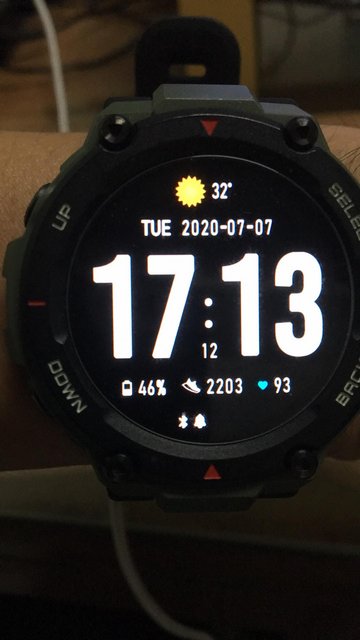
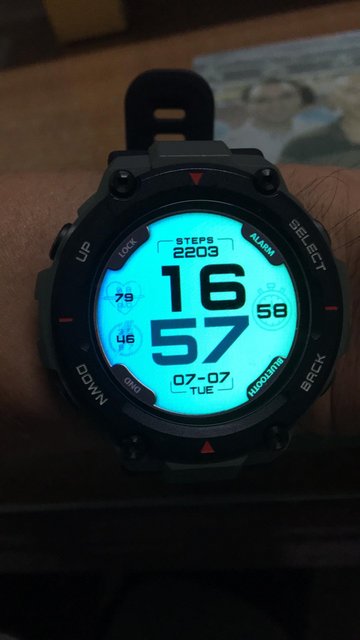
No offense to any members here. This is what I did. I choose the watch faces that I like and marked them as favorites. Then I DL amaztools and synced my watch. I went to AW and clicked on the arrow going down symbol and copy to the Amaztools app. You have to be patient with it. Sometimes, you have to uninstall and re-install the app, turn off and on the bluetooth. Hope it helps. 


-
V.I.T.
- Posts: 6
- Joined: 17 Feb 2020, 02:48
- Location: Toronto
- Has thanked: 2 times
- Been thanked: 3 times
- Contact:
You will have to go into the Amazfit app, then profile, then select the watch, then scroll down to the discoverable setting - make sure that is turned on. That was the issue I had to figure out.
Let me know if that helps.
Let me know if that helps.
-
Dmaldonado
- Posts: 1
- Joined: 25 Jun 2020, 06:00
- Location: Texas
- Been thanked: 1 time
- Contact:
I had tried EVERYTHING to get my watch to Sync.. this solution is the only one that worked.. THANK YOU!!
Who is online
Users browsing this forum: No registered users and 1 guest