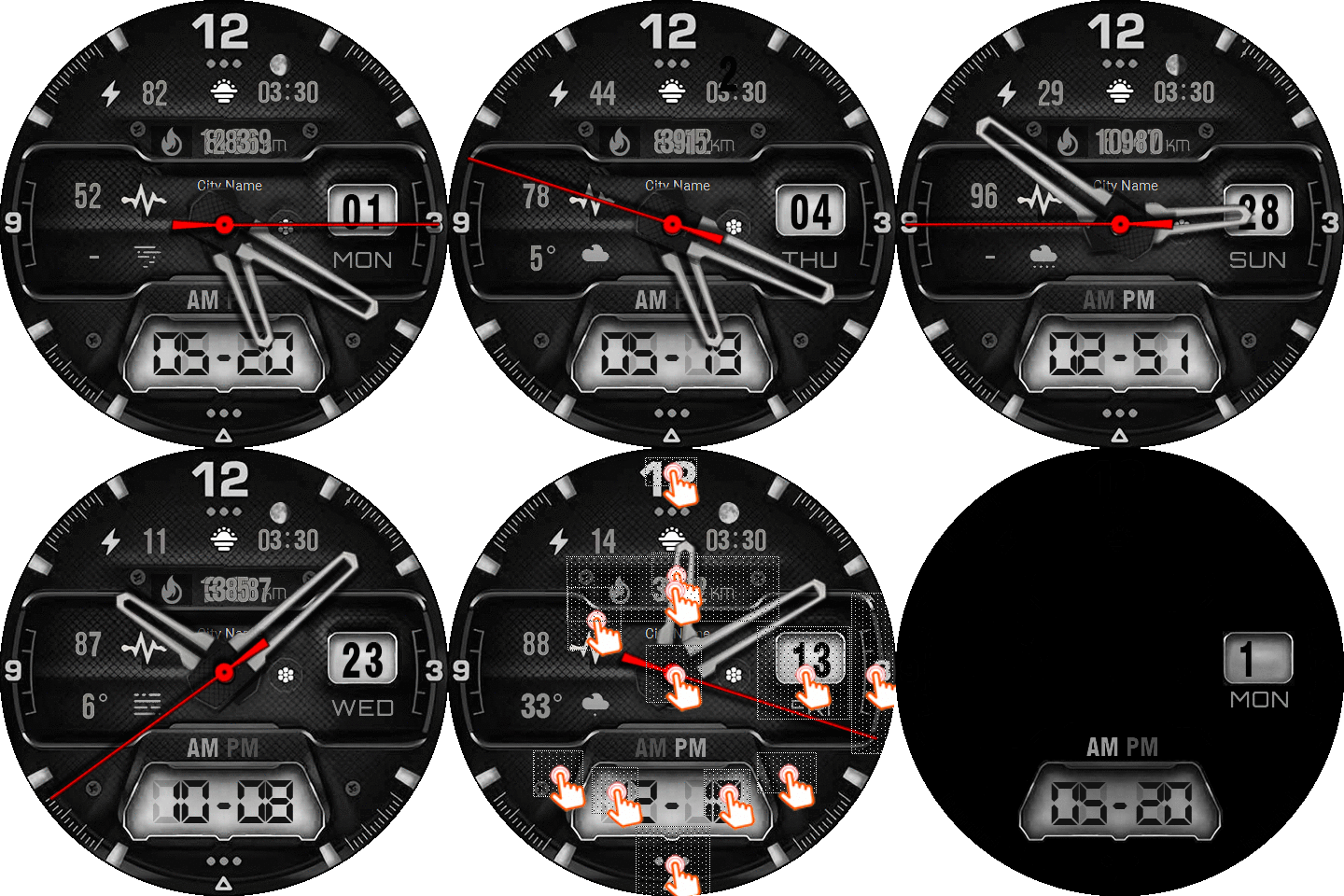
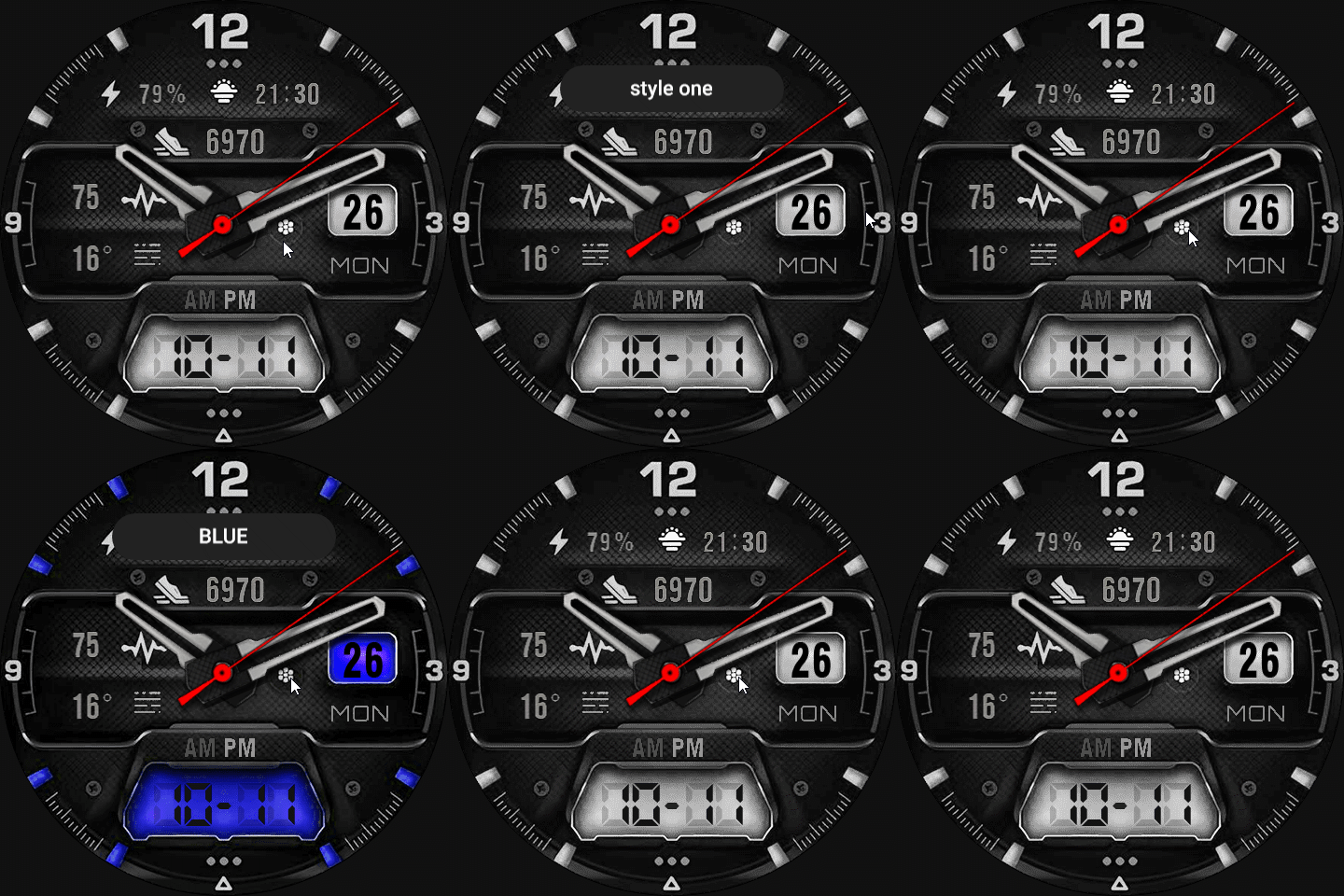
i need help for this watch face i try to fix it
hour hand not moving
second hand not working
-
- Administrator
-
-
Support Ukraine
If you experience any problems with the forum (it is not visible, there is no way to post messages, or some functionality does not work), please let us know. If you have problems with registration or you did not receive confirmation letter, let us know and we will activate your account manually.
If you get an "The submitted form was invalid. Try submitting again" error, delete cookies, then try again.
i need help
Forum rules
When adding a new topic, use the template: Topic title [device name]
For example: How to create watch face [Falcon]
All communication in this branch should only be in English.
When adding a new topic, use the template: Topic title [device name]
For example: How to create watch face [Falcon]
All communication in this branch should only be in English.
- asoo
- Posts: 2128
- Joined: 03 Jan 2019, 01:48
- Location: ͼͽ Thailand ͼͽ
- Has thanked: 411 times
- Been thanked: 2046 times
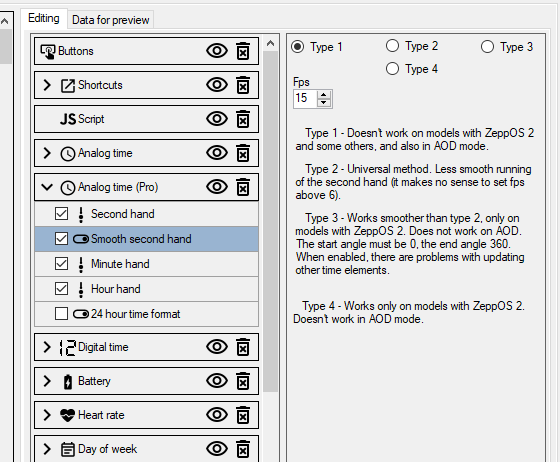
In the hour hand, it doesn't move, I'm not sure about this problem, or maybe the second hand doesn't work. But in the smooth second hand, it doesn't work because you're using Type 1 with "Amazfit Balance", which can't be used. You have to change to Type 2 or 4 in case of using Balance, which uses ZappOS higher than Version 1.
@youcohama
I have checked the problem in detail with the dial you have attached. The problem is not that you are using Type 1. There is another major problem. I think you have applied the script from another dial to create your dial. However, you did not check the script correctly. The script you used calls an Element that does not exist. Therefore, when you sync it to watch, the system will error and stop working. This causes the problem you reported: the hands do not continue to work.
I have fixed it as an example for you. You can download it from the attached file.
I have checked the problem in detail with the dial you have attached. The problem is not that you are using Type 1. There is another major problem. I think you have applied the script from another dial to create your dial. However, you did not check the script correctly. The script you used calls an Element that does not exist. Therefore, when you sync it to watch, the system will error and stop working. This causes the problem you reported: the hands do not continue to work.
I have fixed it as an example for you. You can download it from the attached file.
ͼͽ To request please use the interrelated forum in action ͼͽ
Please do not PM to me for requests ported watchface.
Who is online
Users browsing this forum: No registered users and 0 guests