Hello guys,
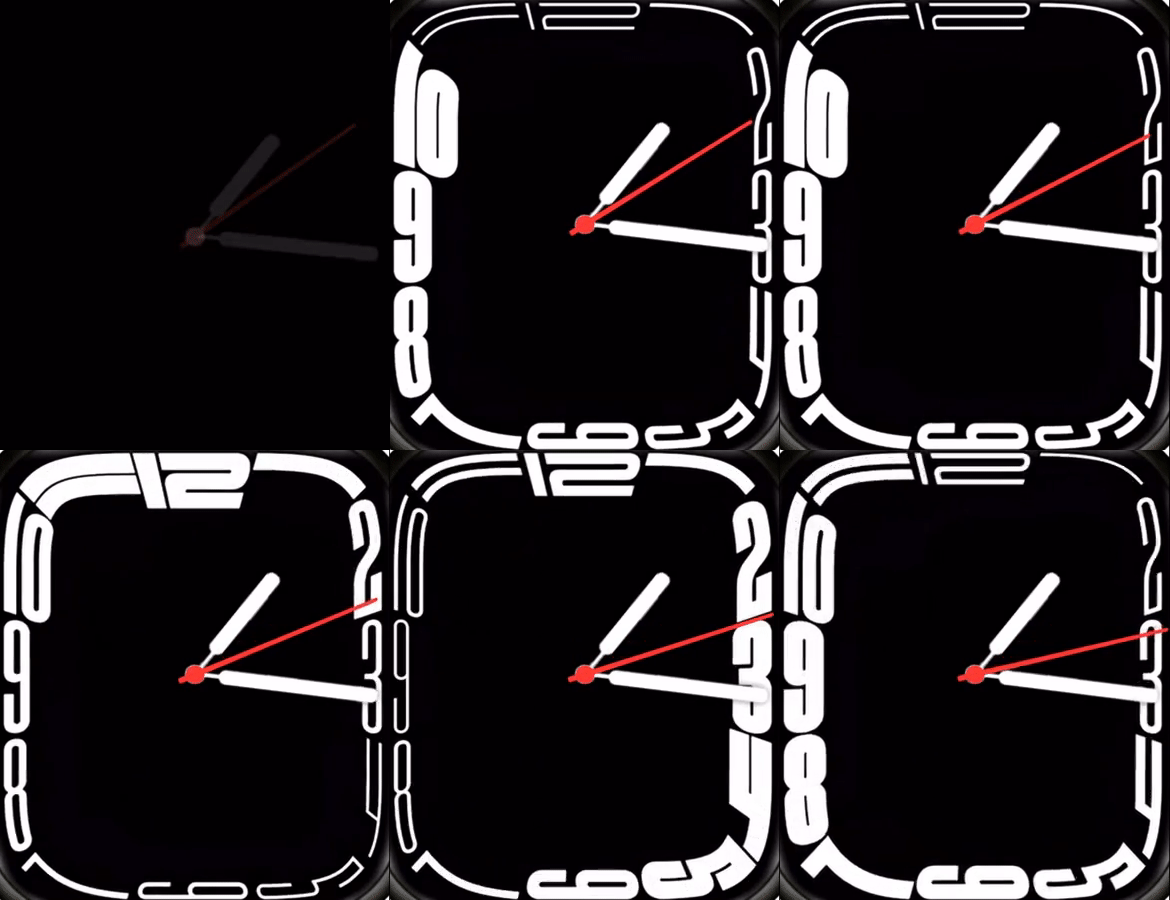
I met a problem when designing watch face. I am using the website watchface.zepp.com to design my watch face. But I want to add an animation to the watch face. I didn't find anything in the zepp documents. And when I was trying to upload an gif image to the background it only allow png images. As I noticed that there is an animation tap on the left, but it seems only three different png images were supported as total, then how could this gif watch face be possible? Really looking forward to make some amazing animation watch faces.
-
- Amministratore
-
-
Support Ukraine
If you experience any problems with the forum (it is not visible, there is no way to post messages, or some functionality does not work), please let us know. If you have problems with registration or you did not receive confirmation letter, let us know and we will activate your account manually.
If you get an "The submitted form was invalid. Try submitting again" error, delete cookies, then try again.
How to add animation to watchface
Regole del forum
When adding a new topic, use the template: Topic title [device name]
For example: How to create watch face [GTR 3 Pro]
All communication in this branch should only be in English.
When adding a new topic, use the template: Topic title [device name]
For example: How to create watch face [GTR 3 Pro]
All communication in this branch should only be in English.
-
asoo
- Messaggi: 2181
- Iscritto il: 03 gen 2019, 01:48
- Località: ͼͽ Thailand ͼͽ
- Has thanked: 419 times
- Been thanked: 2104 times

I think you're misunderstanding how to create animation frames.
The "animation frame" of zepp consists of multi png images to make into an animation.
So,
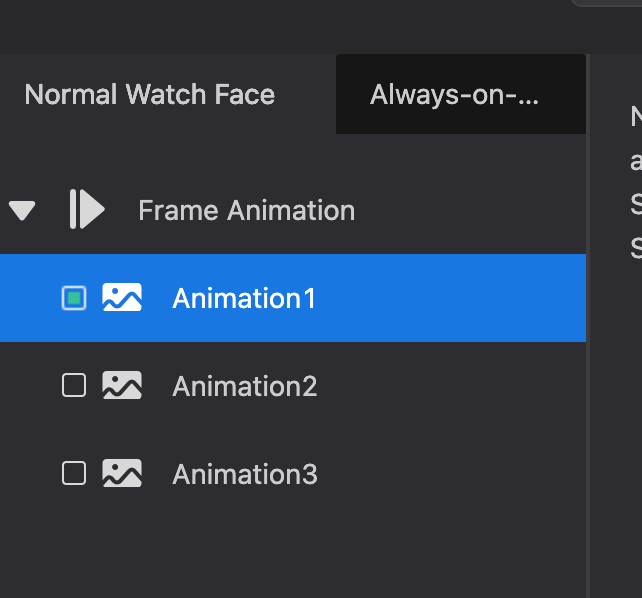
Animation 1
Animation 2
Animation 3
that you see in the editor. This means you can create 3 sets of "animation frames", each set consisting of multiple png images to create an animation. You can set the animation speed by setting "Frame Interval(ms)"
When you press the upload image button you can upload multiple png images to make an animation.
As in this example picture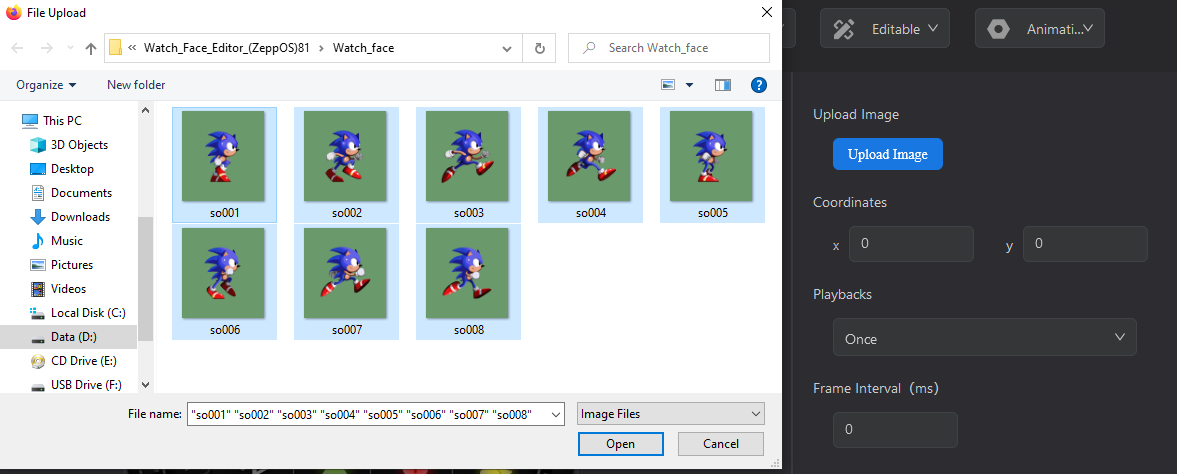
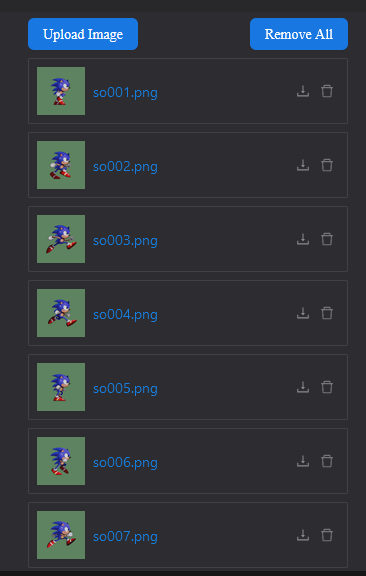
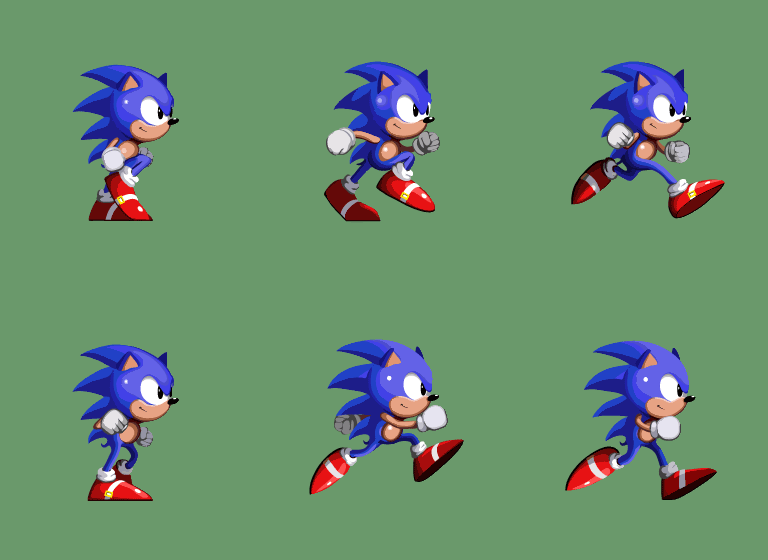
The "animation frame" of zepp consists of multi png images to make into an animation.
So,
Animation 1
Animation 2
Animation 3
that you see in the editor. This means you can create 3 sets of "animation frames", each set consisting of multiple png images to create an animation. You can set the animation speed by setting "Frame Interval(ms)"
When you press the upload image button you can upload multiple png images to make an animation.
As in this example picture
Spoiler
ͼͽ To request please use the interrelated forum in action ͼͽ
Please do not PM to me for requests ported watchface.
Please do not PM to me for requests ported watchface.
Thank you so much bro I thought only one png image was allowed to upload into each animation.
 I thought only one png image was allowed to upload into each animation.
Chi c’è in linea
Visitano il forum: Nessuno e 1 ospite