• Administrator
  •  
    Support Ukraine
    If you experience any problems with the forum (it is not visible, there is no way to post messages, or some functionality does not work), please let us know. If you have problems with registration or you did not receive confirmation letter, let us know and we will activate your account manually.
    If you get an "The submitted form was invalid. Try submitting again" error, delete cookies, then try again.
     

Huami watchface editor

This forum is designed to discuss and develop tools creating watch faces.

Moderators: asoo, lvpokka, Internal error, Watchmens

Forum rules
All communication in this branch should only be in English.
To discuss tools that are not in this section, use the “Watchfaces tools (discussion)” forum.
sk1nzz
WF maker
Posts: 4
Joined: 07 Mar 2020, 13:43
Location: Kazakhstan
Has thanked: 1 time
Been thanked: 4 times
Contact:

Huami watchface editor

Post by sk1nzz »

Hi! You can use the official Huami web editor to create watchfaces for these models. It's available on https://dev.huami.com/watchface/index.html#/create. However, this tool requires submitting your personal information (passport, photos, etc.) to get approved. This way isn't good for your privacy, and the approval takes too much time. You can bypass this and access the editor. Sign up on this site (https://dev.huami.com/#/user/register/reg), but don't complete step 2 which requires your personal data. Then enter the code below in your browser's JS console while in the editor:

Code: Select all

localStorage.setItem('examineType', '2')
You will get full access to this editor. It even saves your watchfaces with uploaded resources to your account. The only bad thing in this editor is that you can't unpack existing .bin files.
If you get issues with the editor again, run the code above again.
Original post on 4pda (Russian)
User avatar
GIK-Team
root
Posts: 1019
Joined: 22 Mar 2018, 10:00
Location: Ukraine
Has thanked: 1136 times
Been thanked: 275 times
Contact:

Post by GIK-Team »

mimidudu wrote: 24 Jan 2022, 23:33
Can anyone tell me why the site https://watchface.huami.com/create is offline or has the address changed?
Some users are experiencing problems with the site, which are discussed here:
viewtopic.php?t=2671
"sometimes it's scary but it's still just you and me” — Leaving Laurel
User avatar
miraksterrik
WF maker
Posts: 5
Joined: 23 Jun 2021, 11:24
Location: Russia
Been thanked: 1 time
Contact:

Post by miraksterrik »

mimidudu wrote: 24 Jan 2022, 23:33
Can anyone tell me why the site https://watchface.huami.com/create is offline or has the address changed?
it works
Mirac1453
Posts: 3
Joined: 15 Aug 2021, 22:40
Location: Istanbul / Turkey
Has thanked: 1 time
Contact:

Post by Mirac1453 »

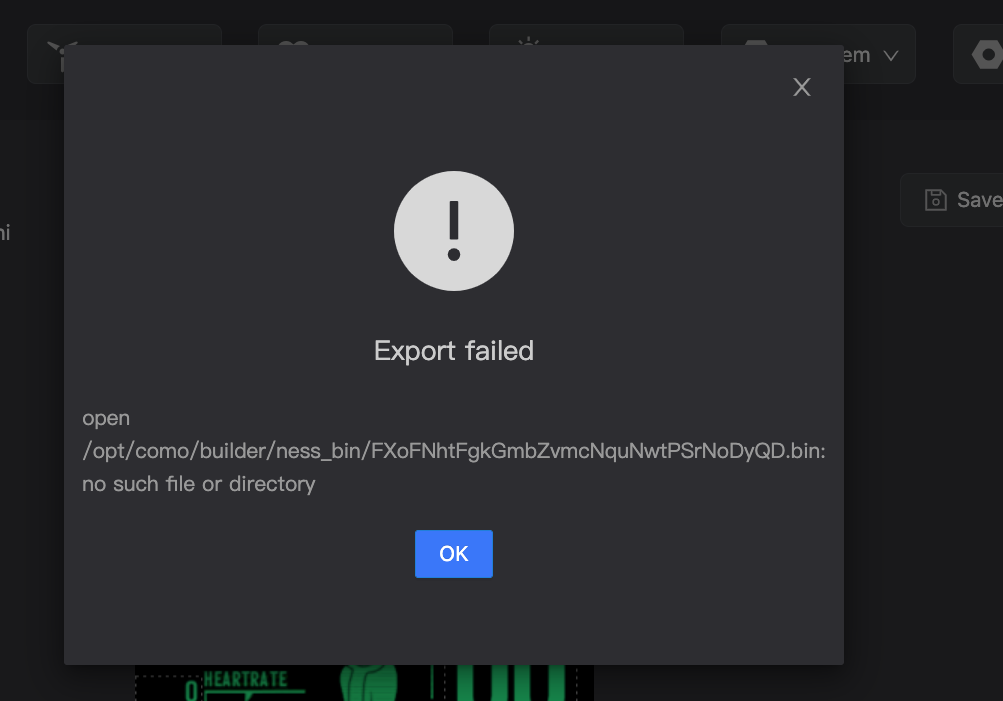
When exporting I get the problem.
Any tips ?

Image
mimidudu
WF maker
Posts: 6
Joined: 08 Nov 2021, 17:38
Location: Rio de Janeiro
Contact:

Post by mimidudu »

Same problem here, and when I try to install through the ZEPP app no smartphone, it gives a download error.
User avatar
Guydu91
Posts: 59
Joined: 06 Oct 2019, 18:49
Location: Bretagne / France
Has thanked: 55 times
Been thanked: 10 times
Contact:

Post by Guydu91 »

mimidudu wrote: 16 Mar 2022, 12:44
Same problem here, and when I try to install through the ZEPP app no smartphone, it gives a download error.
https://watchface.huami.com/open
I tried to connect... and it worked .
Mirac1453
Posts: 3
Joined: 15 Aug 2021, 22:40
Location: Istanbul / Turkey
Has thanked: 1 time
Contact:

Post by Mirac1453 »

Image

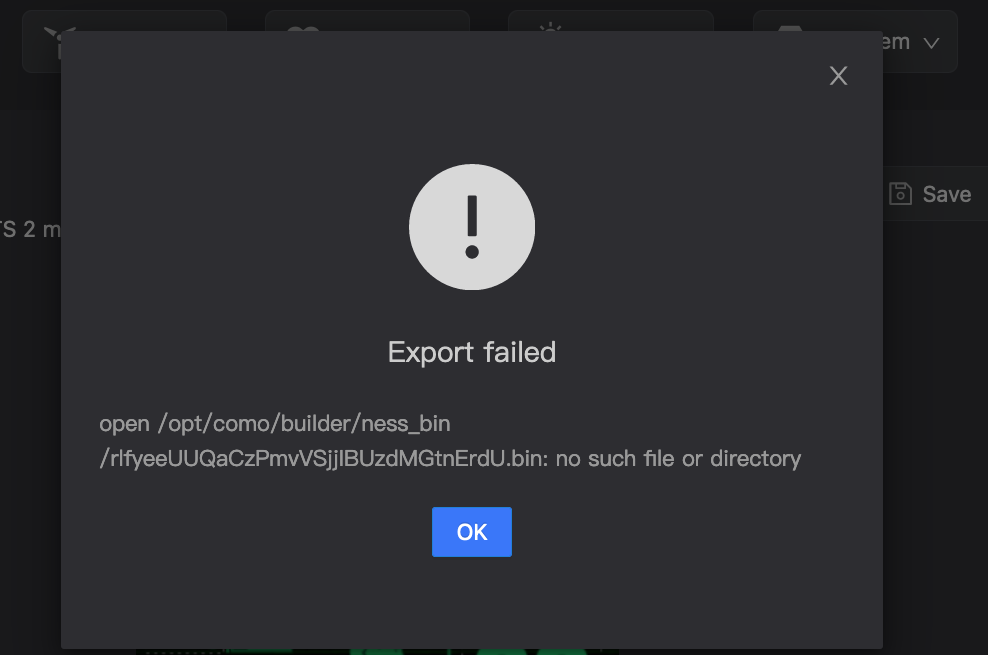
I get an error when exporting.
Export failed
open /opt/como/builder/ness_bin/SaSUJLKgLBsUGuWOdGeSzUJtcgmnoCFF.bin: no such file or directory
TamazonX
Posts: 2
Joined: 17 Mar 2022, 21:34
Location: USA
Contact:

Post by TamazonX »

I'm getting the same error - I wanted to test my in-progress first ever watchface but I can't export or install. Something must be broken on Huami's side.
vess
Posts: 1
Joined: 08 Jun 2022, 15:38
Location: UK
Contact:

Post by vess »

Hi all - wonder if someone could help me - I'm trying to make my first watch face and basically, all I want to do is have a custom picture with analog time overlayed on the top but I can't for the life of me figure how to put the hands on and in what format - i've used png but when I tested the different hours, it was only visible on 0 the rest of the hours it disappeared - any help would be great! Thanks in advance!
Franj097
Posts: 4
Joined: 31 Jan 2022, 16:44
Location: Perú
Has thanked: 1 time
Contact:

Post by Franj097 »

Can anyone tell me if there is an official page similar to https://watchface.zepp.com/ for the Mi Band?
Post Reply

Return to “Watchfaces tools”

Who is online

Users browsing this forum: Google [Bot] and 1 guest