Mi band 8 watchfaces for Mi band 7

Smart Band 7 multilingual, en, zh
Please note that all watch faces available on this site are creative works by our users and are not affiliated with official brands or trademarks. They are created by fans for fans, inspired by popular cultural phenomena, games, movies, or series.
Our goal is to provide a platform for creativity and exchange, but we also strive to respect intellectual rights. If you hold copyright to any content that you believe infringes your rights on this site, please contact us for appropriate action.

Description
Mi band 8 watchfaces for Mi band 7
Author: #laoxu
Original post: https://www.bandbbs.cn/threads/6669/Mi band 8 watchtface-1
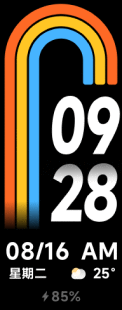
Mi band 8 watchface-2
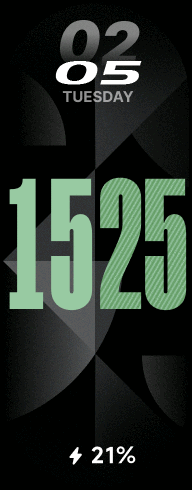
Mi band 8 watchface-3
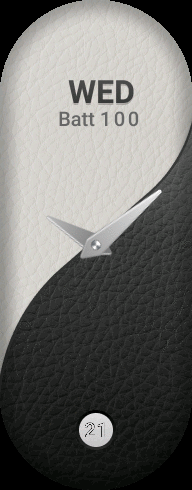
Mi band 8 watchface-4
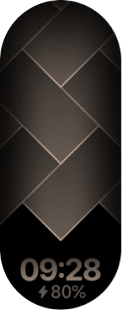
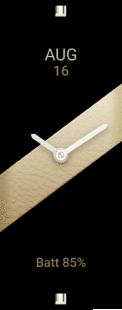
Mi band 8 watchface-5 (golden)
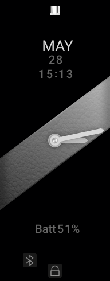
Mi band 8 watchface-5 (gray)
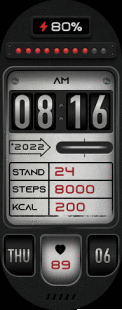
Mi band 8 watchface-6
Update - Added Mi band 8 watchface-1 without Chinese days of week (Global)Mi band 8 watchface-1(without Chinese days)
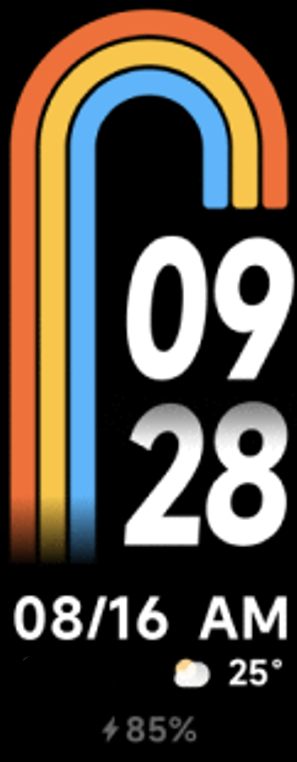
Update - Mi band 8 watchface-1 v1.1 & Mi band 8 watchface-1(without Chinese days) v1.1
- Adjusted the position of the battery and weather
- Added a degree symbol-"°" next to the current weather
Update - Added two more watchfacesMi band 8 Machinery1
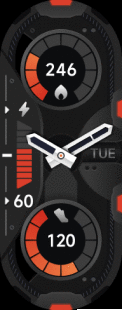
Mi band 8 Machinery2
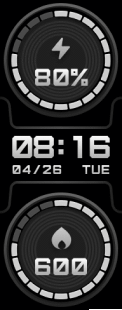
Update - Added two more watchfacesMi band 8 data 1
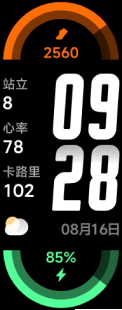
Mi band 8 data 2
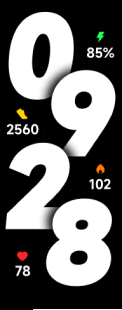
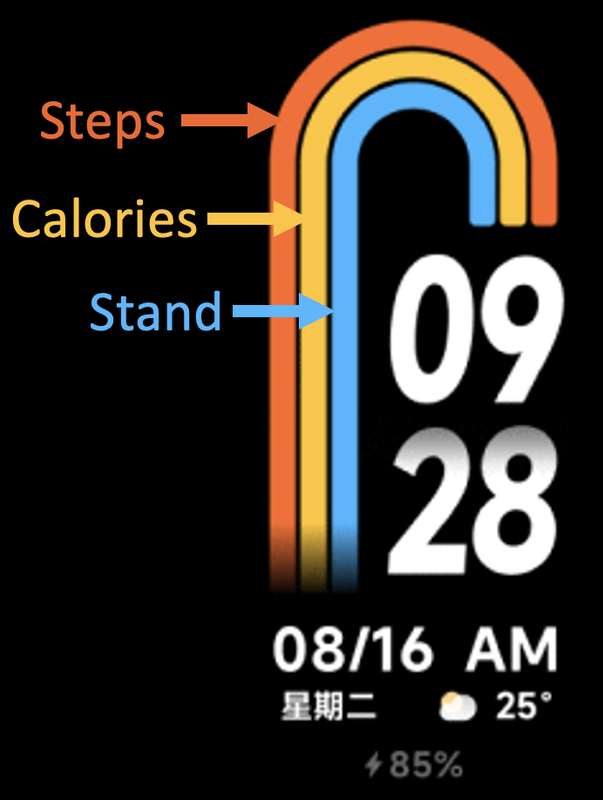
Update - Mi band 8 watchface-1 v1.2 & Mi band 8 watchface-1(without Chinese days) v1.2
- Solved the bug of lagging
- The scales work great:-
- Orange:- Steps
- Yellow:- Calories
- Blue:- Stand
Update - Added two more watchfacesMi band 8 LCD digital
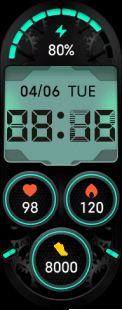
Mi band 8 LED
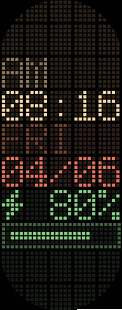
Update - Added two more watchfacesArt numbers

Digital vibrant(minutes)

- Go here for the original version: /mi-band-7/view/440
- This version shows minutes instead of hours.
- Author of the original version:- #Kosmik
- Author of the minutes version:- #laoxu
- This version doesn't support multiple colors like the original!!!
Update - Added two more watchfacesComplex data
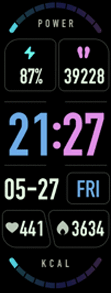
Horizontal large numbers

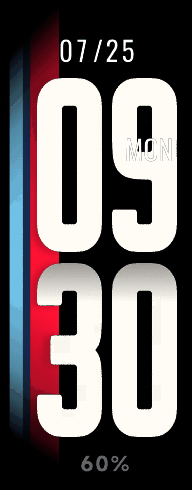
Update - Added one more watchfacesMulti-color background numbers
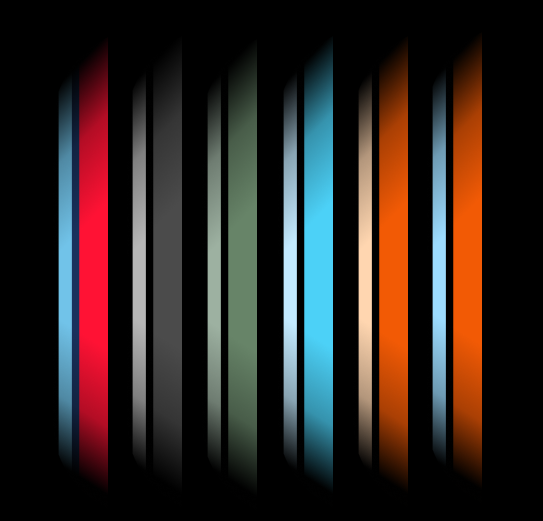
Backgrounds:-
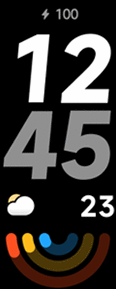
Update - Added two more watchfacesReverse the rainbow
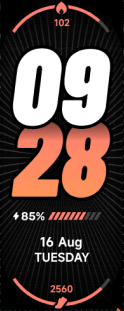
Vintage poster
Update - Added three more watchfaces3d numbers

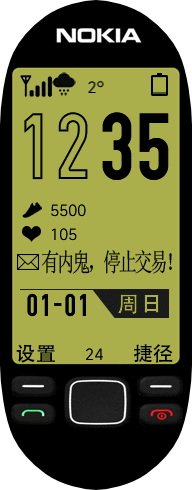
Nokia - There is a mole
Big goose
Multi:-
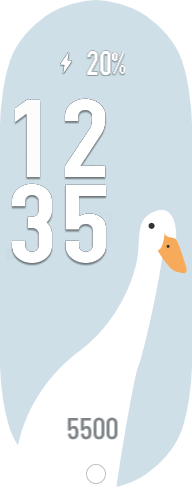
zh:-
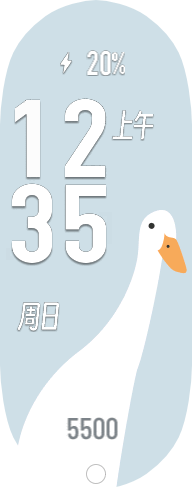
6 backgrounds:-






Note:- Click on the circle at the bottom of the watchface to change background
Stay tuned for next update...
Tags
Share this face
Comments
You need to be logged in to post or reply to comments.
Recent community discussions
How do I install apps to Xiaomi Smart Band 10 with iPhone?
Search Sucharek on youtube for tutorials on how to upload it to the band. yeah but you need an android to do that I only have iPhone...
Simple watchface for the Redmi Watch 5 Lite with a big font for readability
Oh, thanks asoo, I'll post it there then. I have no idea if the binary will work with the Redmi Watch 5, this was done with Easy Face and in theory the layout should work with th...
Xiaomi Mi Band 4 - Help to find this watch face (solved)
Hello. I used to have this watch face shown in the image, but I don't remember the author's name, and I no longer have the file saved. https://i.imgur.com/II0XZXW.png I'd appreciate some help finding it—or ...
Watch face Xiaomi Redmi Watch 6 NFC
Redmi Watches: https://amazfitwatchfaces.com/redmi-watch/fresh Upload new: https://amazfitwatchfaces.com/upload?d=redmi-watch&next...
Xiaomi Watch S4 - Which Device to select
Thank you for the quick response. A....
Watchfaces for Xiaomi Watch S4
Hello. I recently bough a Xiaomi Watch S4 and i always use this web to download skins. When i looked up i saw it doesnt exist a section for this smartwatch. I wonder if you could create one, teach me how to create my own watchfaces or even ...
Xiaomi Smart Band 9 Pro
Is there any faces for the Xiaomi Smart Band 9 Pro? Thank you! :)...





was the position of the weather and the battery 05.05.2023 12:48:43 Complaint
The / is a little too big, I can't "0" completely on the right of it 12.05.2023 20:59:31 Complaint
I want to do it me too!! 26.05.2023 15:22:50 Complaint
I know you are a great apps and watch face creator for mi band 7.
I have a request to make a useful app for mi band 7, that is 1, 2, 3, taping counter (tasbih) to remember ALLAH and any person use this apps you will get rewarded from ALLAH SUBHANA OA TAYALA. 06.06.2023 23:17:28 Complaint
Thanks in advance! 06.07.2023 17:07:16 Complaint
Thanks 12.08.2024 11:17:47 Complaint