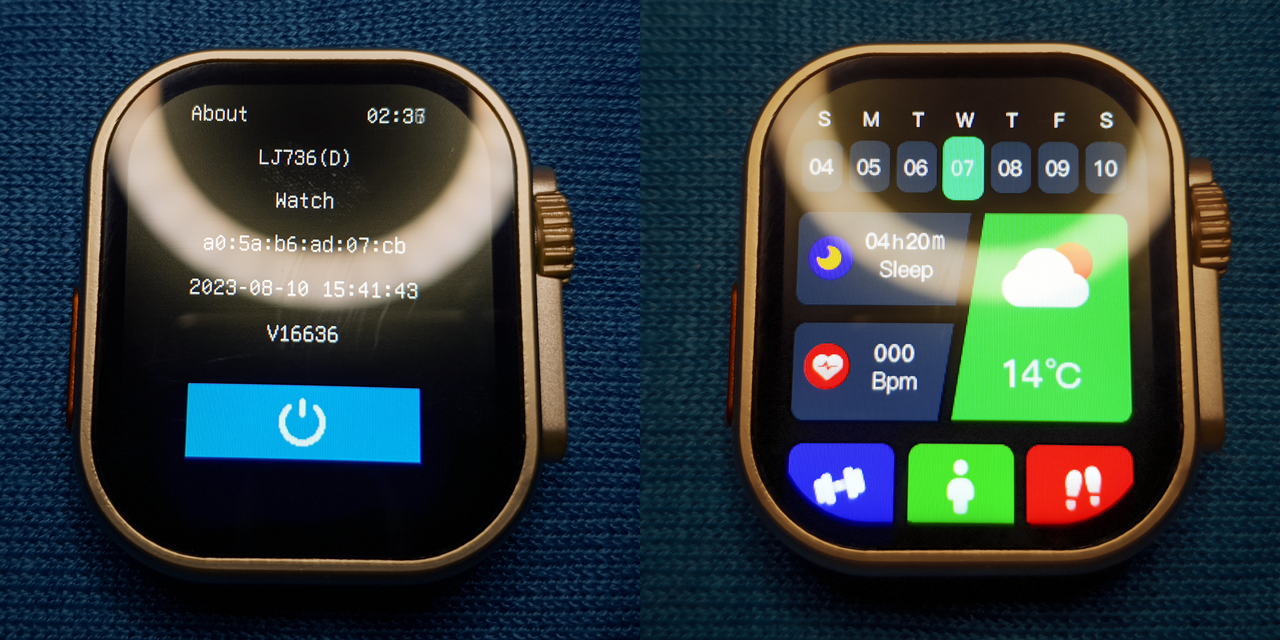
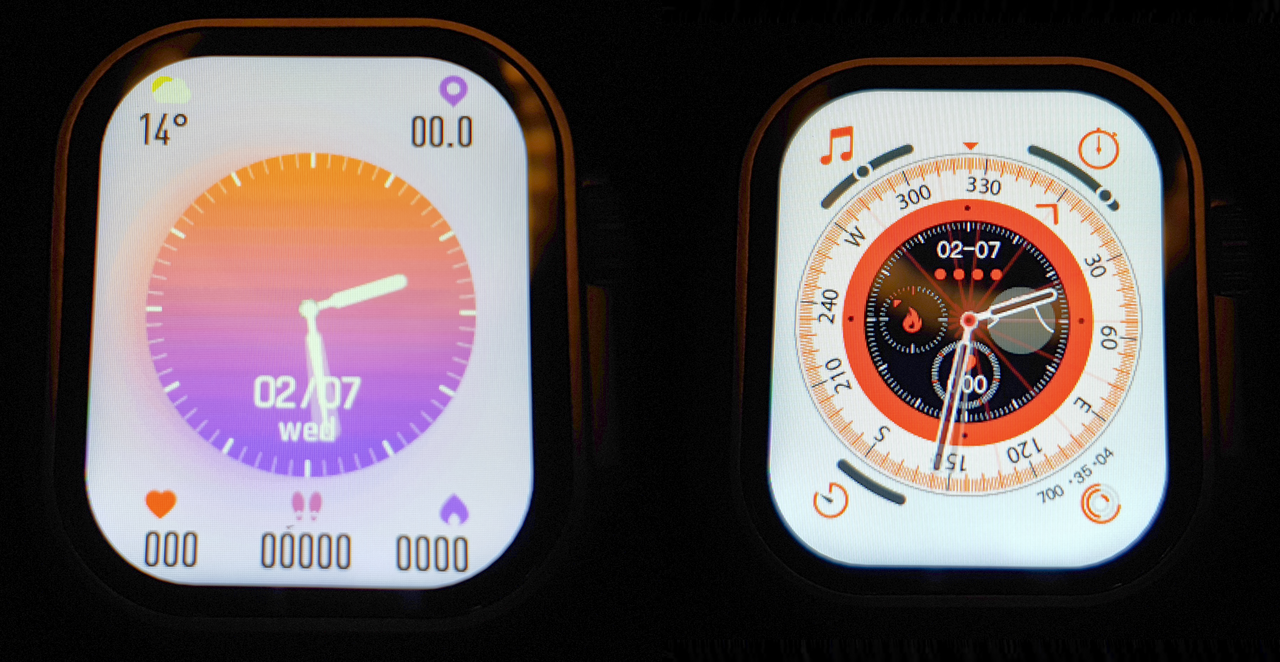
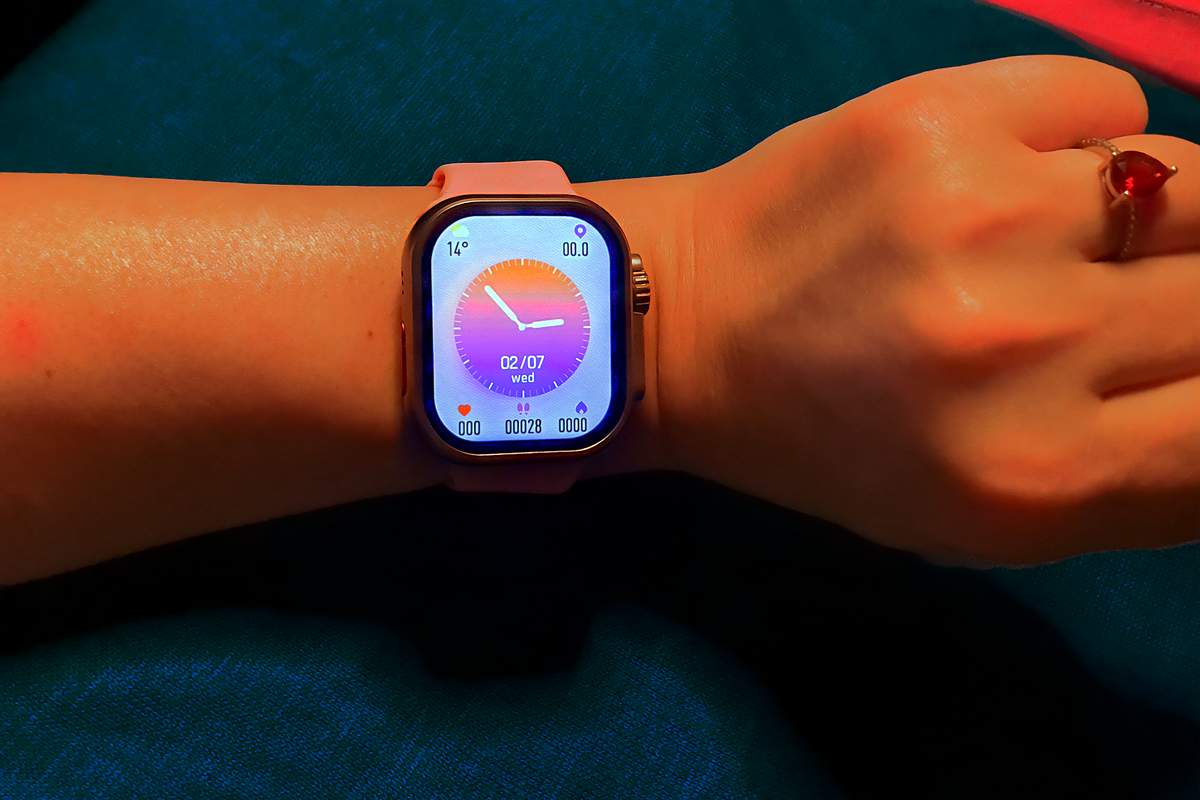
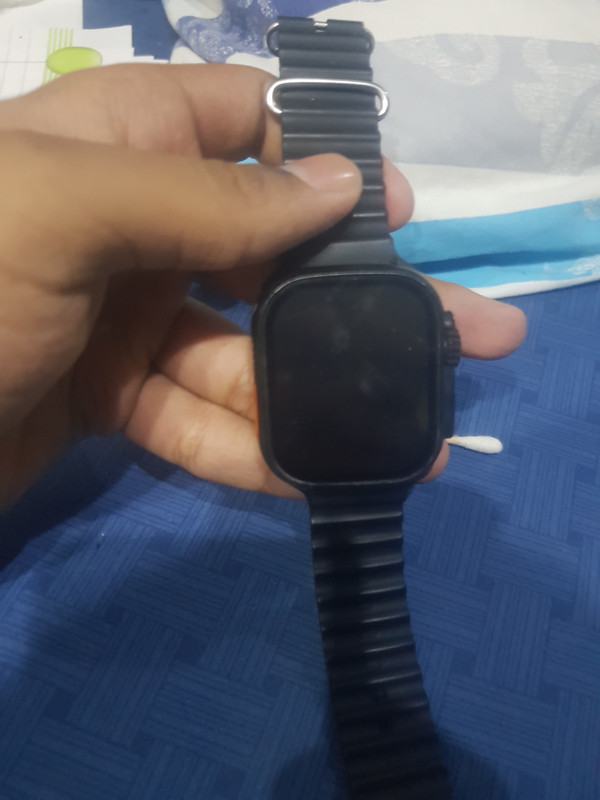
Ultra smartwatch - LJ736 (d) motherboard using JQ7011 CPU
From my research, I've found this model of watch, also called T900 / Y20 / Ultra 8 etc. that works with apps like Laxasfit Pro , FitPro & Hiwatch Plus.
Extracted from the app, the watch seems to have a screen resolution of 240x296 pixels , this may be wrong but this is the size of the image the apps resize it to before uploading onto the watch as a custom watchface with the digital watch overlay ( the classic customization in most of the generic smartwatches I suppose )
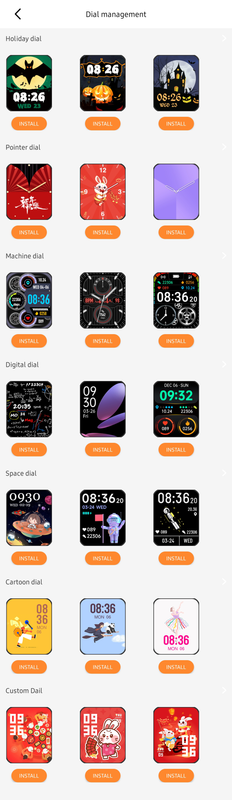
The problem is that all the apps offer a very limited number of premade watchfaces, so there's a severe need for more.
From my understanding, the method of getting new watchfaces onto it, would be to first create or download some premade ones off the internet, convert it to a .bin file if it isn't already and replace one of the premade watchfaces in the app, in the android/data folder, with yours, and load it onto the watch ( is this the correct procedure? )
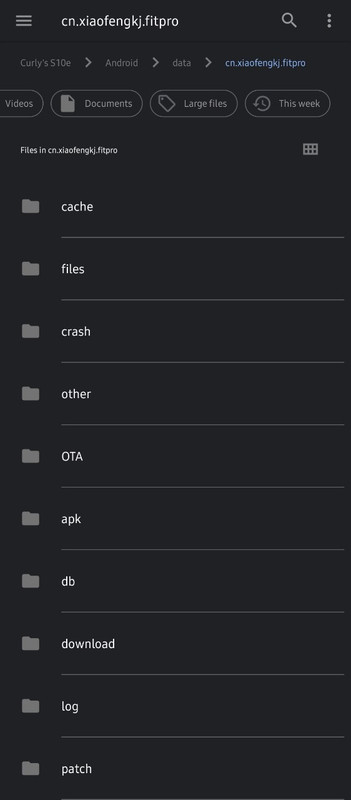
Snooping thru the app, using a file manager and going into android/data/app folder I've seen the layout but I'm unsure where to place the .bin files or how to any of the premade watchfaces, since going into the subfolders, they are either empty, or have other files in them , and the only images in there , appear when you use the custom dial option, allowing you to use your own picture with a digital clock on top.
So, where exactly would I need to place the .bin files ?