• Administrator
  •  
    Support Ukraine
    If you experience any problems with the forum (it is not visible, there is no way to post messages, or some functionality does not work), please let us know. If you have problems with registration or you did not receive confirmation letter, let us know and we will activate your account manually.
    If you get an "The submitted form was invalid. Try submitting again" error, delete cookies, then try again.
     

It doesn't let me edit my watch face

Archive closed topics

Moderators: Internal error, Watchmens

Locked
User avatar
Ricardfs
Posts: 36
Joined: 29 Sep 2022, 16:10
Location: Spain
Has thanked: 1 time
Been thanked: 3 times
Contact:

It doesn't let me edit my watch face

Post by Ricardfs »

Hello friends.

At the moment I make Whatch Faces for the model:

Amazfit Band 7
GTS 2 mini
GTS 4 mini
Amazfit Bip U Pro

I have always been able to edit my Watch Faces to add new versions or make some modification.

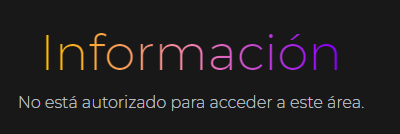
Today I wanted to upload a new version to one of my Watch Face and I have left the image that I attach, I have tried to edit in all the models in which I work and none of them allows me to edit my Watch Faces.

Image

I wanted to also say that I am a verified author.

I am waiting for someone to help me.

Many thanks friends.
User avatar
GIK-Team
root
Posts: 1014
Joined: 22 Mar 2018, 10:00
Location: Ukraine
Has thanked: 1108 times
Been thanked: 267 times
Contact:

Post by GIK-Team »

Ricardfs wrote: 05 May 2023, 15:09
I am waiting for someone to help me.
Hello! Please provide a link where you get this error.
"sometimes it's scary but it's still just you and me” — Leaving Laurel
User avatar
Ricardfs
Posts: 36
Joined: 29 Sep 2022, 16:10
Location: Spain
Has thanked: 1 time
Been thanked: 3 times
Contact:

Post by Ricardfs »

Hello.

From my mobile device with Android I do not have any error using as a opera browser.

Now, also using as a opera browser, from my PC I get some mistakes:

Whenever the browser is in and I have the website I have to put my user and password and sometimes I get this error:

Excuse me, this error seems to have been solved in opera for PC, but just in case I attach the image that opened me:
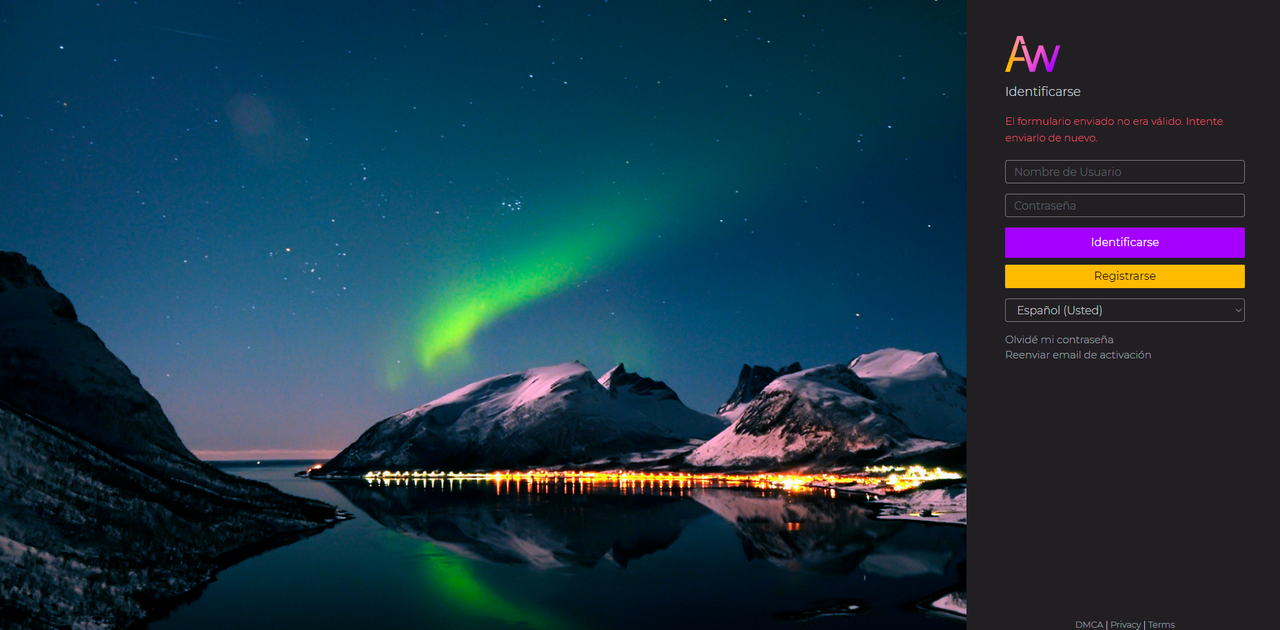
Image

I make Watch Faces for Amazfit Band 7, GTS 2 Mini, GTS 4 mini and Amazfit Bip U Pro.

In the Model Amazfit Band 7 there are Watch Faces that if it lets me edit without any problems as I show in the following image:
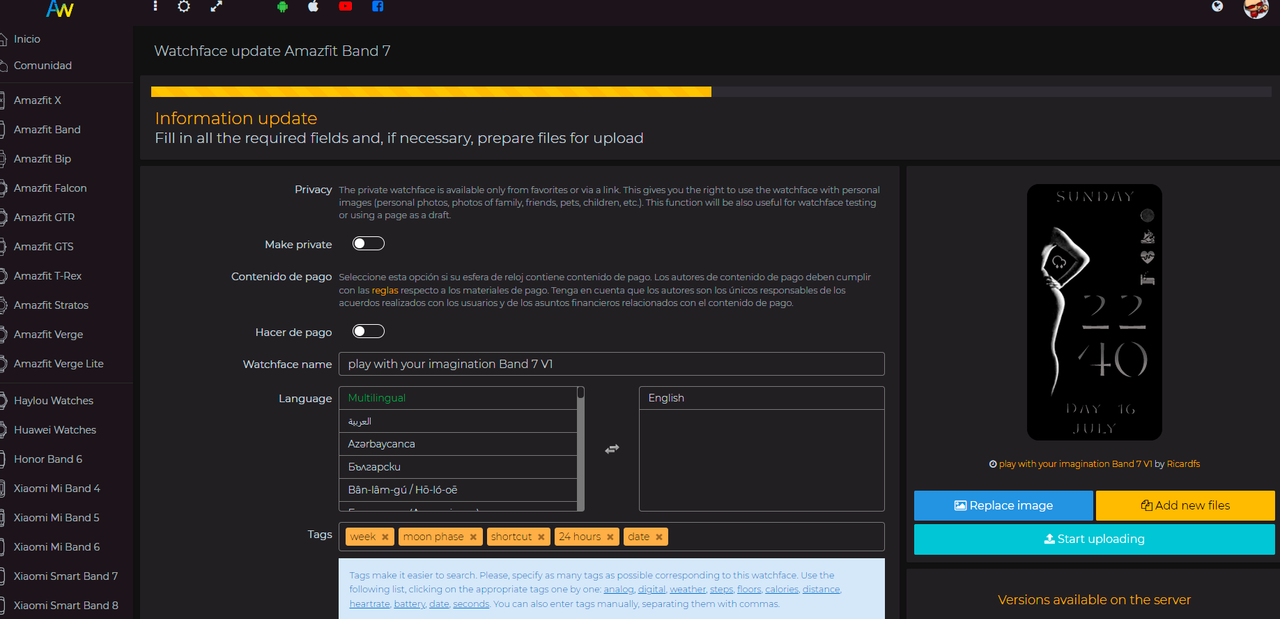
Image

And in other Watch Faces of this same model this error appears to me:
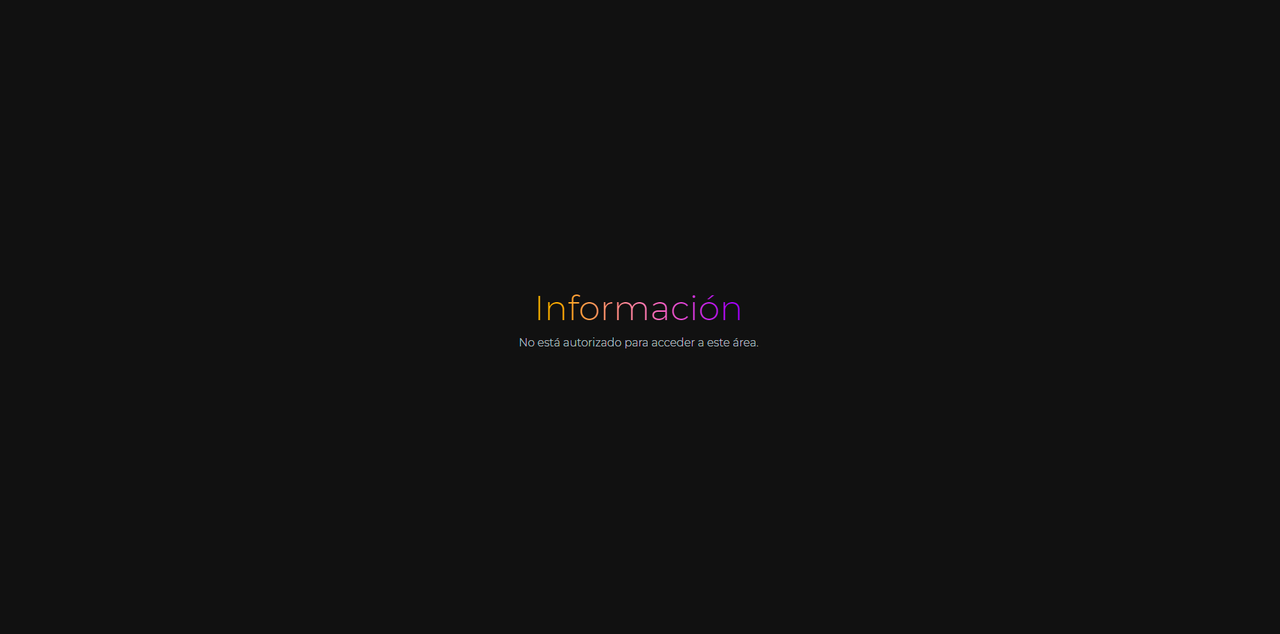
Image

In the Amazfit Bip U Pro model, it happens to me this same, there are Watch Faces that lets me edit and others that do not, when it does not allow me to edit the Watch Face sends me to the next page:

https://amazfitwatchFaces.com/edit?d=am ... and&id=105

If I azalize the page then the Watch Face edition screen appears.

Instead in the GTS 2 mini and GTS 4 mini models, it does not give me a nigun error.

Thank you for your time.
Last edited by Ricardfs on 06 May 2023, 13:08, edited 1 time in total.
User avatar
Ricardfs
Posts: 36
Joined: 29 Sep 2022, 16:10
Location: Spain
Has thanked: 1 time
Been thanked: 3 times
Contact:

Post by Ricardfs »

I feel really bothering really friends.

At the moment with the browser opera for PC I have a very serious mistake, sometimes when I enter some of my Watch Faces the system automatically disconnects me, I just have to strengthen the screen to reappear.

All the content of the Watch Face is visible, even the button to edit, here I have the first error, when I give the edit button I get the following screen:

Image

The link of that image is as follows:

https://amazfitwatchfaces.com/routes/wf ... p&id=43031

I only have to cool the page and I get the Watch Face edition screen, I make the necessary modifications and upload new versions of the Watch Face without problem, when I finish I give the "Start Uploading" button , When completing the edition, it sends me to the main platform:

https://amazfitwatchfaces.com/

I go back to the Watch Face that I just modified and the changes I have made do not exist, it simply lets me make changes but the system does not record them.

This happened to all the models in the Watch Faces:

Amazfit Band 7
GTS 2 mini
GTS 4 mini
Amazfit Bip U Pro

I would be very happy if someone could help me, I have several Watch Faces to update.

Thank you very much to all.
User avatar
GIK-Team
root
Posts: 1014
Joined: 22 Mar 2018, 10:00
Location: Ukraine
Has thanked: 1108 times
Been thanked: 267 times
Contact:

Post by GIK-Team »

@Ricardfs, where did you copy this link from? https://amazfitwatchfaces.com/routes/wf ... p&id=43031
"sometimes it's scary but it's still just you and me” — Leaving Laurel
User avatar
Ricardfs
Posts: 36
Joined: 29 Sep 2022, 16:10
Location: Spain
Has thanked: 1 time
Been thanked: 3 times
Contact:

Post by Ricardfs »

@GIK-Team

That URL takes you to the edition page of a Face Watch.

Now comes the most incredible of everything, I am with the intelligent phone and with the same search engine and I do not give any mistake, I can update my Wact Faces without problem.

Thanks for your attention.
User avatar
Ricardfs
Posts: 36
Joined: 29 Sep 2022, 16:10
Location: Spain
Has thanked: 1 time
Been thanked: 3 times
Contact:

Post by Ricardfs »

@GIK-Team

The error when editing any Watch Face occurs again, at the moment it does not save the modifications when I edit a Watch Face or PC or with the smartphone.
User avatar
GIK-Team
root
Posts: 1014
Joined: 22 Mar 2018, 10:00
Location: Ukraine
Has thanked: 1108 times
Been thanked: 267 times
Contact:

Post by GIK-Team »

Ricardfs wrote: 16 May 2023, 18:27
@GIK-Team

The error when editing any Watch Face occurs again, at the moment it does not save the modifications when I edit a Watch Face or PC or with the smartphone.
There is something wrong with your browser, it loses session or cookies. It is unlikely that we can do anything to help in this case. Try clearing website data and browser cache, it might help to solve the problem.
"sometimes it's scary but it's still just you and me” — Leaving Laurel
User avatar
Ricardfs
Posts: 36
Joined: 29 Sep 2022, 16:10
Location: Spain
Has thanked: 1 time
Been thanked: 3 times
Contact:

Post by Ricardfs »

GIK-Team wrote: 16 May 2023, 22:17
Ricardfs wrote: 16 May 2023, 18:27
@GIK-Team

The error when editing any Watch Face occurs again, at the moment it does not save the modifications when I edit a Watch Face or PC or with the smartphone.
There is something wrong with your browser, it loses session or cookies. It is unlikely that we can do anything to help in this case. Try clearing website data and browser cache, it might help to solve the problem.
It is a really strange theme, I use it operates as a browser on both the smartphone and in my PC, I have done how you advise me and have erased all the browser data, including saving passwords and cookies, first on my smartphone and then on my PC , on both devices I still have the same error.

After making the edition of any Watch Face I click on the save button and send me to the main page of the platform, once I look for the supposedly edited Watch Face and I check that the changes made in the edition have not been saved.

I have downloaded other browsers such as Chrome, Firefox or Brave and I still have it in all of them.

What I can be doing wrong?
User avatar
GIK-Team
root
Posts: 1014
Joined: 22 Mar 2018, 10:00
Location: Ukraine
Has thanked: 1108 times
Been thanked: 267 times
Contact:

Post by GIK-Team »

Ricardfs wrote: 17 May 2023, 15:19
It is a really strange theme, I use it operates as a browser on both the smartphone and in my PC, I have done how you advise me and have erased all the browser data, including saving passwords and cookies, first on my smartphone and then on my PC , on both devices I still have the same error.

After making the edition of any Watch Face I click on the save button and send me to the main page of the platform, once I look for the supposedly edited Watch Face and I check that the changes made in the edition have not been saved.

I have downloaded other browsers such as Chrome, Firefox or Brave and I still have it in all of them.

What I can be doing wrong?
Thank you for your detailed response. We understand how frustrating this can be. We've checked your account and noticed multiple authorization keys left in the system, which might be causing the issue. We have now cleared those 7 keys for you.

Could you please try again to see if the problem persists? It might also be worth checking if any extensions, plugins, or settings on your browser could be causing this issue, especially those related to security and privacy that might affect session or cookie storage.

Additionally, have you tried using a different device or network? This could help us pinpoint if the issue is related to your current device or network.

We appreciate your patience and cooperation as we work to resolve this issue.
"sometimes it's scary but it's still just you and me” — Leaving Laurel
User avatar
Ricardfs
Posts: 36
Joined: 29 Sep 2022, 16:10
Location: Spain
Has thanked: 1 time
Been thanked: 3 times
Contact:

Post by Ricardfs »

@GIK-Team

Thank you very much for the advice, I will review my safety and privacy data on the team.

I use Avast Premium as antivirus, is it possible that I could interfere with something?

I will review everything that advises me and I tell you how the purchase has gone.

Thank you so much.
User avatar
GIK-Team
root
Posts: 1014
Joined: 22 Mar 2018, 10:00
Location: Ukraine
Has thanked: 1108 times
Been thanked: 267 times
Contact:

Post by GIK-Team »

Ricardfs wrote: 18 May 2023, 19:21
I use Avast Premium as antivirus, is it possible that I could interfere with something?
It's indeed possible that Avast or some other security software might be interfering, especially if it has a feature that clears cookies or manages browser data. Please ensure that your antivirus or any other security software you're using is not clearing cookies for our website. You could also try disabling it temporarily to see if the problem persists.

Please keep us updated with your progress. We're here to help!
"sometimes it's scary but it's still just you and me” — Leaving Laurel
User avatar
Ricardfs
Posts: 36
Joined: 29 Sep 2022, 16:10
Location: Spain
Has thanked: 1 time
Been thanked: 3 times
Contact:

Post by Ricardfs »

@GIK-Team

I've been testing with Opera, Chrome, Firefox and Brave, in the first three there are times when it lets me edit and save the changes and times when it doesn't, or I get a screen saying I don't have permission to access or send me to the home page of the platform.

I have done tests with all the browsers with Avast activated and deactivated, the results are the same as those mentioned in the previous paragraph, Avast does not influence the behavior of the browsers.

I have erased all the data from the browsers, I have even removed them from the system and reinstalled them.

There is an exception with Brave, this browser does not give me any errors, it allows me to edit my Watch Faces without problem and it always saves my changes.
User avatar
GIK-Team
root
Posts: 1014
Joined: 22 Mar 2018, 10:00
Location: Ukraine
Has thanked: 1108 times
Been thanked: 267 times
Contact:

Post by GIK-Team »

@Ricardfs

Hello! Thank you for sharing these details. If the Brave browser is working for you without any issues, I would recommend continuing to use that for our website. This may be the simplest way to avoid this issue. If you wish to continue troubleshooting this issue with the other browsers, you may need to reach out to the technical support for those browsers, or find an IT specialist to help you with your system settings. Unfortunately, we are limited in how we can help with these particular issues as they are outside the scope of our website. I hope this helps!
"sometimes it's scary but it's still just you and me” — Leaving Laurel
User avatar
Ricardfs
Posts: 36
Joined: 29 Sep 2022, 16:10
Location: Spain
Has thanked: 1 time
Been thanked: 3 times
Contact:

Post by Ricardfs »

@GIK-Team

For the moment I will use Brave as a browser, it is practically the same as my favorite Opera browser but maybe a little faster still.

I understand that you can't offer me more help in this regard and I thank you very much for the time you have invested in my problem, as with a simple change of browser the error disappears, I don't worry about the error anymore.

Thanks a lot for your time.
User avatar
GIK-Team
root
Posts: 1014
Joined: 22 Mar 2018, 10:00
Location: Ukraine
Has thanked: 1108 times
Been thanked: 267 times
Contact:

Post by GIK-Team »

@Ricardfs

Hello! That sounds great. I'm glad to hear that you've found a solution that works for you by using the Brave browser. If you encounter any further issues or if there's anything else you need help with, don't hesitate to reach out. Thank you for your understanding and patience!
"sometimes it's scary but it's still just you and me” — Leaving Laurel
Locked

Return to “Closed topics”

Who is online

Users browsing this forum: No registered users and 1 guest