NanR20 wrote: 20 Nov 2022, 15:11
You can, using the ID-Number option,
you put the number and you’ll find the WF for the GTR4 you want to install.
Cheers
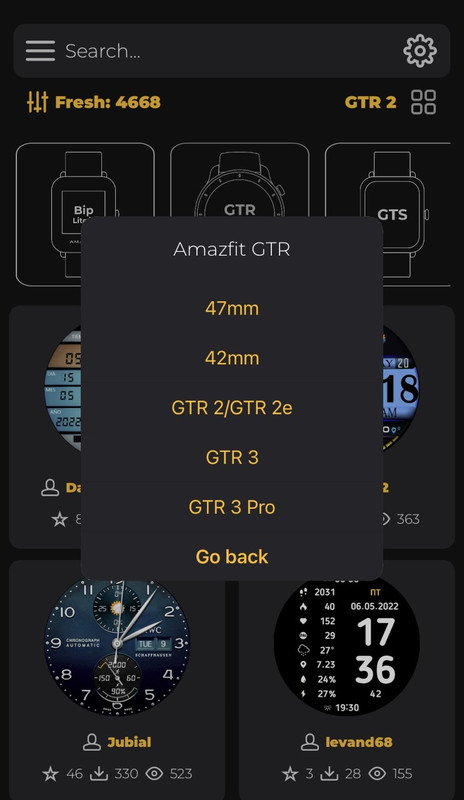
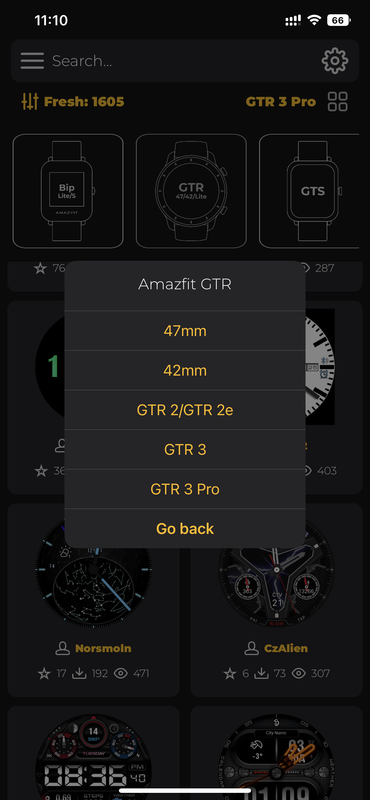
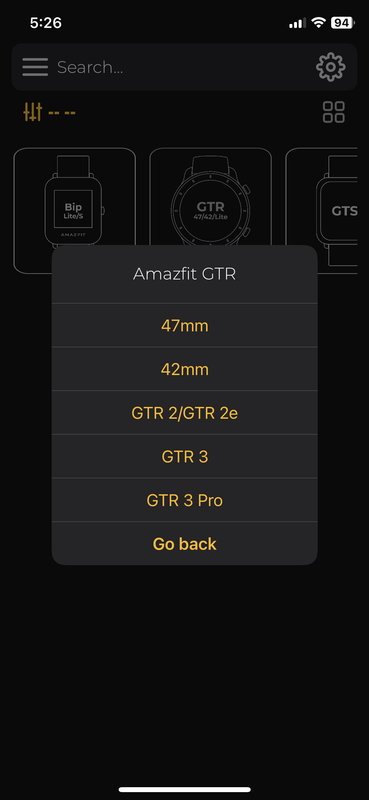
Hi, can you elaborate how to do this? Do we have to search in the app? And where can we get this number?
EDIT: Nevermind, found it. I didn't notice there is an option to search by ID in the app. Now my problem is, the installation is getting stuck in "Connecting..."

EDIT 2: I managed to sync the watch face using the method below. Anyone who encounters sync issues, you can try it as well.
1. Select a watch face to install in Amazfaces app.
2. Select Download > Install
3. Amazfaces app will show "Connecting..."
4. Switch to Zepp app
5. Zepp app will sync
6. Switch back to Amazfaces app
7. Amazfaces app will proceed to upload the watch face to your watch
8. Enjoy your new watch face