Combat ( Amazfit Balance )
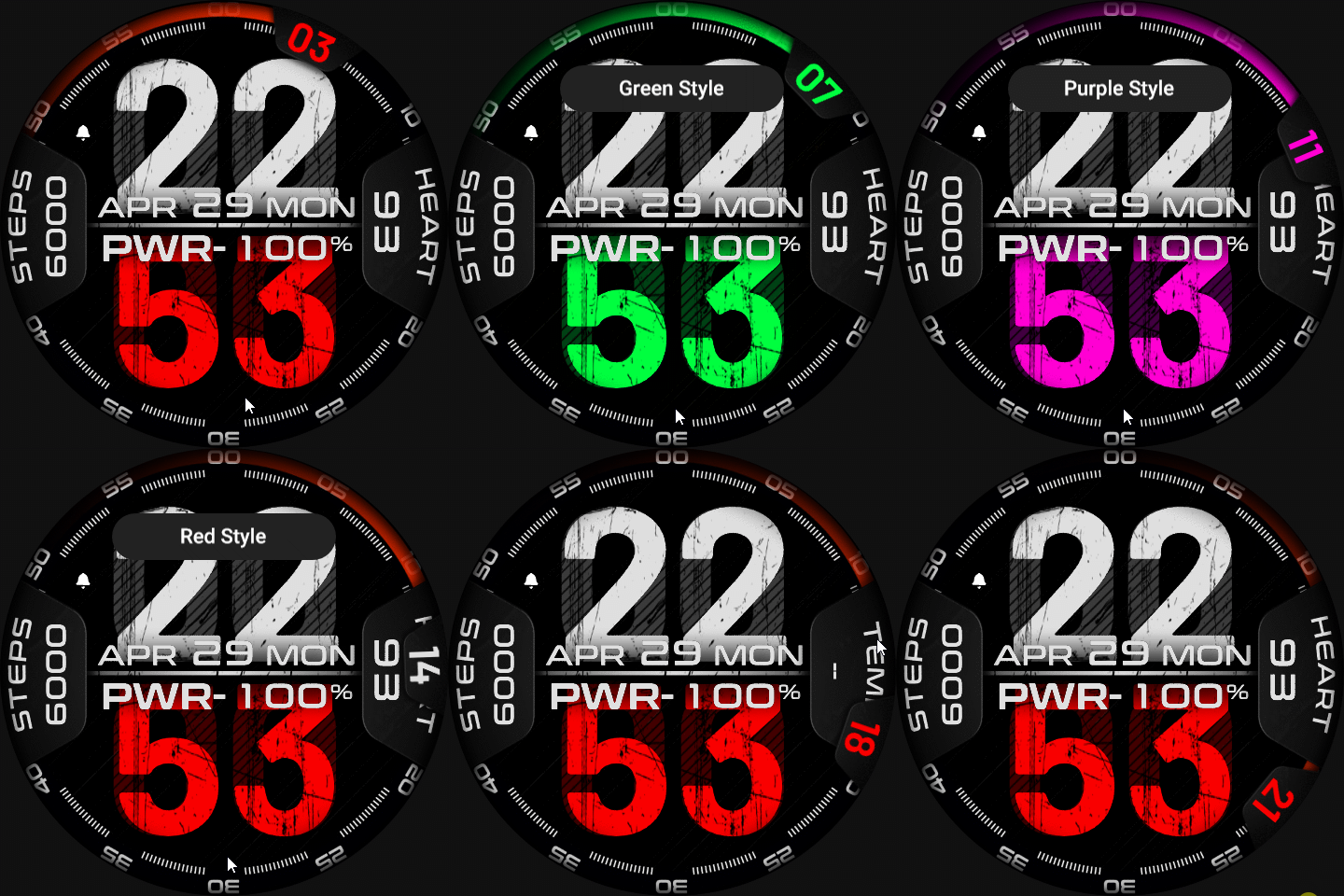
Balance en
请注意,本网站上所有可用的手表面都是我们用户的创作作品,并且与任何官方品牌或商标无关。这些作品是由粉丝为粉丝创作的,灵感来源于流行文化现象、游戏、电影或电视剧。
我们的目标是提供一个创意交流的平台,同时我们也致力于尊重知识产权。如果您拥有本网站上任何内容的版权,并认为该内容侵犯了您的权利,请与我们联系以采取适当措施。

描述
Note:
Thank SashaCX75 so much for Editor 11.0 BetaIf without a good editor like this, It would be difficult to make this watchface. , so who want to donate please donate to sashacx75
https://www.buymeacoffee.com/sashacx75
or.
(Paypal: [email protected])
----------------------------------------------------------------------------------------------------
Thank wax so much for code change background by click on screen
/gtr/view/27840
--------------------------------------------------------------------
This watch face made by ported from image COMBAT
f a c e r . i o
----------------------------------------------------------------------
I didn't design it , do not give credit to me.
----------------------------------------------------------------------- This watchface i do it for use by myself
- Please do not request any modify.
- This watch face, I will not accept any requests
- If have request in the comment i will not answer
- who is interest to modify, you can download and edit it by yourself.- Only tested on Amazfit Balance
- If the owner requests it to be removed Admin can delete immediately.
Thank you.
---------------------------------------------------------------------------------------- In FAOD ( display stop all action and the right show only heart rate )
- Shortcut open calendar ( click on day area )
- Open power save by click on battery area
- Change color style by click on 6 o'clock
---------------------------------------------------------------------------------------
- Shortcuts
(1. Alarm , 2. sunrise/sunset , 3. temperature, 4. countdown , 5.PAI , 6. Steps , 7. Pulse , 8. SP02 , 9.Stopwatch , 10.calendar , Power Save
------------------------------------------------------------------------------------------
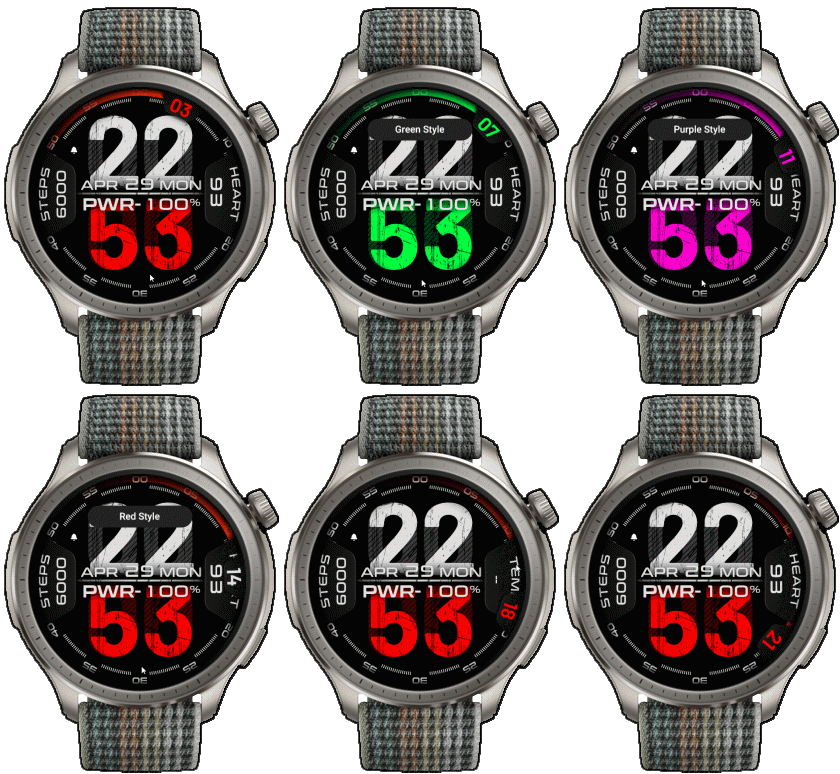
Image showing shortcuts area
29-04-2024 (1) (2) (3)
- Update Version 2.4 (3)
- Fixed issue can not hidden "error symbol" and "minus" in "temp. element", when switch to heartrate (3)
- Delete all old Version (3)
- Upload Version 2.3 (2)
- Didn't edit the script in the main components section. Just add shadows along the edges.
If anyone already likes Version 2.2.2, there is no need to download it again. (2)
- Upload Version 2.2.2 (1)
- Fixed issue Negative temperatures do not show the minus sign.
- Delete ALL old version
28-04-2024 (1) (2)
- Upload Version 2.2.1 ( Add icon alarm ON and bluetooth OFF ) (2)
- Add shortcut temp and heart rate (click on it's number) (2)
- Thank SashaCX75 very much about script fixed in Version 2.2 about AOD
-Update Version 2.2 Fixed script about AOD ( now have AOD it's show white style and no seconds )- Version 2.2 Please press the top button once to activate. If you not press it, you may encounter a stuck preview screen. until you press the top button (do this step only once when the watch face is installed in the first time)
27-04-2024 (1) (2)
- Version 2.1.02 no AOD This Version can change color style with out click to refresh screen
but use battery more than Version 2.1.01 (2)
- Version 2.1.01 no AOD because it not work with script , remove seconds digital (2)
- Ported
- Change little layout and images
- Add weather, steps, heart rate, battery, date, calendar,
- In FAOD ( display stop all action and the right show only heart rate )
- Shortcut open calendar ( click on day area )
- Open power save by click on battery area
- Change color style by click on 6 o'clock
- Add custom script for ALL seconds Effect
- after switch "heart / temp." or change "color style" the screen will be turn off. Please click on screen again for refresh color or information
From testing, it can be used correctly on Balance (ZeppOS 3.5).
However Some of the new features added will definitely not support ZeppOS 1.x.
------------------------------------------------------------------------------
This watch face was created to test Editor Version 11.0 Beta.
Therefore, lower versions may not be able to unpack correctly.
------------------------------------------------------------------------------it works in 24h format.
for the 12 h format to work. must be enabled in phone settings. (settings-system-date and time-disable 24-hour format.)
------------------------------------------------------------------------------
标签
分享此表盘
评论
您需要登录才能发布或回复评论。
近期 社区论坛 讨论贴
Everything and LiveView for balance 2
Hello guys to all. Can someone help me and make these watchfaces as it is for balance 2. Please in perfomance watchface if it's possible add digital seconds and add 24h icon in am and pm place. These are free zepp watchfaces from store for ...
Digital Clock watchface for balance 2.
Hello to all. I found this watchface from zepp store for amazfit bip max and would be great if someone from the watchface creators making it for amazfit balance 2. Thank you ...
[Balance 2] Third-party watch faces fail to download with error 403
QR Installation Update We've finished analyzing the changes introduced in the latest Zepp versions and have updated our server accordingly. QR code installation should now work again for both: - amazfitwatchfaces.com ...
Modular and Active Rhythm for Balance 2
Thank you! It's amazing as always....
Azureblue luminous for amazfit active 2
Hi you all, could someone please fix the swapped watch hands on the "AzureBlue Luminous" watch face for the Amazfit Active 2? The long hand is showing the hours, while the sh...
Number of week Amazfit active 3 premium
Hi Do you know about some watchface with number of week ? For example wk36 Thanks You could check out Drakowed's watch faces: https://amazfitwatchfaces.com/search/g...
Electronic Style and Status Monitor for balance 2
Hello to all. Can someone help me and make these zepp watchfaces from zepp store for Bip max convert them for balance 2. Thank you. https://ze.mmk.pw/view/11206915/171619/1....





it's not error in AOD script will make show only heart rate
I didn't write a script to pass the element's selection values to AOD.
Because I do not use AOD, so all I did was create a basic AOD based on some elements from the main screen only.
If you want to proceed as you say. You can edit it yourself.
You can find more information from this topic.
/forum/viewtopic.php?p=18084#p18084
Or you can edit just only the AOD section the way you want using sasha's editor 21.05.2024 05:58:58 投诉
and please read Discription carefully
if you want to request please use the forum that is relevant to what you are requesting. 03.04.2025 18:19:17 投诉
This watch face is not ported to the Bip6. I think the design looks not nice when converted to a square screen, but if you want to convert it to the Bip6, you can do so yourself.
However, I have created a watch face with a seconds widget around the bezel like this one on the Bip6, but the layout won't be exactly the same.
/bip/view/44770
If you are interested in this widget, you can modify it further by youself. 21.03.2026 02:30:53 投诉