BLUE Color 0000FF gives error in BIP watch face making however ..
Posted: 03 Mar 2019, 19:32
If I apply Blue color (0000FF) to the numerical digits, warning message comes while the .bin file is being made. The warning is as follows -
Trace|Loading image 2...
Trace|Image was loaded from file C:\Users\Asadul Huq\Desktop\MyBIPFace\10\10\0402.png
Warn|Dithering applied for an image. Resource in watch face will use only supported colors. You can't get back original image by unpacking watch face.
Trace|Loading image 3...
....
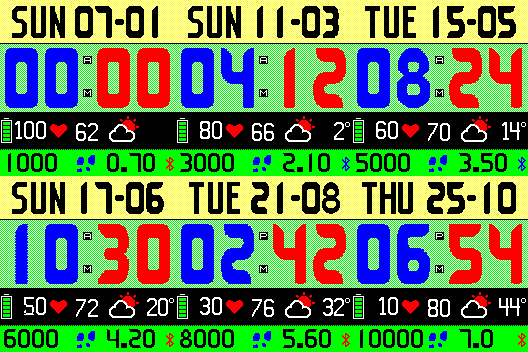
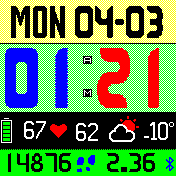
However, the actual image file shows the color correctly and the bip watch itself displays 0000FF (BLUE) color correctly. Then why that Warning message? See the following images-
Trace|Loading image 2...
Trace|Image was loaded from file C:\Users\Asadul Huq\Desktop\MyBIPFace\10\10\0402.png
Warn|Dithering applied for an image. Resource in watch face will use only supported colors. You can't get back original image by unpacking watch face.
Trace|Loading image 3...
....
However, the actual image file shows the color correctly and the bip watch itself displays 0000FF (BLUE) color correctly. Then why that Warning message? See the following images-