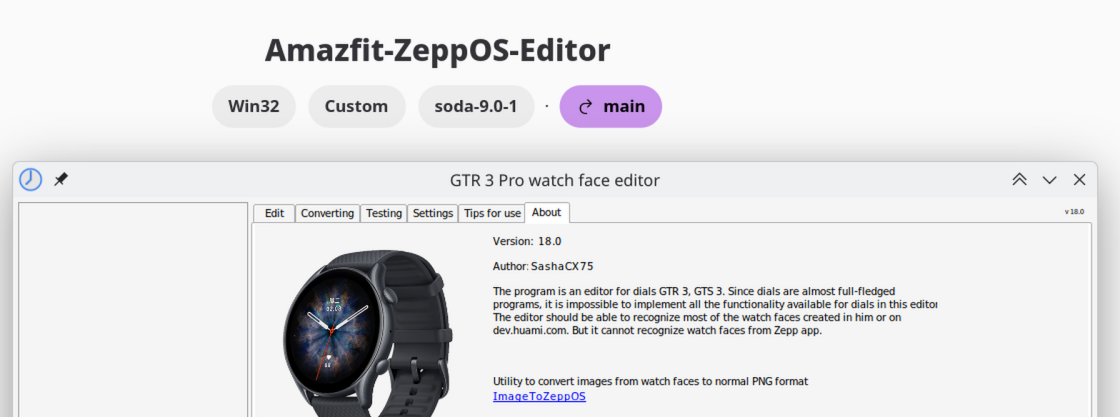
Running the AmazFit Watch Face Editor (ZeppOS) on Linux via Wine – Full Guide
Inviato: 29 apr 2025, 18:37
First of all, thanks to @SashaCX75 again for this great tool. I’m a Linux-only user and wanted to share my experience getting the Watch Face Editor (ZeppOS) viewtopic.php?t=2743 running successfully under Fedora 42 using Wine. This should work similarly on other distributions.
Old Version:
 Step-by-step setup process
1. Install Wine and Winetricks (via package manager)
On Fedora:
This will install the latest native Wine (in my case: wine-10.4 (Staging)).
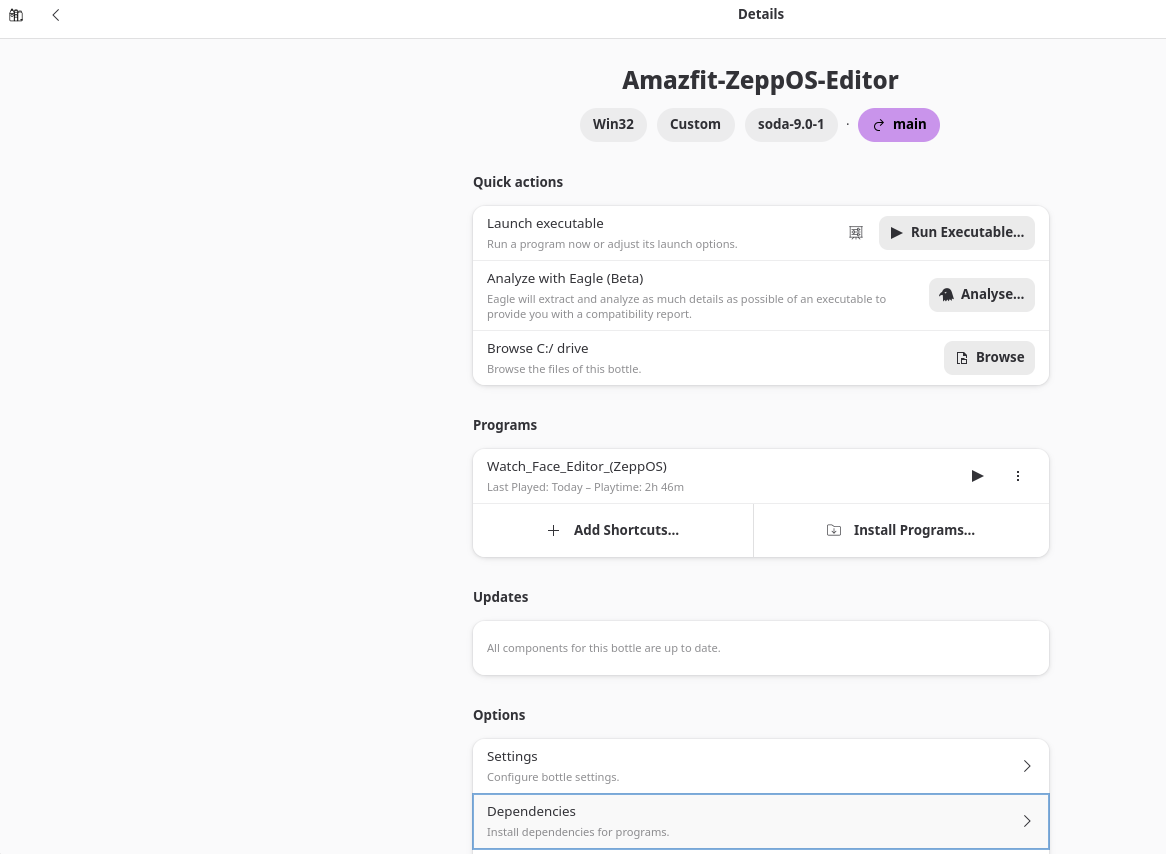
2. Create a clean Wine prefix
- Set Windows version to Windows 7 in the winecfg dialog.
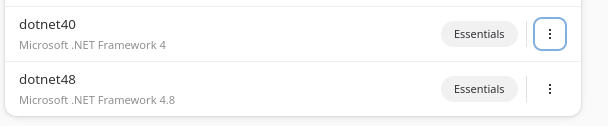
3. Install .NET Framework 4.8
 You’ll need to go through several Microsoft .NET installers (4.0 through 4.8). Accept all licenses and click “Finish” each time. Do not install optional extras.
 Installing the Watch Face Editor
Extract the ZIP file (Watch_Face_Editor_(ZeppOS)_v13.1.zip) to a clean folder without spaces or special characters:
 How to start the editor
You can start the editor with:
If the filename contains spaces or parentheses, always quote it properly.
Replace YOURUSER with your username.
🖼 Desktop integration (optional)
If you want to launch it from your app menu, create a small shell script like this:
Then create a .desktop file pointing to this script, and place it in ~/.local/share/applications/.
 Summary
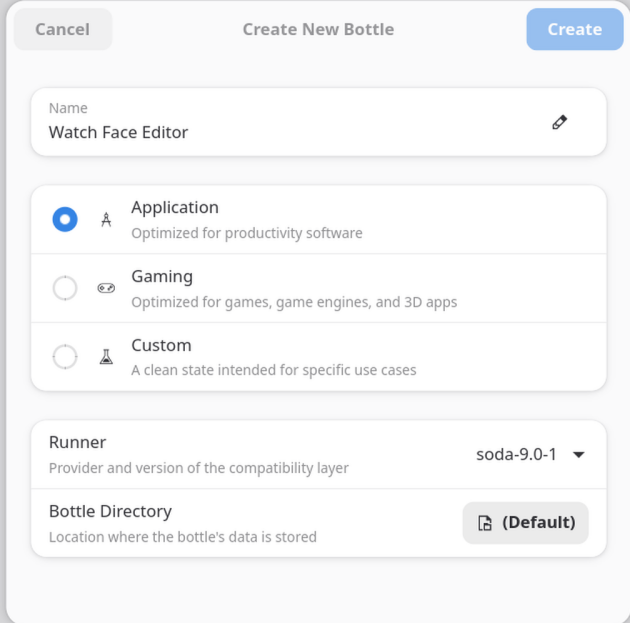
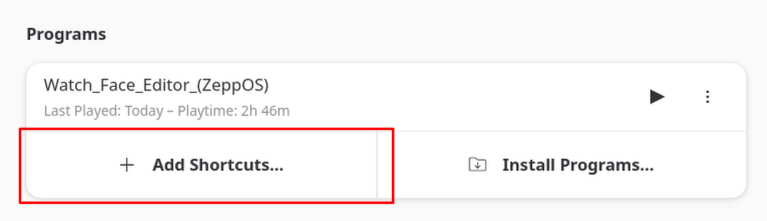
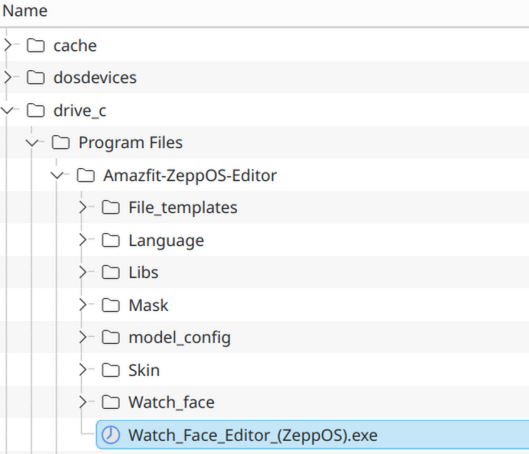
Hope this guide helps other Linux users to run the Amazfit Watch Face Editor smoothly under Wine!  Updated easier version:
https://amazfitwatchfaces.com/forum/vi ... 438#p22438
Old Version:
Spoiler
 Step-by-step setup process
1. Install Wine and Winetricks (via package manager)
On Fedora:
Codice: Seleziona tutto
sudo dnf install wine winetricks
2. Create a clean Wine prefix
Codice: Seleziona tutto
export WINEPREFIX=~/wine-amazfit-editor
export WINEARCH=win32
winecfg
3. Install .NET Framework 4.8
Codice: Seleziona tutto
winetricks dotnet48
 You’ll need to go through several Microsoft .NET installers (4.0 through 4.8). Accept all licenses and click “Finish” each time. Do not install optional extras.
 Installing the Watch Face Editor
Extract the ZIP file (Watch_Face_Editor_(ZeppOS)_v13.1.zip) to a clean folder without spaces or special characters:
Codice: Seleziona tutto
mkdir -p ~/WineApps/WatchFaceEditor
unzip "~/Downloads//Watch_Face_Editor_(ZeppOS)_v13.1.zip" -d ~/WineApps/WatchFaceEditor
 How to start the editor
You can start the editor with:
Codice: Seleziona tutto
WINEPREFIX=~/wine-amazfit-editor wine "home/YOURUSER/WineApps/WatchFaceEditor/Watch_Face_Editor_(ZeppOS).exe"
Replace YOURUSER with your username.
🖼 Desktop integration (optional)
If you want to launch it from your app menu, create a small shell script like this:
Codice: Seleziona tutto
#!/bin/bash
export WINEPREFIX="$HOME/wine-amazfit-editor"
wine "$WINEPREFIX/drive_c/Program Files/WatchFaceEditor/Watch_Face_Editor_(ZeppOS).exe"
 Summary
| Component | Status |
| Wine Compatibility |  Good Good |
| .NET 4.8 support | Working via Winetricks |
| Watch Face Editor GUI | Launches and works |
| Desktop launcher | Works |

https://amazfitwatchfaces.com/forum/vi ... 438#p22438