Watchface error with buttons in Watch face editor for Amazfit
Додано: 15 квітня 2025, 10:11
Hello translate the message from another thread,
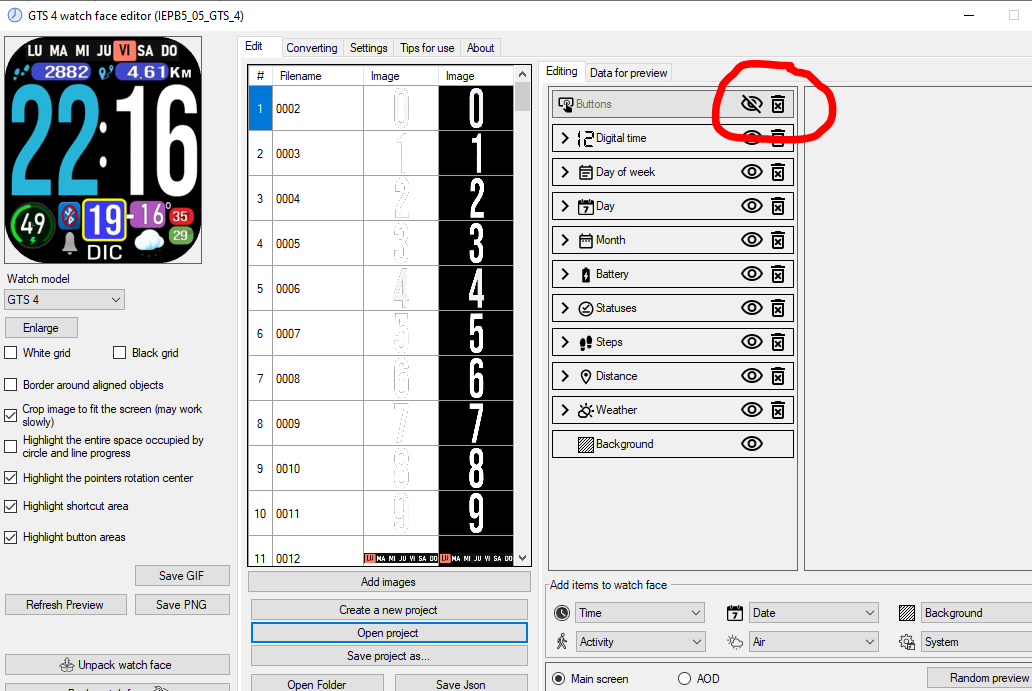
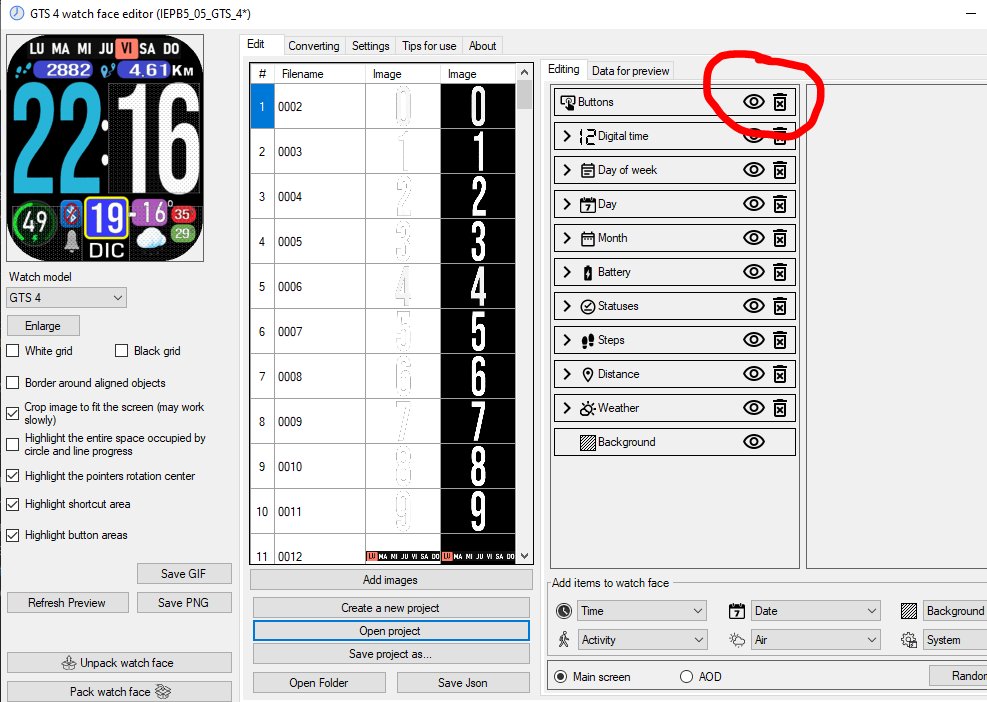
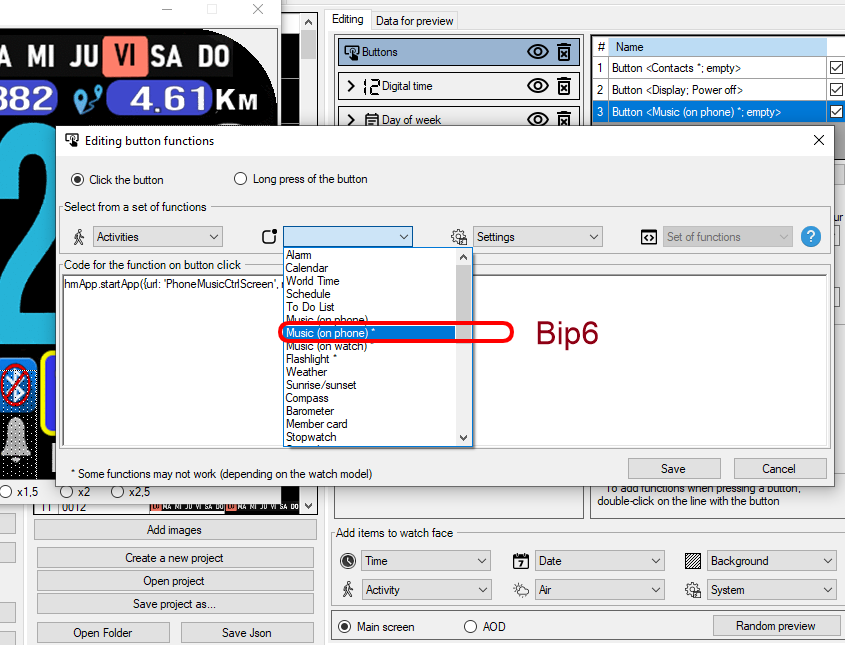
I've followed the steps to install a watchface on my BIP 6, having done it for a GTS4, and it works fine, but I can't get the buttons to work. Is there anything special that needs to be done differently with previous versions of the program? I followed the same steps as I did previously for the BIP 5, but it doesn't work.
I attach the watchface that I have made with the buttons that do not work.
thankyou
I've followed the steps to install a watchface on my BIP 6, having done it for a GTS4, and it works fine, but I can't get the buttons to work. Is there anything special that needs to be done differently with previous versions of the program? I followed the same steps as I did previously for the BIP 5, but it doesn't work.
I attach the watchface that I have made with the buttons that do not work.
thankyou