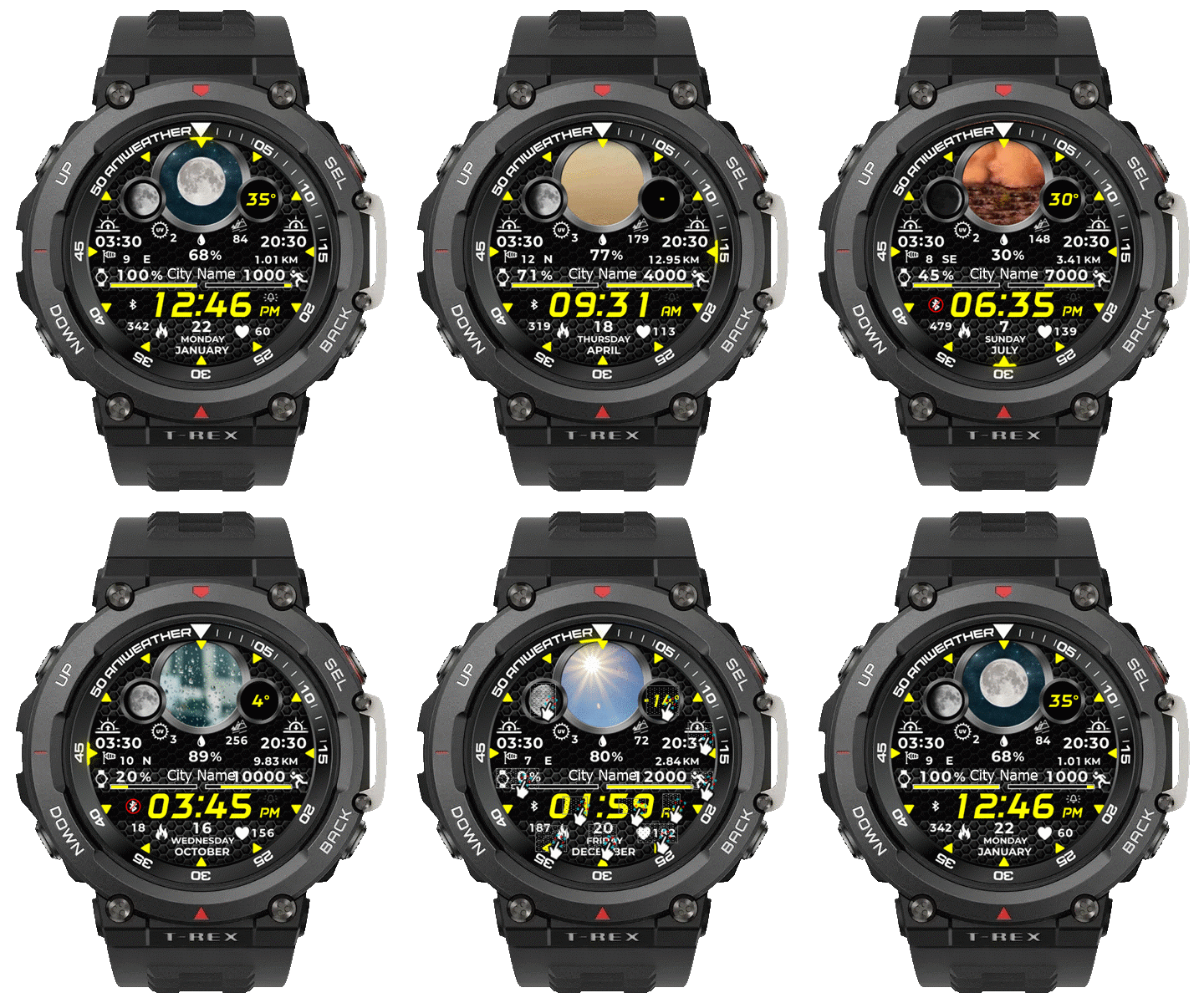
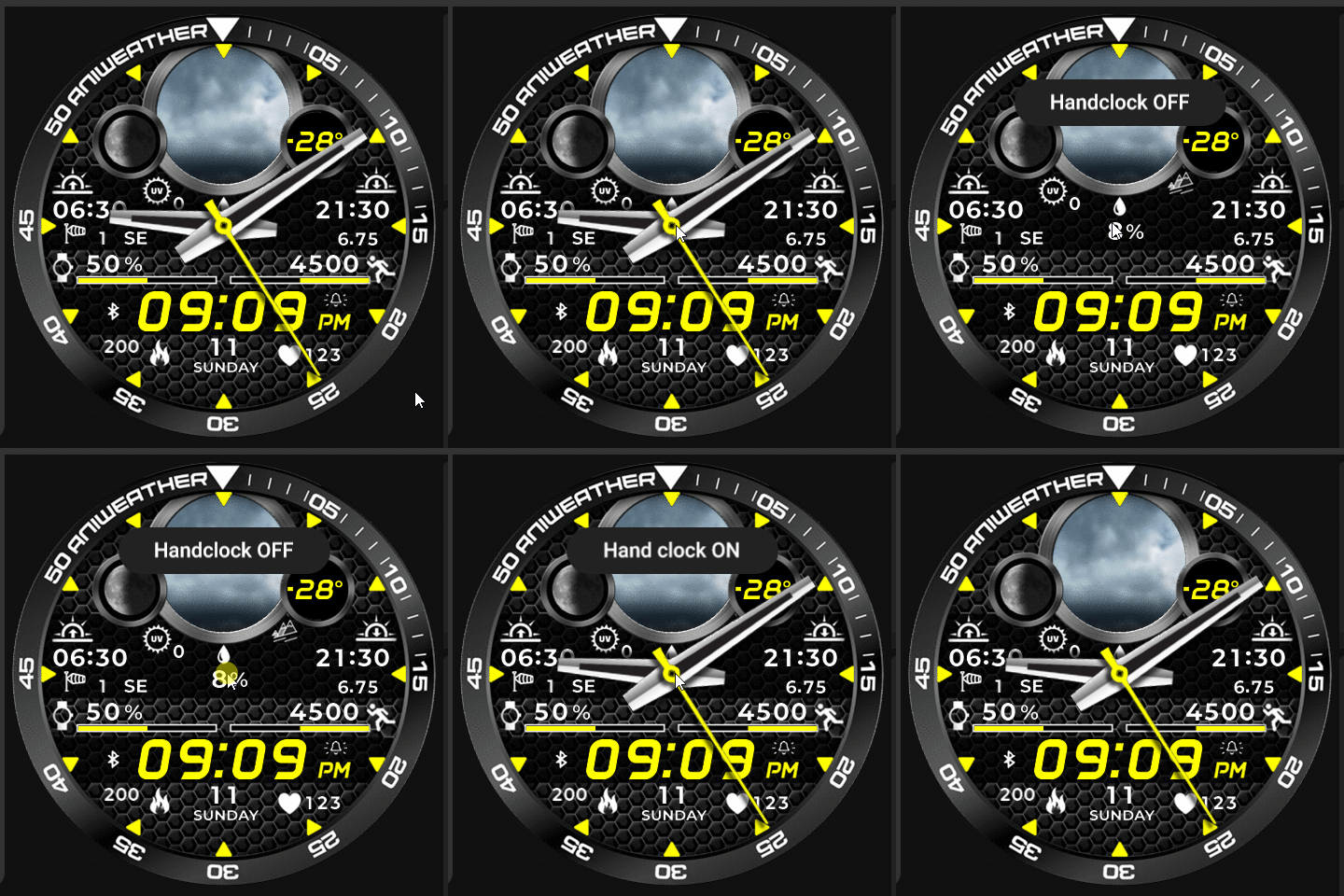
RobertV56 wrote: 23 Jul 2024, 20:18
asoo it turned out beautiful again, for which I am extremely grateful, but there is one thing, could you set the sunset a little more inwards, it now comes slightly over the outer ring just before the 15.

I'm not sure if this is solved correctly because I'm not using Trex2.
I tested on Balance and found no reported issues.
I've tried to fix this using simultor as a character aligner. which the display may not match the real device (T-Rex2)
You can download fixed version in my old post
viewtopic.php?p=18643#p18643
But if it's still not within the range that you're satisfied with, please make additional corrections yourself.
Because I don't have a T-Rex2, I can't proceed properly.
How to fix:
Open the index.js file in the watchface's file (.zip).
( Use the Notepad or other text editor to edit it.)
search
Code: Select all
normal_sun_low_text_img = hmUI.createWidget(hmUI.widget.TEXT_IMG, {
 x: 326,
 y: 200,
 font_array: ["Act_0.png","Act_1.png","Act_2.png","Act_3.png","Act_4.png","Act_5.png","Act_6.png","Act_7.png" ,"Act_8.png","Act_9.png"],
 padding: false,
 h_space: 0,
 invalid_image: 'SS_Dot.png',
 dot_image: 'SS_Dot.png',
 align_h: hmUI.align.LEFT,
 type: hmUI.data_type.SUN_SET,
 show_level: hmUI.show_level.ONLY_NORMAL,
 });
and
Code: Select all
idle_sun_low_text_img = hmUI.createWidget(hmUI.widget.TEXT_IMG, {
 x: 326,
 y: 200,
 font_array: ["Act_0.png","Act_1.png","Act_2.png","Act_3.png","Act_4.png","Act_5.png","Act_6.png","Act_7.png" ,"Act_8.png","Act_9.png"],
 padding: false,
 h_space: 0,
 invalid_image: 'SS_Dot.png',
 dot_image: 'SS_Dot.png',
 align_h: hmUI.align.LEFT,
 type: hmUI.data_type.SUN_SET,
 show_level: hmUI.show_level.ONLY_AOD,
 });
Then edit the numbers after "x:" to move them to your desired position.
 , someone would like to port it to T-Rex2