I can't open the png files in the "assets" folders
Додано: 24 вересня 2023, 20:19
Hi.
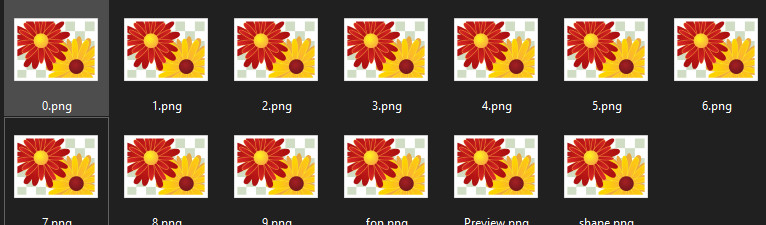
After downloading the zip file of a watch face for GTS 4, when I try to open the png's in the "assets" folder I can't open them. The classic windows photo viewer tells me "Cannot open this image because the file appears to be damaged or too large", and the modern photo viewer tells me "It appears that the format of this file is not supported".
Why does this happen?
Thank you.
After downloading the zip file of a watch face for GTS 4, when I try to open the png's in the "assets" folder I can't open them. The classic windows photo viewer tells me "Cannot open this image because the file appears to be damaged or too large", and the modern photo viewer tells me "It appears that the format of this file is not supported".
Why does this happen?
Thank you.