Página 1 de 1
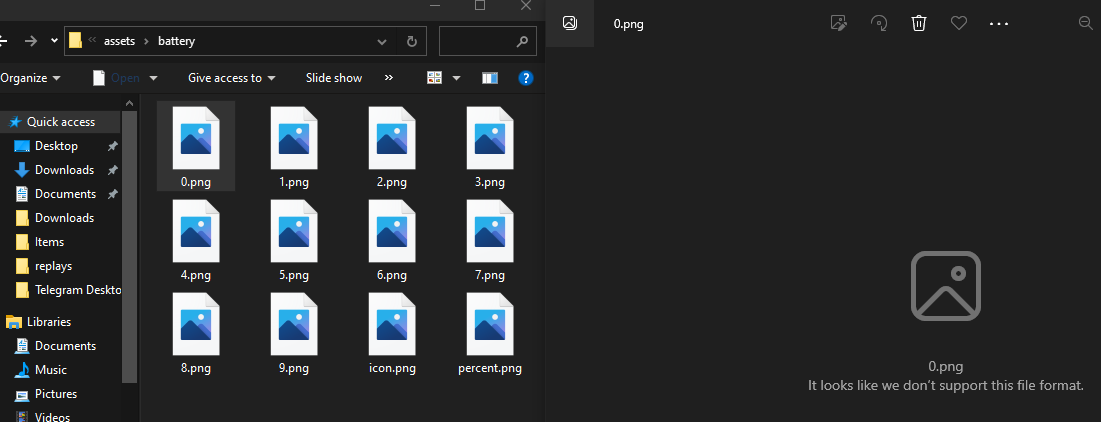
How can i open an .png images after unpacking them?
Enviado: 09 Jun 2023, 09:25
por seeya
Was trying to make custom watchface and wanted to check out how the numbers would look like in .png files but they wouldn't open, is there's a way to open them?
Re: How can i open an .png images after unpacking them?
Enviado: 09 Jun 2023, 11:55
por asoo
png in pack is PNG ( amazfit format ) if you want to edit you must to convert to normal PNG
You can use this utility to convert :
viewtopic.php?p=14958#p14958
Or use this program to unpack and edit layout :
viewtopic.php?p=11643#p11643
Re: How can i open an .png images after unpacking them?
Enviado: 09 Jun 2023, 13:41
por seeya
asoo escreveu: 09 Jun 2023, 11:55
Alright... What if i use Mi Fit, i wanna create a watch face for Mi Band 6 and looking at this programm looking like this is not what i need at all
Re: How can i open an .png images after unpacking them?
Enviado: 09 Jun 2023, 14:22
por asoo
seeya escreveu: 09 Jun 2023, 13:41
Alright... What if i use Mi Fit, i wanna create a watch face for Mi Band 6 and looking at this programm looking like this is not what i need at all
Since you didn't mention in the first post which device you are using, I looked at the picture you attached and saw folder "assets" which is same as GTR 3 / 3 pro / 4 , so I replied that way.
If it's Mi Fit, I no idea for that.
-------------------------------------------------------------
But as far as I can find on the web, there is a topic related to the Mi band 6 editor, follow the link.
viewtopic.php?p=8477#p8477
Re: How can i open an .png images after unpacking them?
Enviado: 11 Jun 2023, 09:50
por seeya
I see, thanks! Looks like a perfect tool, the only thing i couldn't understand is how to create a time, maybe you have any ideas cuz i'm so confused
Re: How can i open an .png images after unpacking them?
Enviado: 11 Jun 2023, 10:04
por asoo
seeya escreveu: 11 Jun 2023, 09:50
I see, thanks! Looks like a perfect tool, the only thing i couldn't understand is how to create a time, maybe you have any ideas cuz i'm so confused
Sorry, I can't give you advice on this part because I don't use mi band. I recommend you to ask the questio it , at the topics in related, There should be someone who can help solve your problem exactly to the point, such as this topic
viewtopic.php?p=8477#p8477
Or this
viewtopic.php?t=3078
Re: How can i open an .png images after unpacking them?
Enviado: 11 Out 2024, 00:11
por carepayer
thanks a lot