Pulse & Steps Won't Display
Posted: 21 Jan 2020, 01:15
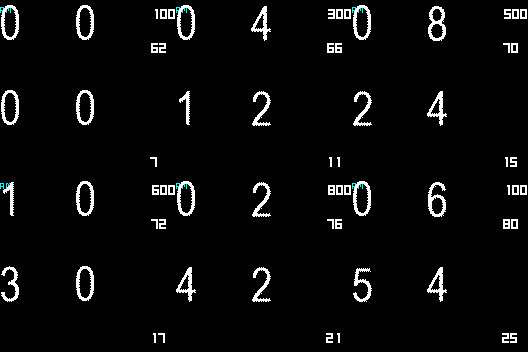
I've been trying to get the steps and pulse to display on the background, but they keep disappearing in the preview. Everything looks fine in WF Editor, but they disappear after it packs the bin.
Here is what it looks like before I create the bin (remove the space before .cc - Who da think "Add image to post" would be blocked by it's own site? )
)
i.postimg .cc/ryQvBxXM/Neg1.png
Now, this is what it looks like on the preview and watch (remove the space before .cc)
i.postimg .cc/sgSHgZ8B/Negative-packed-static.png
I've attached the JSON file incase that helps see what I'm doing wrong. Had to change the extension to txt since someone thought it was a good idea to block JSON files on a board for watchface support.
Thanks!
Here is what it looks like before I create the bin (remove the space before .cc - Who da think "Add image to post" would be blocked by it's own site?
)i.postimg .cc/ryQvBxXM/Neg1.png
Now, this is what it looks like on the preview and watch (remove the space before .cc)
i.postimg .cc/sgSHgZ8B/Negative-packed-static.png
I've attached the JSON file incase that helps see what I'm doing wrong. Had to change the extension to txt since someone thought it was a good idea to block JSON files on a board for watchface support.
Thanks!