Hello, I just got an Amazfit GTR 4 not so much for the sports and GPS features but as a lighted dial watch. Then I discovered this web site with all these incredible watch faces. I was able to install one watch face which I really liked but then it disappeared after 30 seconds and some generic face took it's place. I turned on the all day setting but that didn't change that 30 second limit.
I finally found the 'Screen Off Styles' and 'Follow Watch Face' section on the phone Zepp app. Is there a way to add 'custom watch faces' to the Screen Off Styles section... or a way to extend the 30 second limit?... I must be doing something wrong because with all these cool watch faces I can't see people being happy with a 30 second display limit. Any help will be hugely appreciated. Thank you.
-
- Administrator
-
-
Support Ukraine
If you experience any problems with the forum (it is not visible, there is no way to post messages, or some functionality does not work), please let us know. If you have problems with registration or you did not receive confirmation letter, let us know and we will activate your account manually.
If you get an "The submitted form was invalid. Try submitting again" error, delete cookies, then try again.
30 Second Limit . Amazfit GTR 4
Forum rules
When adding a new topic, use the template: Topic title [device name]
For example: Screen timeout question [GTR 3 Pro]
All communication in this branch should only be in English.
When adding a new topic, use the template: Topic title [device name]
For example: Screen timeout question [GTR 3 Pro]
All communication in this branch should only be in English.
30 Second Limit . Amazfit GTR 4
Last edited by giac2525 on 29 Aug 2023, 15:30, edited 1 time in total.
-
asoo
- Posts: 2205
- Joined: 03 Jan 2019, 01:48
- Location: ͼͽ Thailand ͼͽ
- Has thanked: 421 times
- Been thanked: 2128 times

From your question I'm not sure if I got it right. I have replied as I understand it as follows.giac2525 wrote: 29 Aug 2023, 11:11Spoiler
Hello, I just got an Amazfit GTR 4 not so much for the sports and GPS features but as a lighted dial watch. Then I discovered this web site with all these incredible watch faces. I was able to install one watch face which I really liked but then it disappeared after 30 seconds and some generic face took it's place. I turned on the all day setting but that didn't change that 30 second limit.
I finally found the 'Screen Off Styles' and 'Follow Watch Face' section on the phone Zepp app. Is there a way to add 'custom watch faces' to the Screen Off Styles section... or a way to extend the 30 second limit?... I must be doing something wrong because with all these cool watch faces I can't see people being happy with a 30 second display limit. Any help will be hugely appreciated. Thank you.
The 30 second limit is for saving power.
If you want to show the same watchface always in both normal and AOD you must enable AOD and select style aod in the watch face you are using and most importantly your AOD must be Full AOD i.e. Your AOD must have the same elements as your home screen.
From what you said it seems The watch face you're using Creator doesn't build for full AOD.
It is therefore partially displayed (I guess the reason the makers did it was to save the power of the watch). If you want the watch to keep the same screen on all the time, I suggest you try contacting the owner of the watch face you mentioned and ask them if he can do Full AOD for you.
However, in the AOD mod, the display brightness of the watch face may be less than that of the home screen.
For the reasons mentioned above is to save energy
And the screen in AOD may move 1-2 pixs according to system time. to prevent pix burn
ͼͽ To request please use the interrelated forum in action ͼͽ
Please do not PM to me for requests ported watchface.
Please do not PM to me for requests ported watchface.
Thank you for your quick response. When I download watch faces from this site I get this notice...
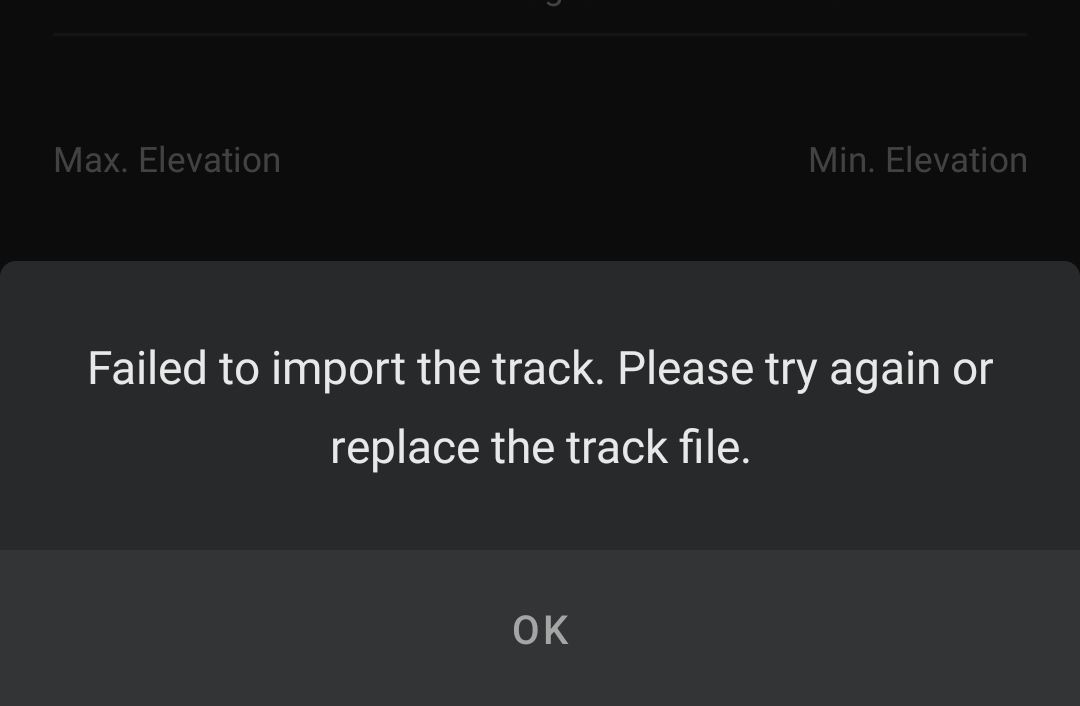 ... I can't get any of them to install. I tried this other app...
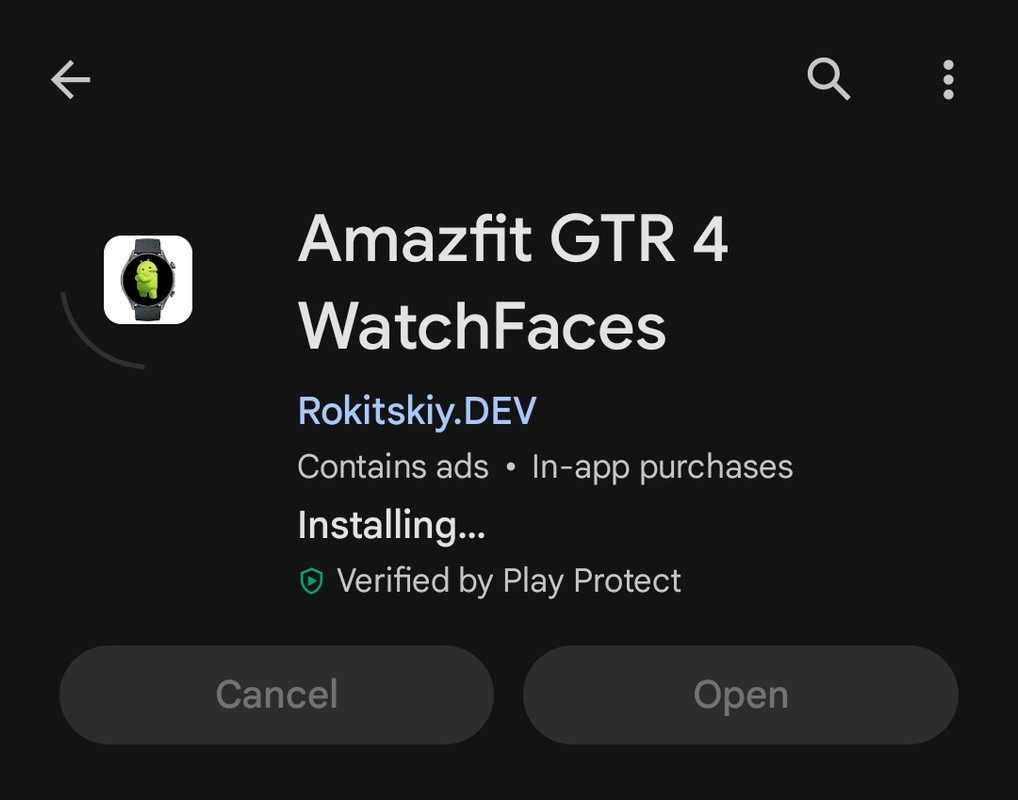 ... and am able to get it installed but I keep having the 30 second limit before it switches back to the generic face. I am not concerned about saving energy now. Even the watch faces supplied with the GTR 4 keep switching back after the 30 second limit. I must be missing something in the watch settings.
Spoiler
... I can't get any of them to install. I tried this other app... -
asoo
- Posts: 2205
- Joined: 03 Jan 2019, 01:48
- Location: ͼͽ Thailand ͼͽ
- Has thanked: 421 times
- Been thanked: 2128 times
Instruction Manual for GTR4 :
viewtopic.php?p=16224#p16224
you can try "AmazFaces app" for sync watchface to your watch.
viewforum.php?f=23
viewtopic.php?p=16224#p16224
you can try "AmazFaces app" for sync watchface to your watch.
viewforum.php?f=23
ͼͽ To request please use the interrelated forum in action ͼͽ
Please do not PM to me for requests ported watchface.
Please do not PM to me for requests ported watchface.
Thank you, thank you asoo and everyone else. By using the 'AmazFaces app' I was able to install some beautiful watch faces made by 'horn'. The 30 second limit is still doing it's thing but I don't mind it so much now because it just lowers the intensity of the same face. Thanks again.
Who is online
Users browsing this forum: No registered users and 1 guest