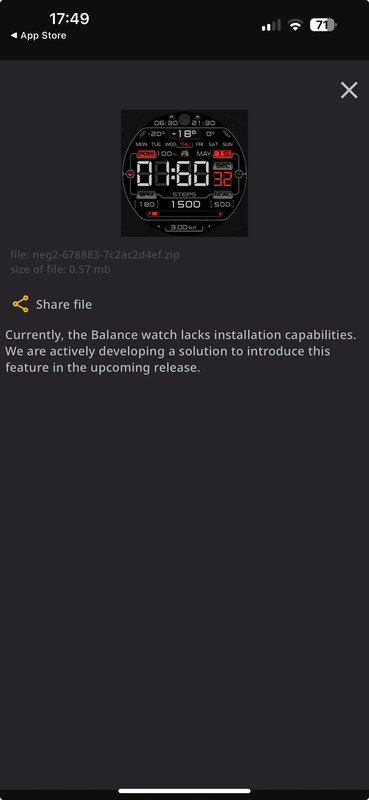
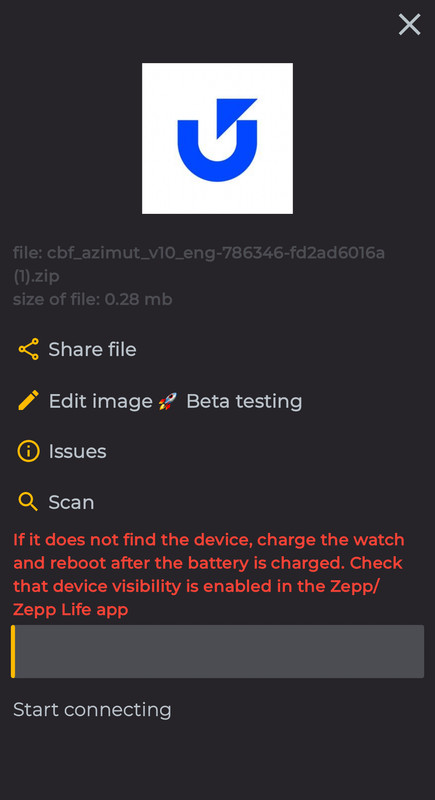
At times, unforeseen difficulties may arise during the installation process. Please try the following steps, which may help:
Restart the Bluetooth on your device.
After restarting, synchronize the watch with the Zepp app.
Then, try to install the watch face through our app. This may take several attempts.
If the problem persists, try to install another watch face. This will help us determine whether the problem is associated with a specific watch face or it's a general issue.
It would be very helpful if you could provide more details about the exact stage at which you encounter difficulties: whether it arises before connecting the watch, or after it's been connected. This will help us better understand the problem and provide you with more specific assistance.
luizaleixo wrote: 18 Jul 2023, 17:19
I have the same issue running ios 16.6 on a 13 pro max. Tried Amazfaces from AppStore and even TestFlight version. Same result. Deleted the apps and reinstalled them. Reconnected the watch.
But every time I try to [ Install Watch Face ] it just sits there and does nothing.
Stas wrote: 22 Jun 2023, 09:27
Try reinstalling the Amazfaces app.
kevs42 wrote: 21 Jun 2023, 20:29
I am using a GTR4 watch that is up to date. When using Amazfaces app (stable) on an iPhone 14 I select a watch face & dnld, watch add, X, install watchface, install ver 1, loops back to install watchface screen. If I press “recent” the faces show up in the app. I have no idea how to get the face to the watch! My watch is synced with Zepp app.
I apologize if I have missed something, but I can't find any instructions on how to copy watchfaces to the watch using Amazfaces.
Thank you,
kev