Página 1 de 1
Change Font Colour
Publicado: 02 Ago 2019, 20:47
por Clangers
https://amazfitwatchfaces.com/bip/view/16262
I am trying to change the font colour of the above watchface so that the minutes match the hour (I don't like orange). I tried changing the imageindex of the minutes to the same as the hour but it would not allow me to export json. Any ideas? I guess I have to somehow import the white images of the font but don't know how to do this. Any walk through instructions anywhere?
Thanks
Re: Change Font Colour
Publicado: 03 Ago 2019, 20:08
por ebs
You can't use the hours digits for the minutes because the author adjusts the hours digits position (and maybe size) to keep them centered for one or two digits.
However, you should be able to fill the minutes digits orange color with white to make them match the hours digits.
Just use a paint program to change the minutes digits images from orange to white and you should be able to export the .bin file successfully.
Regards,
Eric
Re: Change Font Colour
Publicado: 04 Ago 2019, 12:34
por asoo
Clangers escribió: 02 Ago 2019, 20:47
https://amazfitwatchfaces.com/bip/view/16262
I am trying to change the font colour of the above watchface so that the minutes match the hour (I don't like orange). I tried changing the imageindex of the minutes to the same as the hour but it would not allow me to export json. Any ideas? I guess I have to somehow import the white images of the font but don't know how to do this. Any walk through instructions anywhere?
Thanks
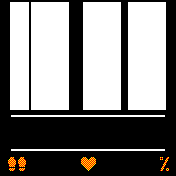
If you would like to change minutes color (orange) in this watch face you must to change color in background 0000.png
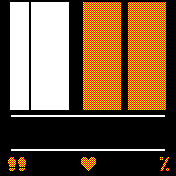
Ex.
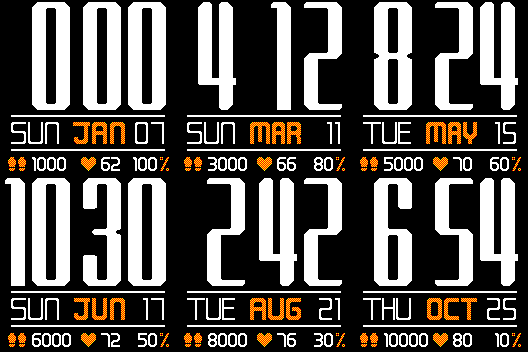
- w.bin
- (52.82 KiB) Descargado 144 veces
Re: Change Font Colour
Publicado: 04 Ago 2019, 15:09
por Clangers
Fantastic asoo, much appreciated