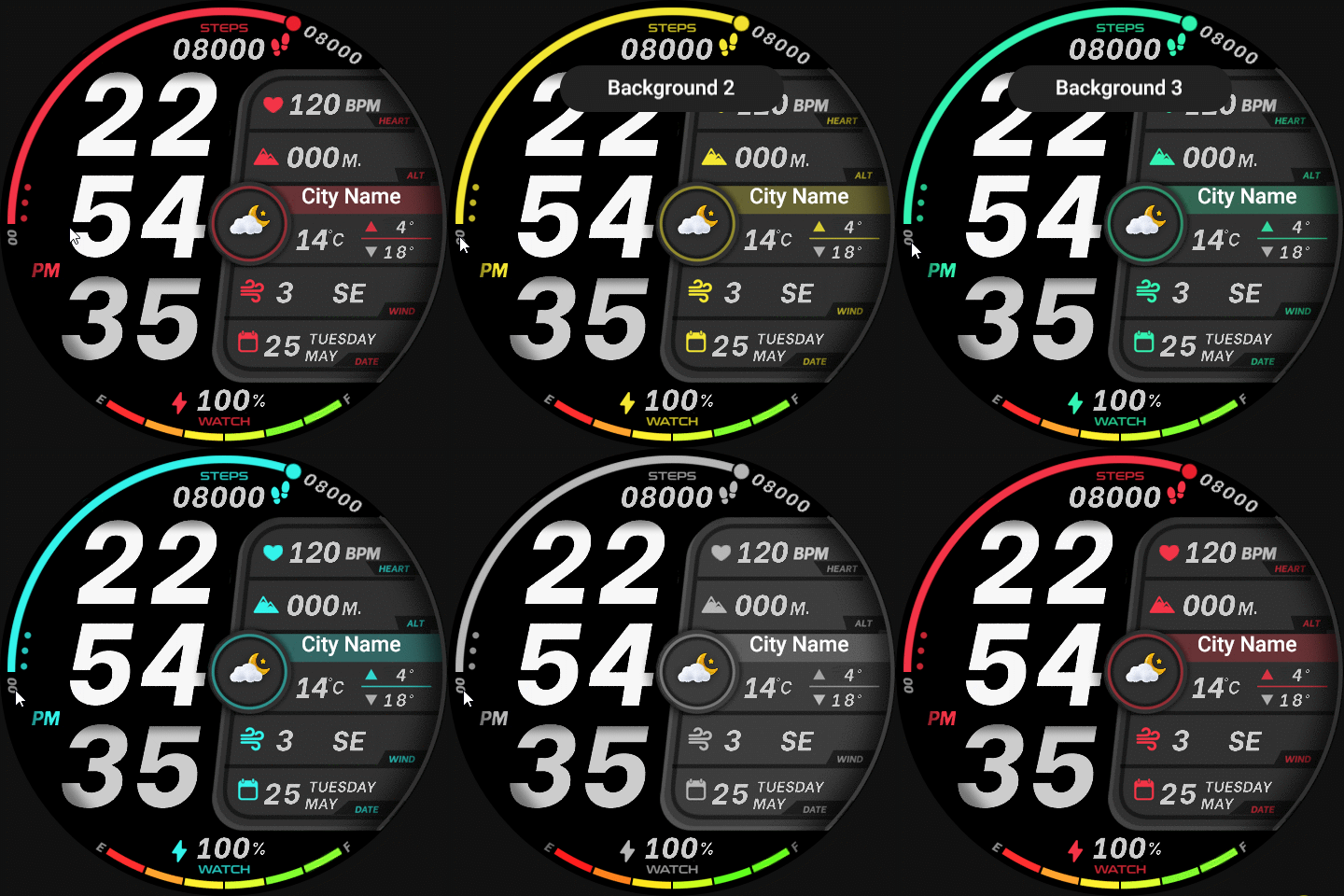
Can you make it work my pointer with the color ?
Posted: 12 Feb 2025, 10:00
Hello @asoo ,
I'm having difficulty getting the color to work properly on my GTR3 Pro. The issue seems to be that the pointer is not aligning with the selected color. No matter what color I choose, the pointer does not change accordingly. Can you provide guidance on how to resolve this issue?
Thank you!
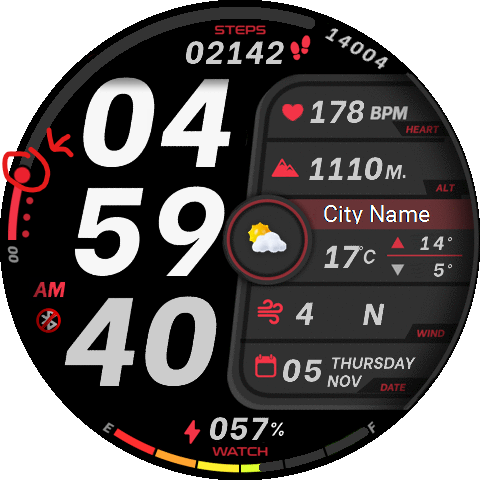
I'm having difficulty getting the color to work properly on my GTR3 Pro. The issue seems to be that the pointer is not aligning with the selected color. No matter what color I choose, the pointer does not change accordingly. Can you provide guidance on how to resolve this issue?
Thank you!
Spoiler
 ss_infometer_vi-642201-c0755c7ae6.zip
- (407.61 KiB) Downloaded 82 times