How to add animation to watchface
Publicado: 13 Sep 2023, 22:22
Hello guys,
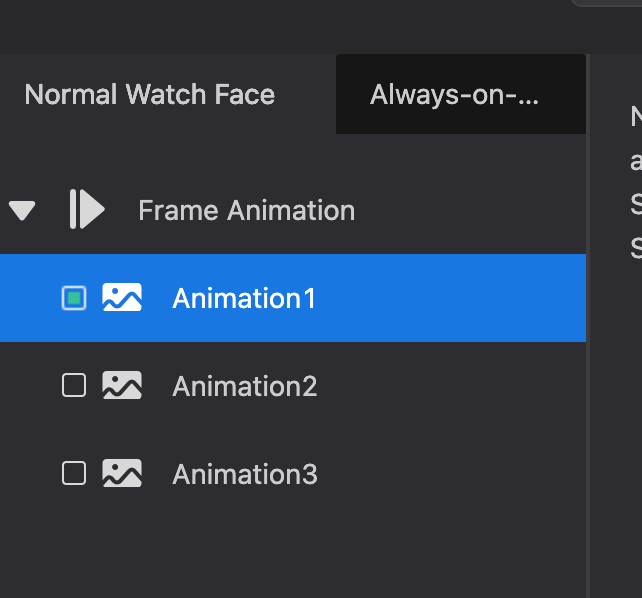
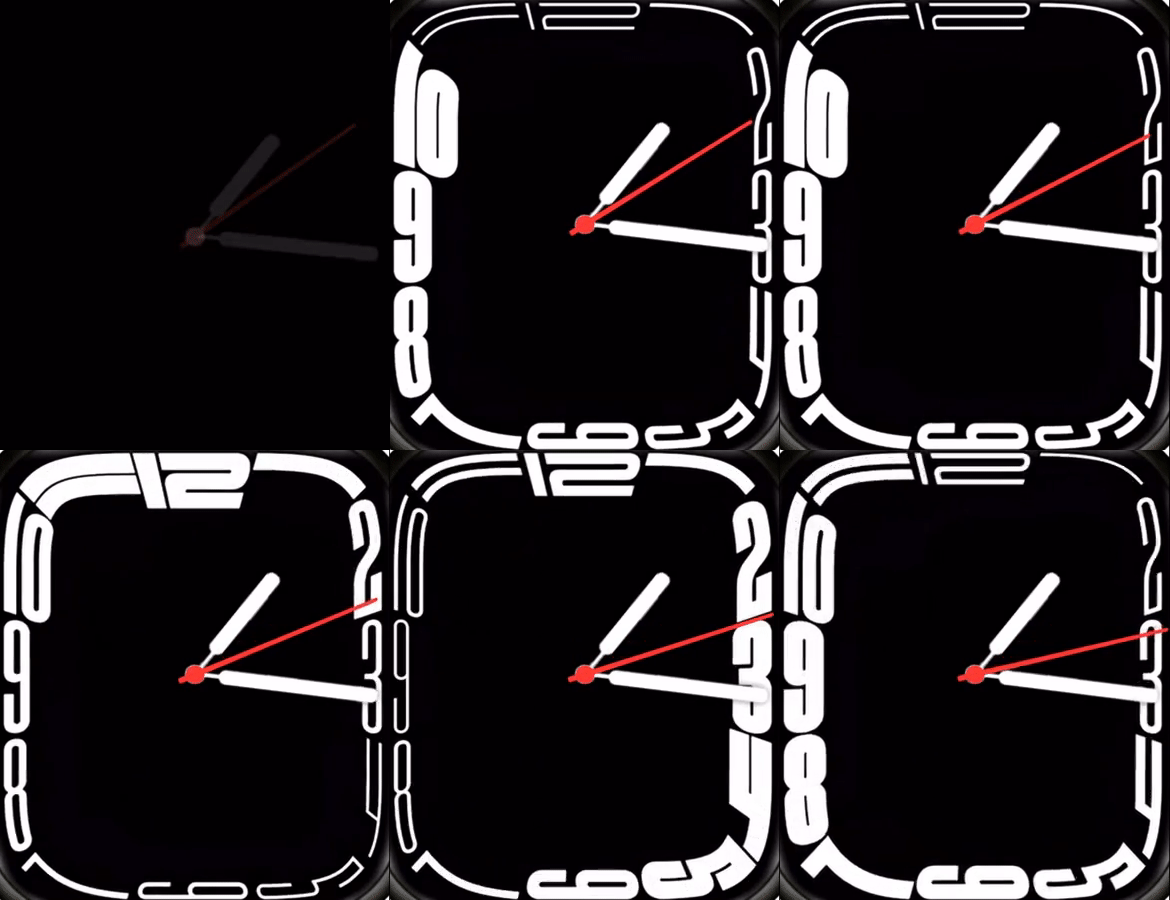
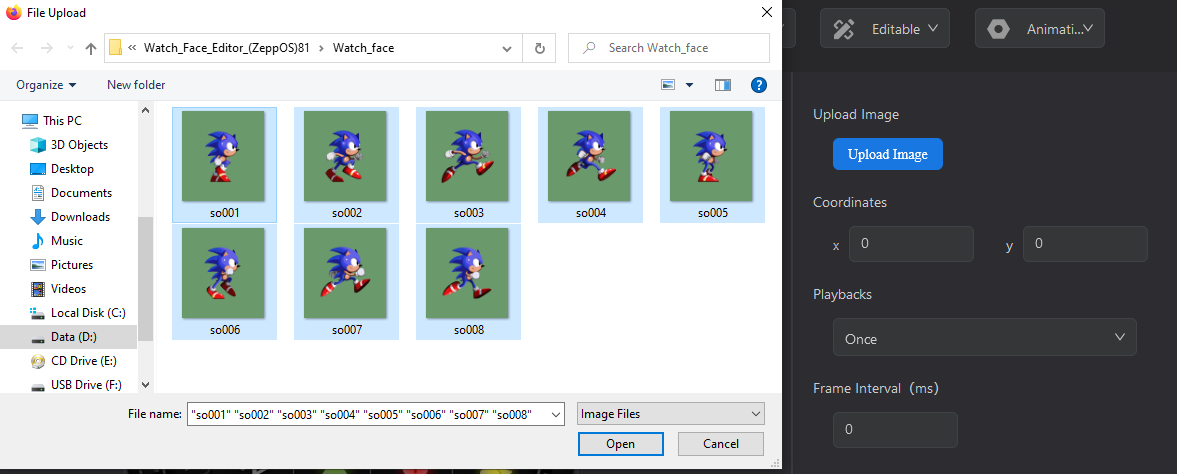
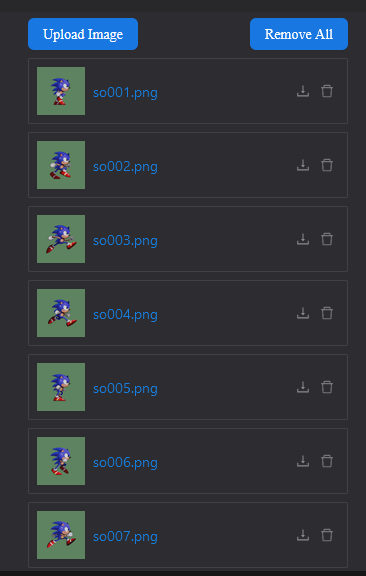
I met a problem when designing watch face. I am using the website watchface.zepp.com to design my watch face. But I want to add an animation to the watch face. I didn't find anything in the zepp documents. And when I was trying to upload an gif image to the background it only allow png images. As I noticed that there is an animation tap on the left, but it seems only three different png images were supported as total, then how could this gif watch face be possible? Really looking forward to make some amazing animation watch faces.
I met a problem when designing watch face. I am using the website watchface.zepp.com to design my watch face. But I want to add an animation to the watch face. I didn't find anything in the zepp documents. And when I was trying to upload an gif image to the background it only allow png images. As I noticed that there is an animation tap on the left, but it seems only three different png images were supported as total, then how could this gif watch face be possible? Really looking forward to make some amazing animation watch faces.