Page 1 of 1
30 Second Limit . Amazfit GTR 4
Posted: 29 Aug 2023, 11:11
by giac2525
Hello, I just got an Amazfit GTR 4 not so much for the sports and GPS features but as a lighted dial watch. Then I discovered this web site with all these incredible watch faces. I was able to install one watch face which I really liked but then it disappeared after 30 seconds and some generic face took it's place. I turned on the all day setting but that didn't change that 30 second limit.
I finally found the 'Screen Off Styles' and 'Follow Watch Face' section on the phone Zepp app. Is there a way to add 'custom watch faces' to the Screen Off Styles section... or a way to extend the 30 second limit?... I must be doing something wrong because with all these cool watch faces I can't see people being happy with a 30 second display limit. Any help will be hugely appreciated. Thank you.
Re: 30 Second Limit
Posted: 29 Aug 2023, 14:24
by giac2525
30 Second Limit - Amazfit GTR 4
Re: 30 Second Limit . Amazfit GTR 4
Posted: 29 Aug 2023, 15:37
by asoo
giac2525 wrote: 29 Aug 2023, 11:11
Hello, I just got an Amazfit GTR 4 not so much for the sports and GPS features but as a lighted dial watch. Then I discovered this web site with all these incredible watch faces. I was able to install one watch face which I really liked but then it disappeared after 30 seconds and some generic face took it's place. I turned on the all day setting but that didn't change that 30 second limit.
I finally found the 'Screen Off Styles' and 'Follow Watch Face' section on the phone Zepp app. Is there a way to add 'custom watch faces' to the Screen Off Styles section... or a way to extend the 30 second limit?... I must be doing something wrong because with all these cool watch faces I can't see people being happy with a 30 second display limit. Any help will be hugely appreciated. Thank you.
From your question I'm not sure if I got it right. I have replied as I understand it as follows.
The 30 second limit is for saving power.
If you want to show the same watchface always in both normal and AOD you must enable AOD and select style aod in the watch face you are using and most importantly your AOD must be Full AOD i.e. Your AOD must have the same elements as your home screen.
From what you said it seems The watch face you're using Creator doesn't build for full AOD.
It is therefore partially displayed (I guess the reason the makers did it was to save the power of the watch). If you want the watch to keep the same screen on all the time, I suggest you try contacting the owner of the watch face you mentioned and ask them if he can do Full AOD for you.
However, in the AOD mod, the display brightness of the watch face may be less than that of the home screen.
For the reasons mentioned above is to save energy
And the screen in AOD may move 1-2 pixs according to system time. to prevent pix burn
Re: 30 Second Limit . Amazfit GTR 4
Posted: 30 Aug 2023, 04:05
by giac2525
Thank you for your quick response. When I download watch faces from this site I get this notice...
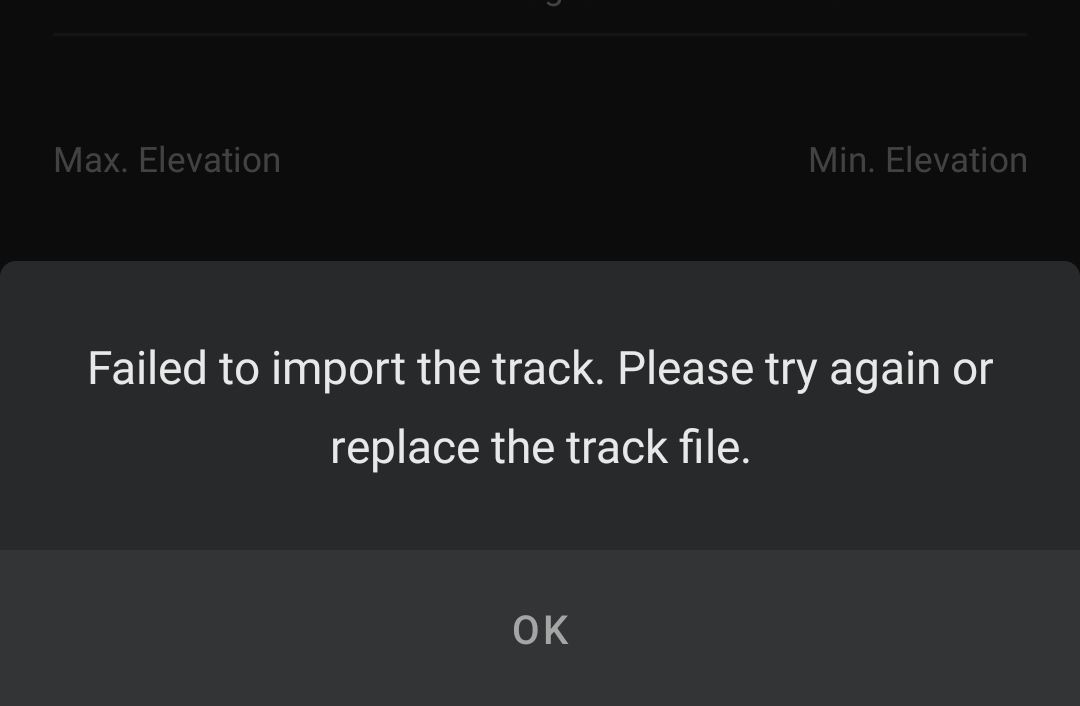
... I can't get any of them to install. I tried this other app...
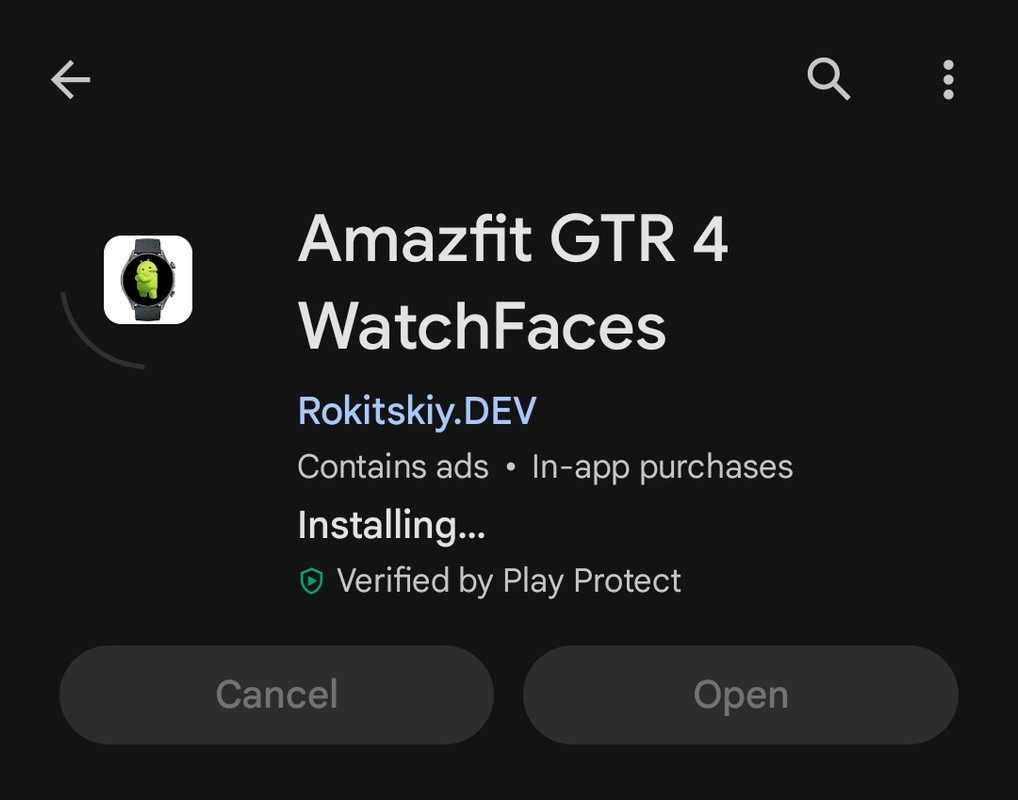
... and am able to get it installed but I keep having the 30 second limit before it switches back to the generic face. I am not concerned about saving energy now. Even the watch faces supplied with the GTR 4 keep switching back after the 30 second limit. I must be missing something in the watch settings.
Re: 30 Second Limit . Amazfit GTR 4
Posted: 30 Aug 2023, 04:56
by asoo
Instruction Manual for GTR4 :
viewtopic.php?p=16224#p16224
you can try "AmazFaces app" for sync watchface to your watch.
viewforum.php?f=23
Re: 30 Second Limit . Amazfit GTR 4
Posted: 30 Aug 2023, 09:13
by giac2525
Thank you, thank you asoo and everyone else. By using the 'AmazFaces app' I was able to install some beautiful watch faces made by 'horn'. The 30 second limit is still doing it's thing but I don't mind it so much now because it just lowers the intensity of the same face. Thanks again.