Pagina 1 di 1
KD_watch_GTR47 convert GTR2
Inviato: 17 set 2022, 06:15
da SleepyHollow
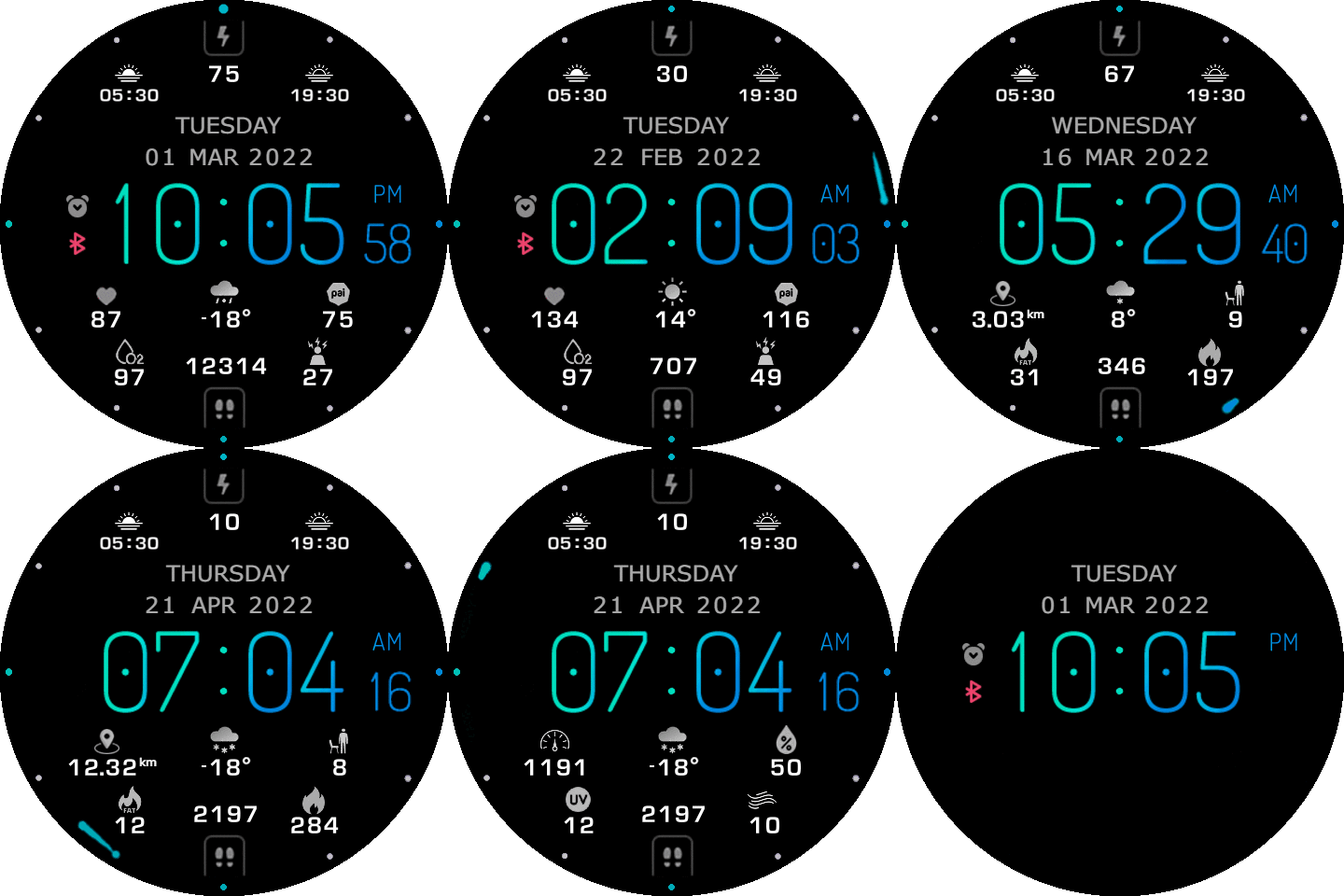
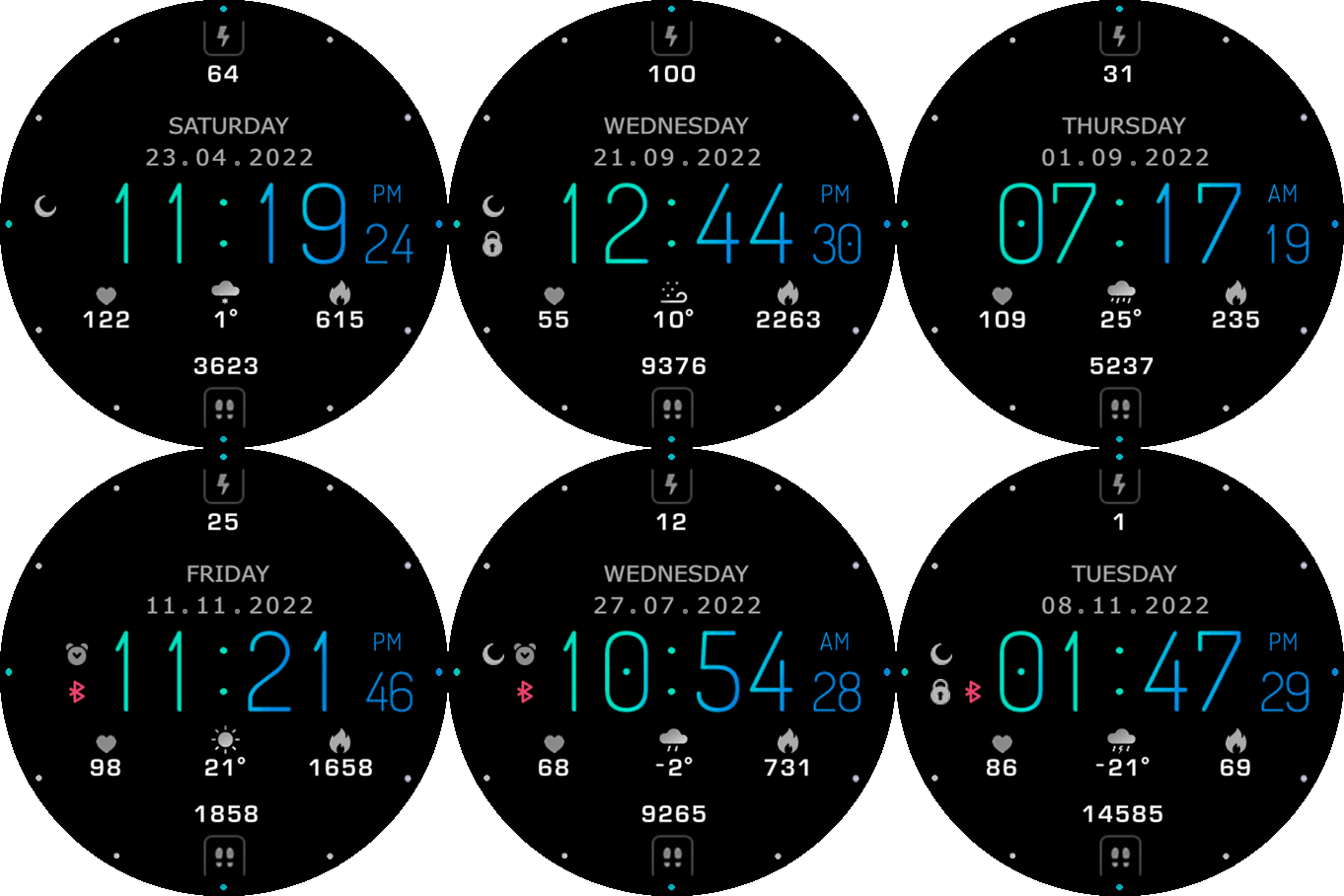
Good morning to community and to creators and have a nice weekend. Can anyone from creators convert this watchface for GTR2 of course without animation because GTR2 don't support . Make it same like GTR 47mm version but add sunrise and sunset time like GTR3 version and 24h icon. If it's possible add analog seconds at perimeter. I already ask wax for permission. Thank you guys for all. A big thanks to wax for this amazing watchface.
https://amazfitwatchfaces.com/gtr/view/27462
https://amazfitwatchfaces.com/gtr/view/27344
Re: KD_watch_GTR47 convert GTR2
Inviato: 19 set 2022, 13:11
da asoo
SleepyHollow ha scritto: 17 set 2022, 06:15
Good morning to community and to creators and have a nice weekend. Can anyone from creators convert this watchface for GTR2 of course without animation because GTR2 don't support .
Make it same like GTR 47mm version but
add sunrise and sunset time like GTR3 version and 24h icon. If it's possible add analog seconds at perimeter. I already ask wax for permission. Thank you guys for all. A big thanks to wax for this amazing watchface.
https://amazfitwatchfaces.com/gtr/view/27462
https://amazfitwatchfaces.com/gtr/view/27344
If you wish request to modify the work on this web
Recommended to ask permission for owner before
or at least should inform he know you want to take his work to modify
Please read in "spoiler" carefully before download.
You can found download link in "spoiler"
- I will only convert or ported from original , I will not accept any request to edit or modify or change something from this converted.
- If who want to modify or edit or change something please do it by yourself.
- Not test on real device , only tested on editor program
- Who download and it's not work please tell me I will delete it.
- if watchface's "layout or gap" on real device not look same as preview picture please edit by yourself , I can not edit because I do not have real device.
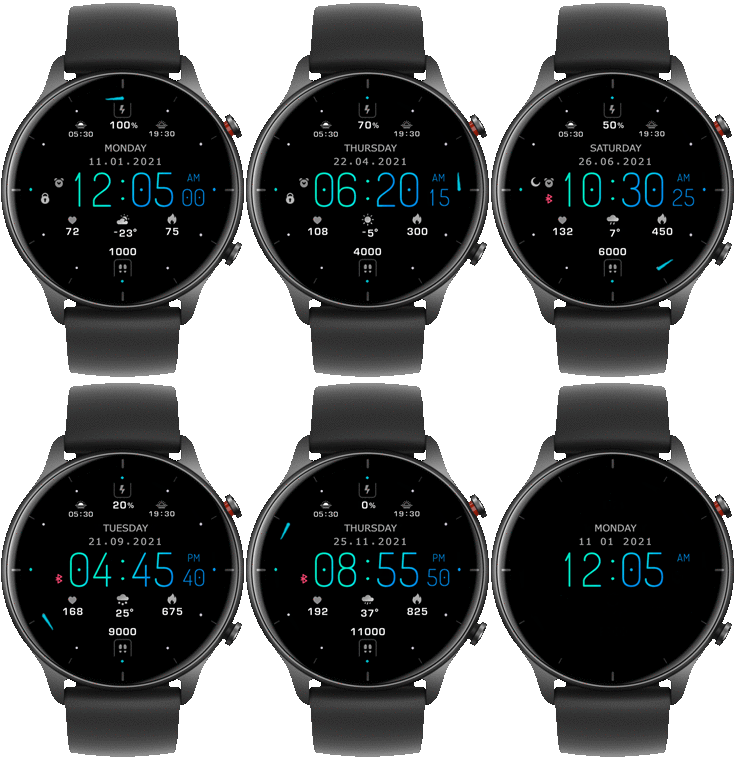
.
note :
If the owner of the work requests to delete this convert watchface, I will delete it immediately.
Re: KD_watch_GTR47 convert GTR2
Inviato: 19 set 2022, 21:41
da rush2112
asoo
I did try and try to convert 47 to gtr2 but it's not working missing picture and when I press on the face watch for changing face watch layout some gap I would like to see you doing it just a small video it's will be easy!
Re: KD_watch_GTR47 convert GTR2
Inviato: 20 set 2022, 00:17
da asoo
rush2112 ha scritto: 19 set 2022, 21:41
@asoo
I did try and try to convert 47 to gtr2 but it's not working missing picture and when I press on the face watch for changing face watch layout some gap I would like to see you doing it just a small video it's will be easy!
Sorry , I will not do the video.
But i have some trick to do GTR47 to GTR2
1. You must arrange the weather icons correctly according to the GTR2 specification, because in some GTR47 watchfaces the icon weather does not sort the icon "unknow weather" in the 26th order.
2. You need to add 29 weather icons to the GTR2 style, because the GTR47's icon weahter has only 26, the missing one is an icon.
- cloudy night
- rainy night
- clear night
3. You need to reorder filenames in your GTR2 creation starting at 0001.png because GTR47 filenames start at 0000.png.
And if possible, 0001.png should be the main screen , 0002.png as preview.
4. You have to make edits to the Bluetooth picture.
Because the GTR47 can use the BT icon to show both on and off status.
Then GTR2 will use the icon to show the BT status to OFF only.
So if you must to modify this section to compatible the GTR2.
For example, in the main screen, the BT state may be set to ON and the icon BT in the OFF state may be created for display.
5. The Rotation center (analog clock) x,y of the GTR47 and GTR2 may differ slightly, with GTR47mm 0,0 being centered, but in GTR2 it is set to 227,227.
Also, in the Circle progress section, there may be a slightly different angle setting.
But in this part, it's not so important. Because you can modify it on the Program editor. As you build GTR2
6. You need to understand the order of the elements' layers. I can't recommend this section. You will need to learn more from your device in order to properly display the images on the watchface.
7. You must to use the image editing program is very well. Because in order to convert the watchface of the device. You have to edit the images in order to get the effect according to the specifications of the device. In this respect, In this case I can not recommend . Because it must depend on experience individual